

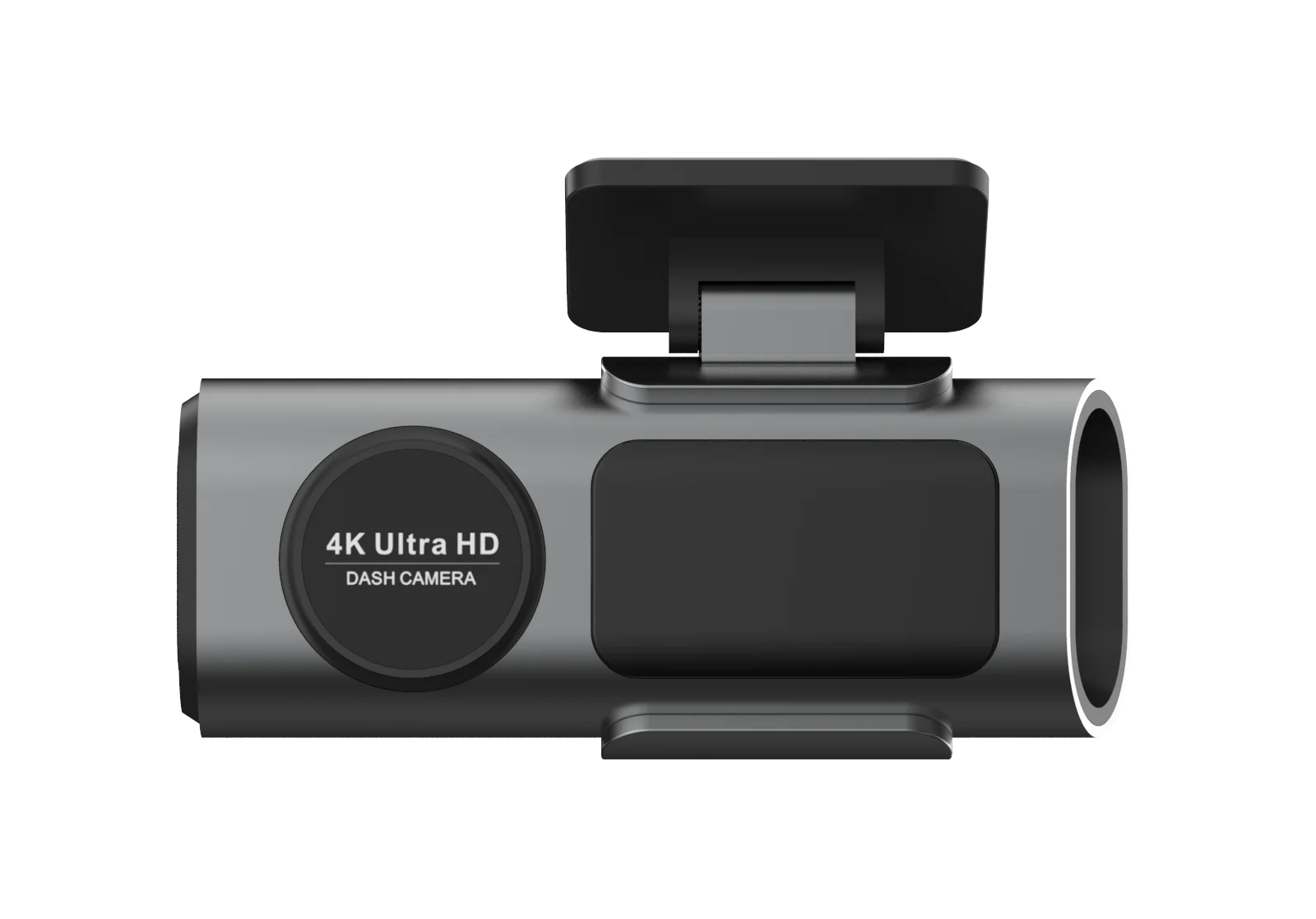
Dash Cam 4K UHD Recording Car Camera DVR HDR Night Vision Video Recorder Built-In Wi-Fi Support GPS 24H Parking APP Monitor


Dash Cam 4K UHD Recording Car Camera DVR HDR Night Vision Video Recorder Built-In Wi-Fi Support GPS 24H Parking APP Monitor
SPECIFICATIONS
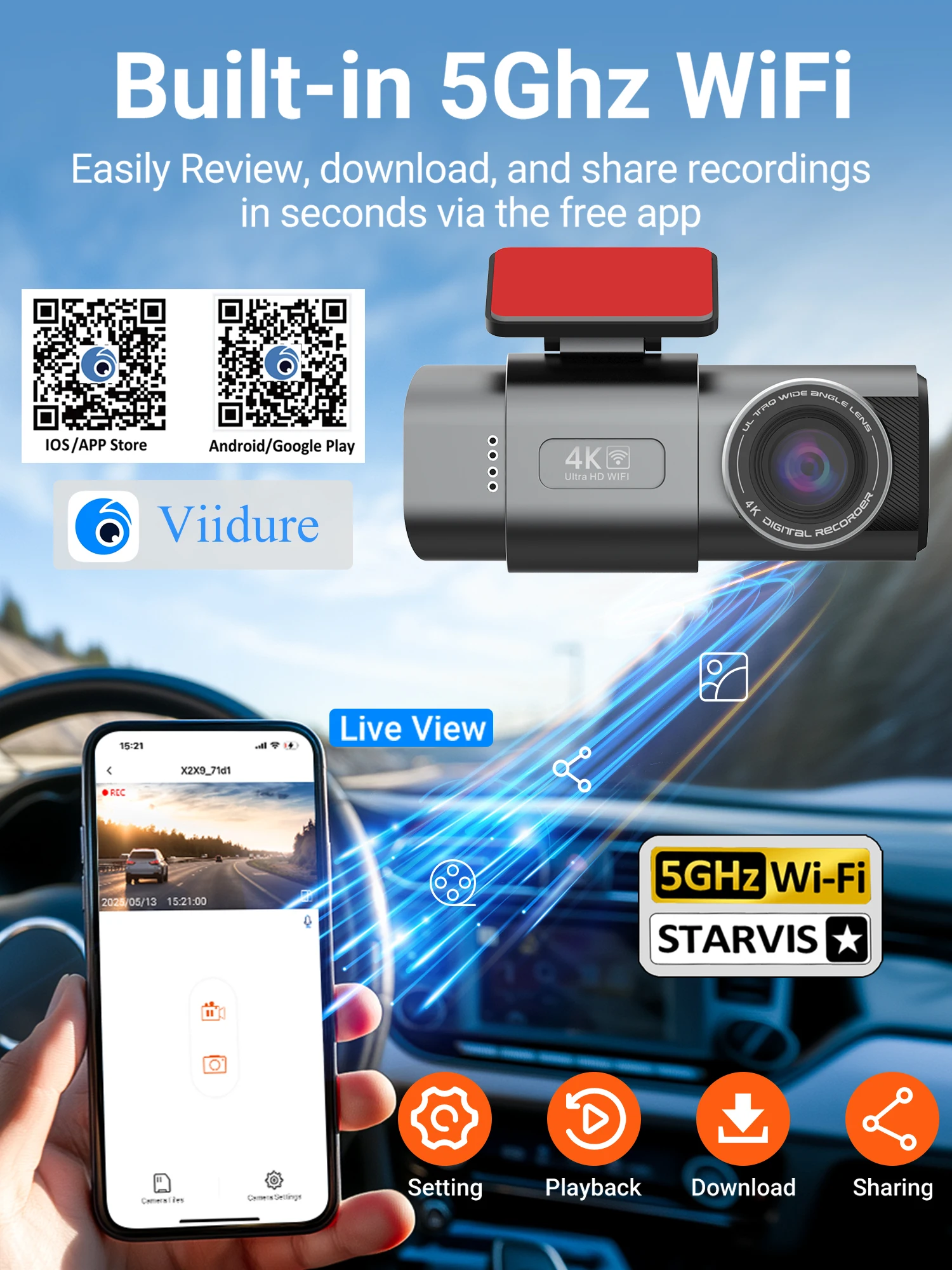
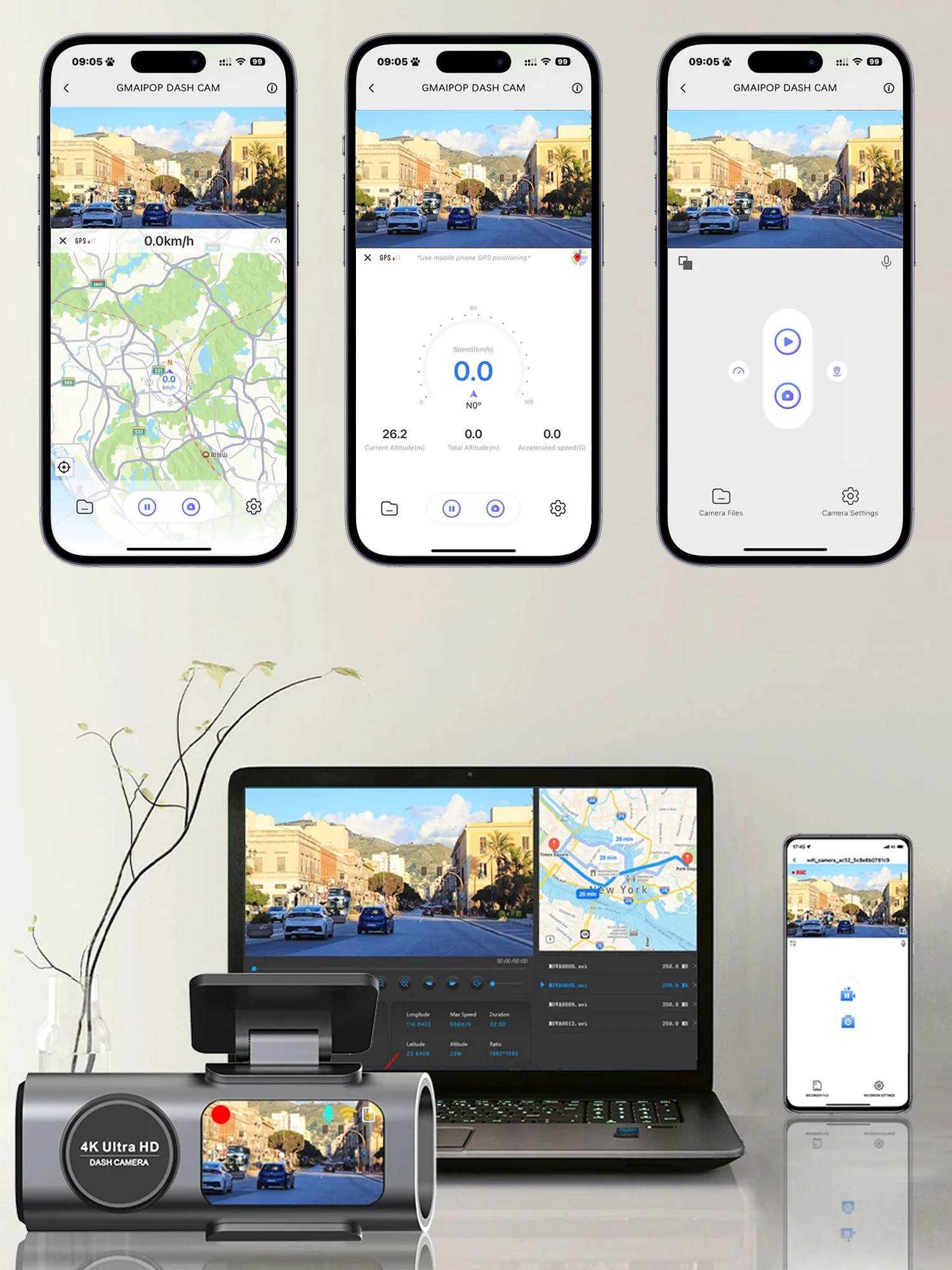
APP Compatibility: Viidure
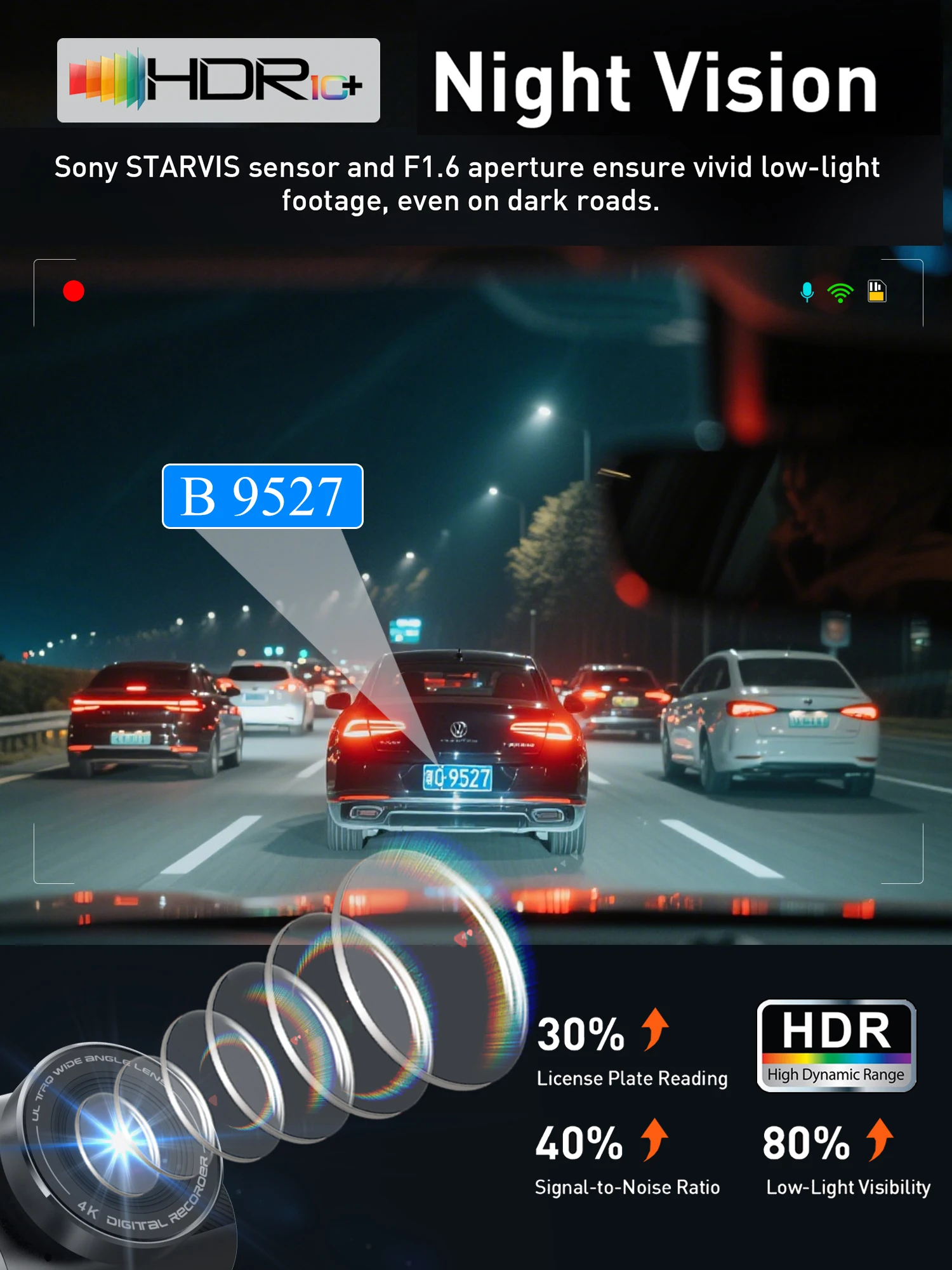
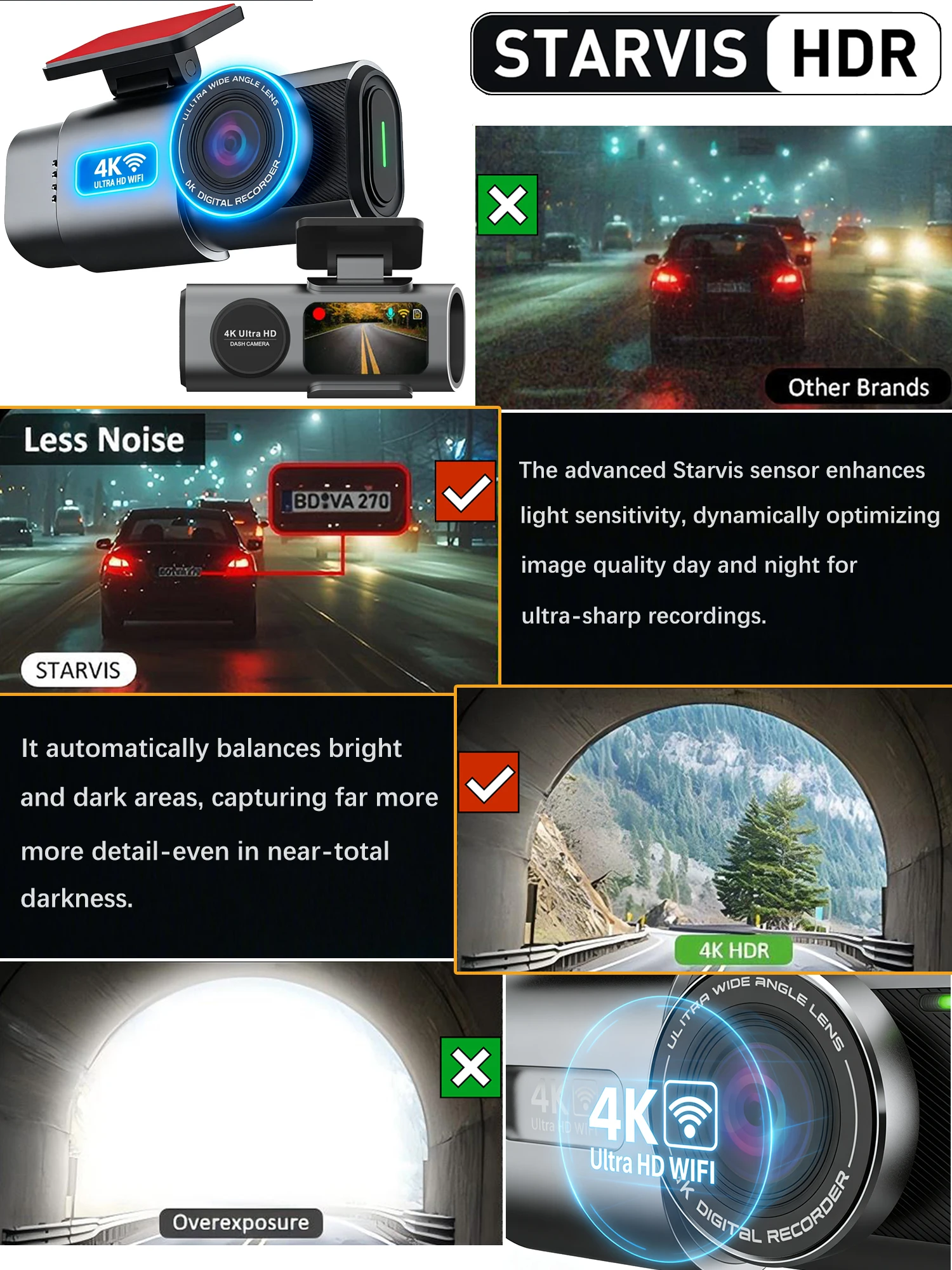
Aperture: F1.6
Assembly Mode: Portable Recorder
Audio Recorded: Yes
Battery: Built-In
Battery Capacity(mAh): 150mAh
Brand Name: GMAIPOP
Built-in Screen: Yes
Cable Length: 6m
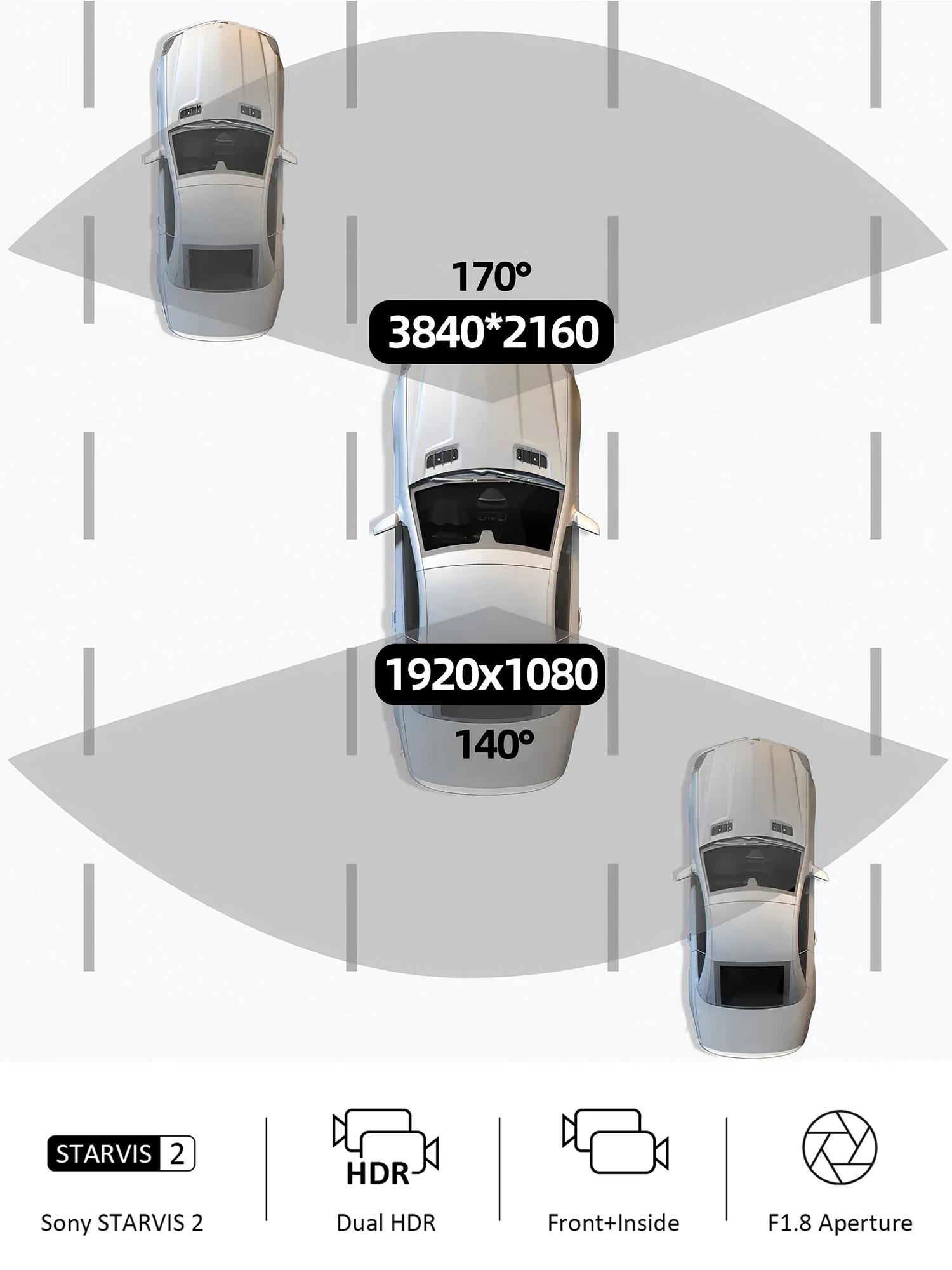
Camera Resolution: 3840x2160
Certification: CE,FCC,RoHS
Chipset Manufacturer: MediaTek
Choice: yes
Display: IPS
Display Size: 3"-5"
Frames Per Second: 30
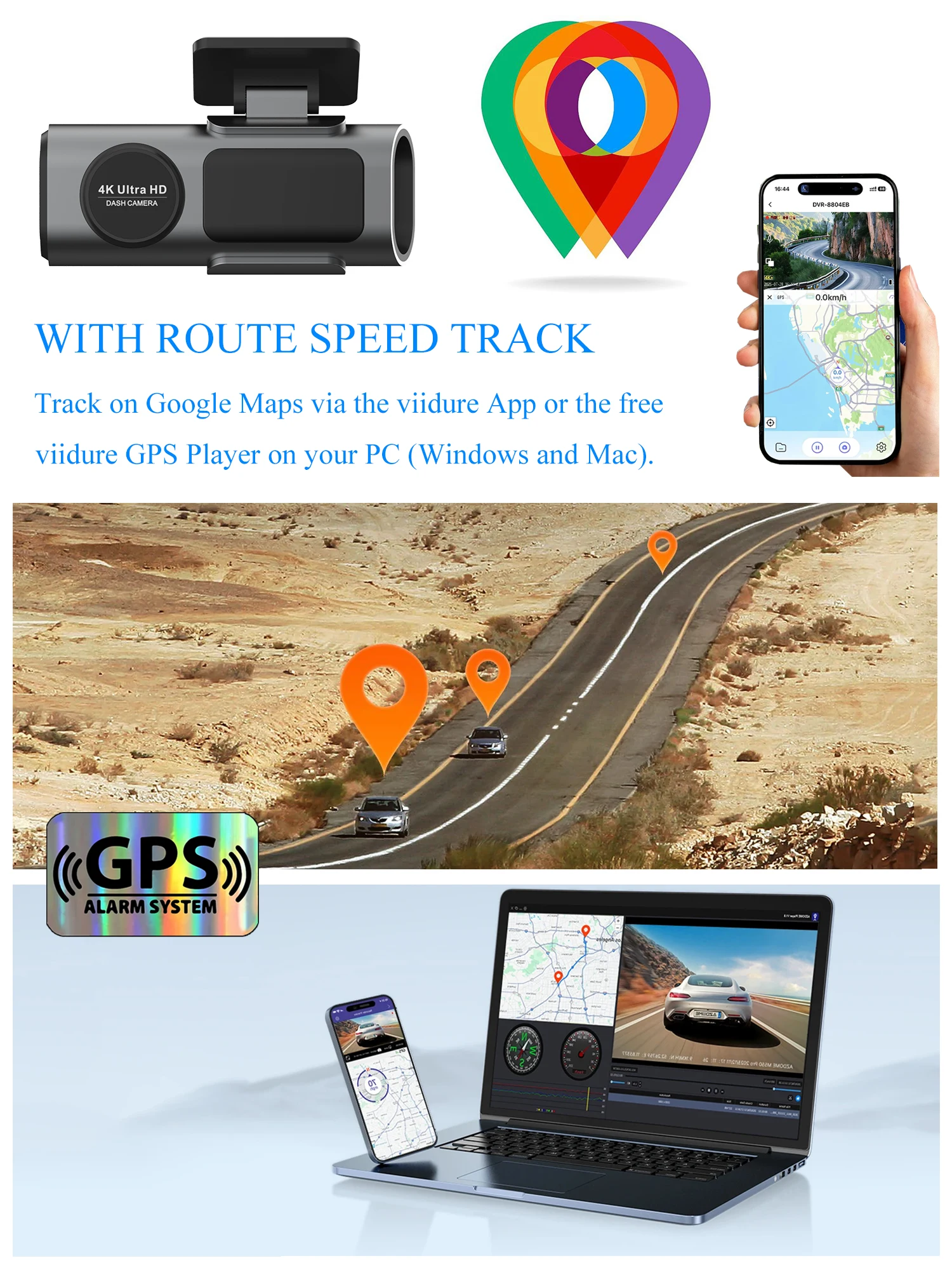
GPS logger: Internal
High-concerned chemical: None
Imaging Sensor: Sony IMX335
Interface: AV-In,Wi-fi,Micro SD/TF
Is Batteries Included: Yes
Item Type: Car DVR
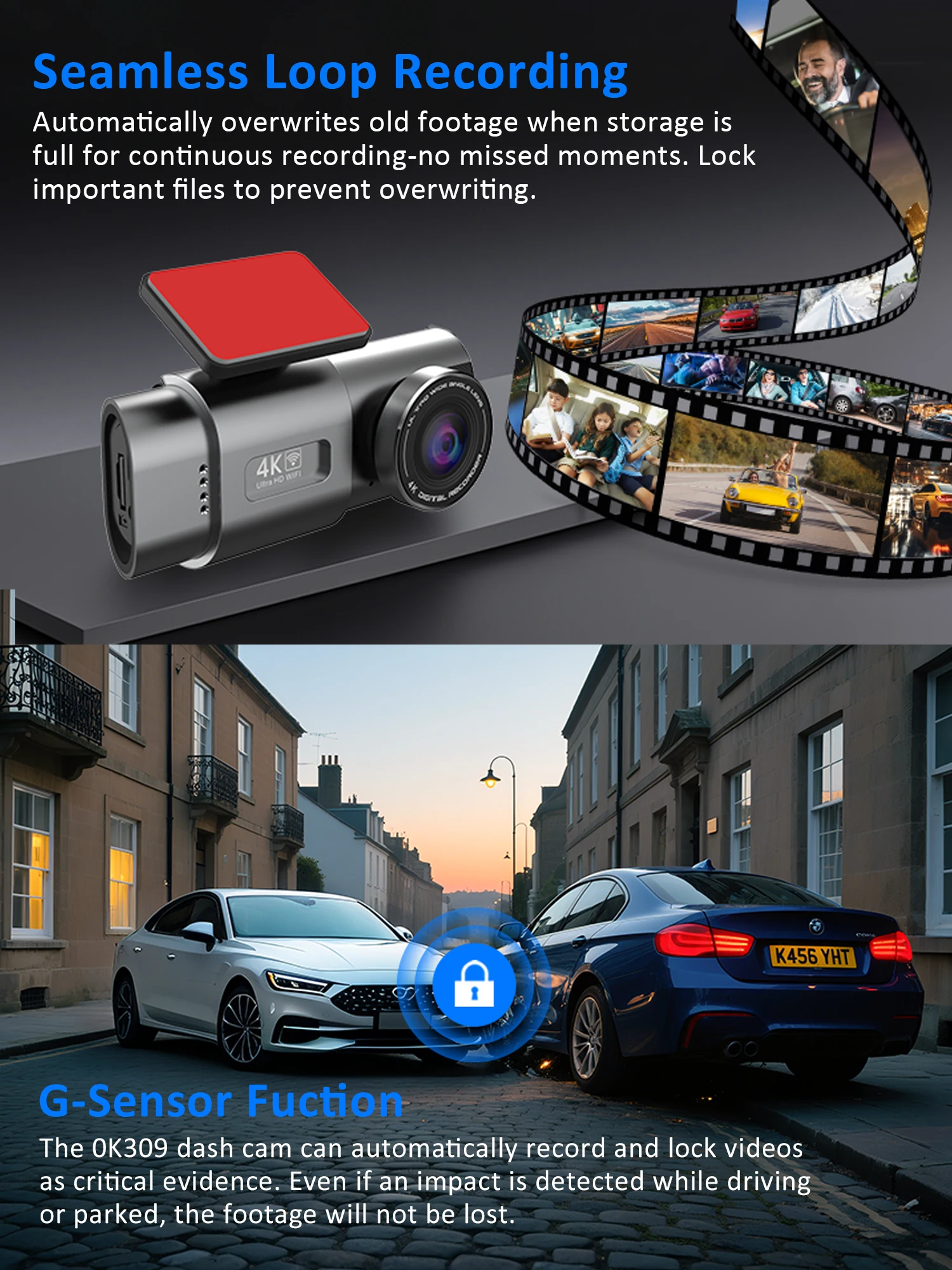
Loop-Cycle Recording Feature: Yes
Max External Memory: 512G
Maximum Video Frame Rate: 30
Memory Card Required Reding Speed: Class 10
NightShot Function: Yes
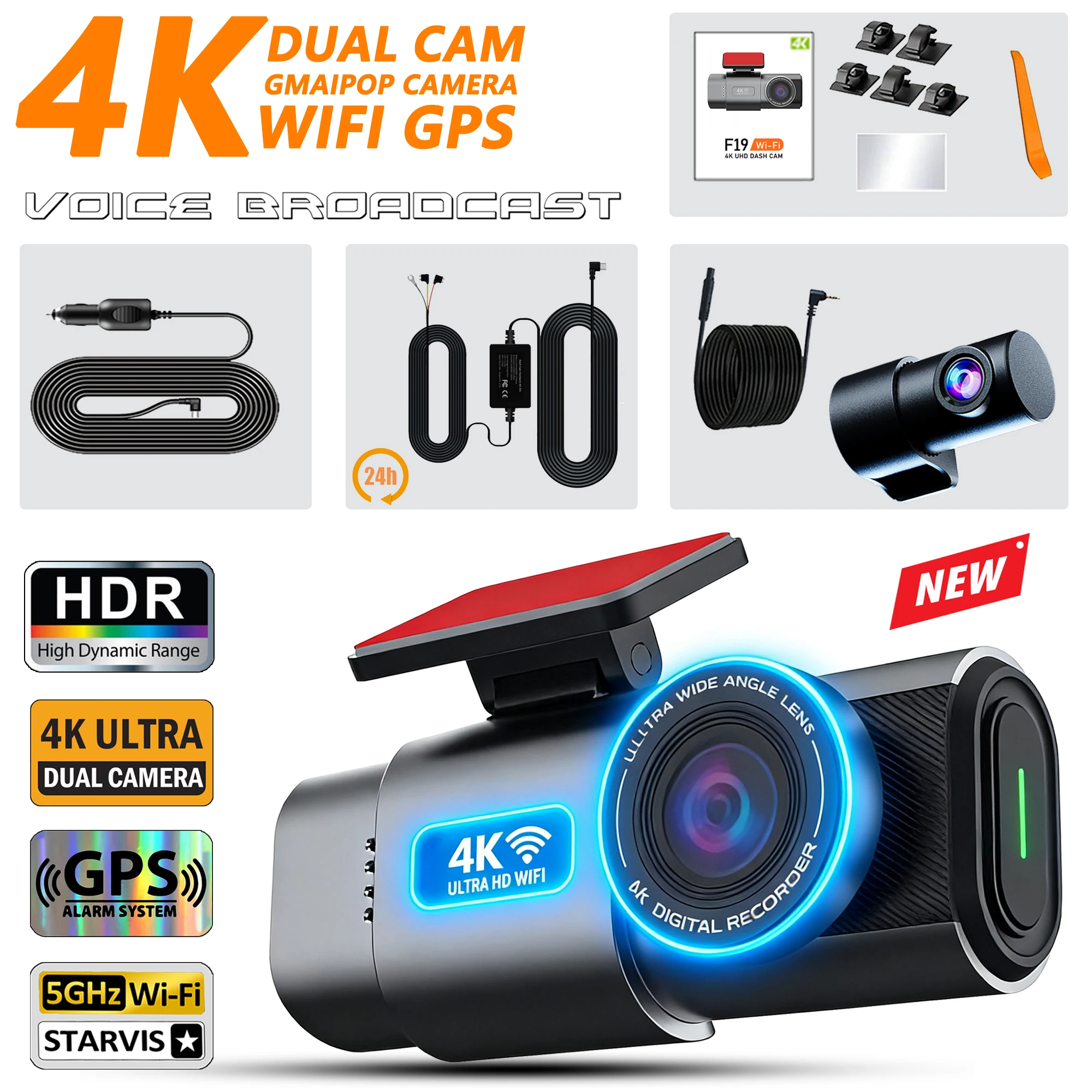
Number Of Lenses: 2
OSD Language: English
Origin: Mainland China
Original Package: Yes
Pixels: 1200Mega
Power Source: Corded Electric
Rear Camera: Yes
Screen Ratio: 4:3
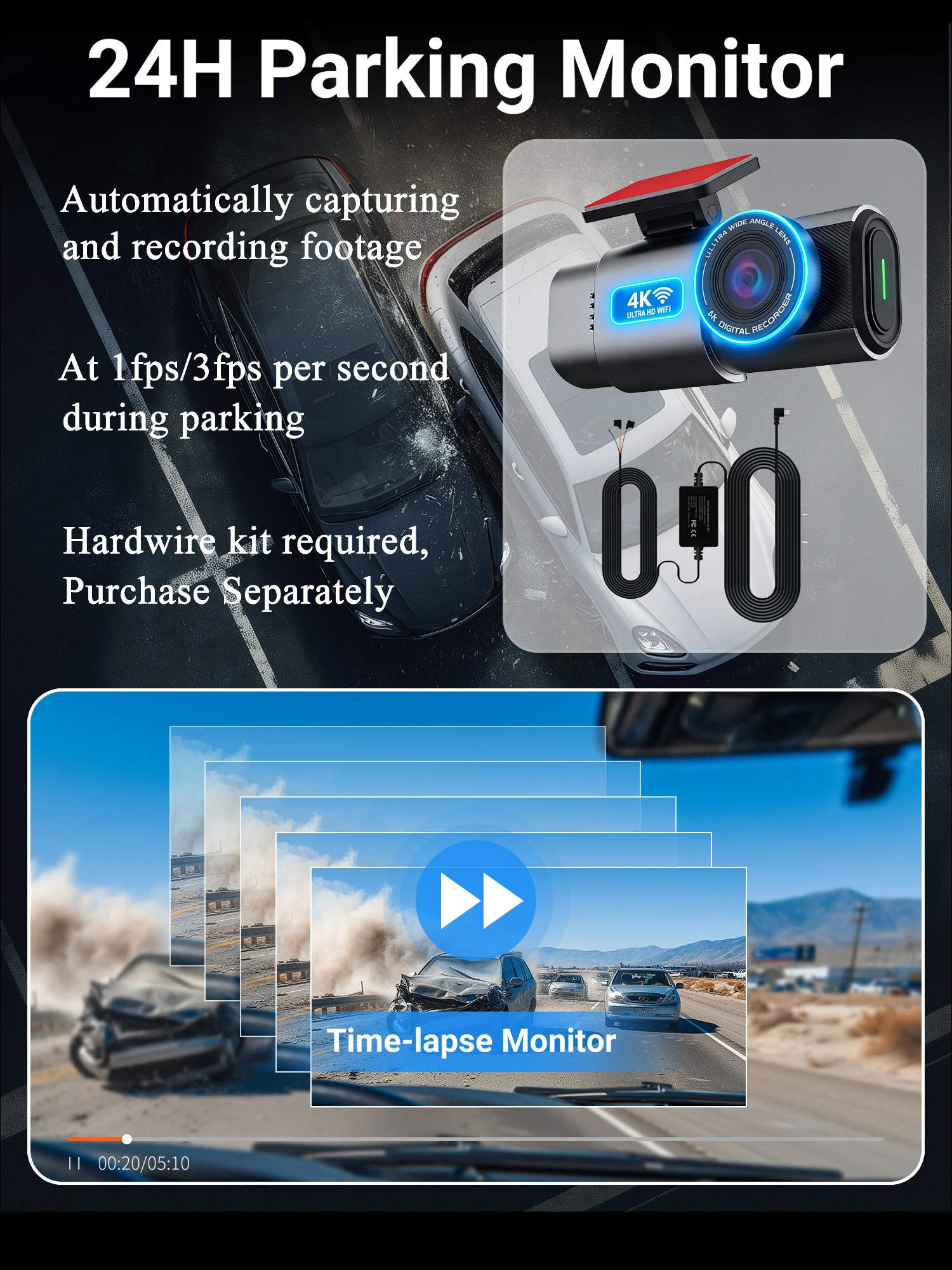
Special Features: G-Sensor,sd/mmc card,wifi function,Parking Monitor
Touch Screen: No
Video Code: H.264
Video Format: MP4
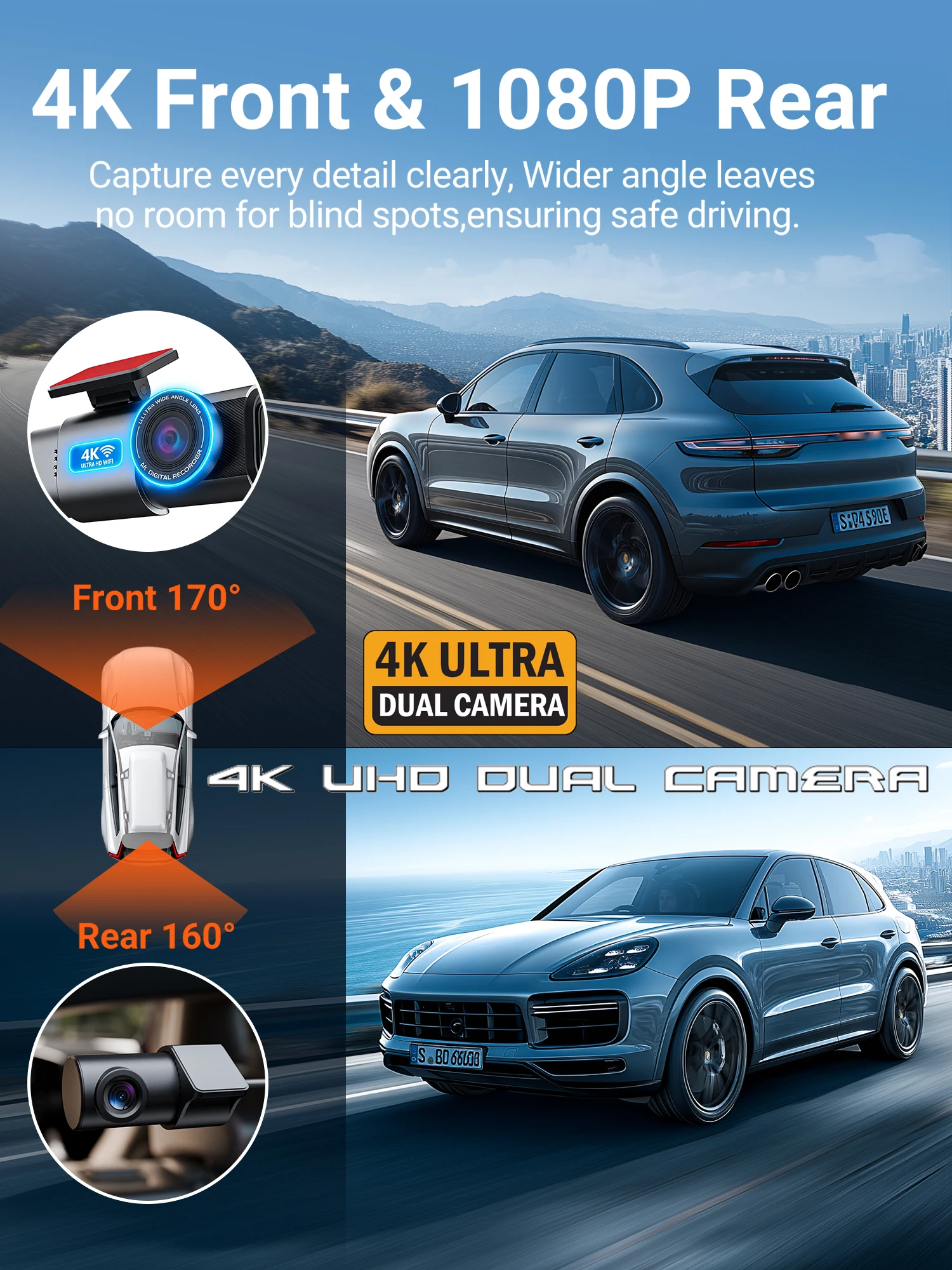
View angle: 170°
Warranty: 1year
Weight: 0.5Kg
semi_Choice: yes
Description:
● Imaging sensor: Sony IMX415
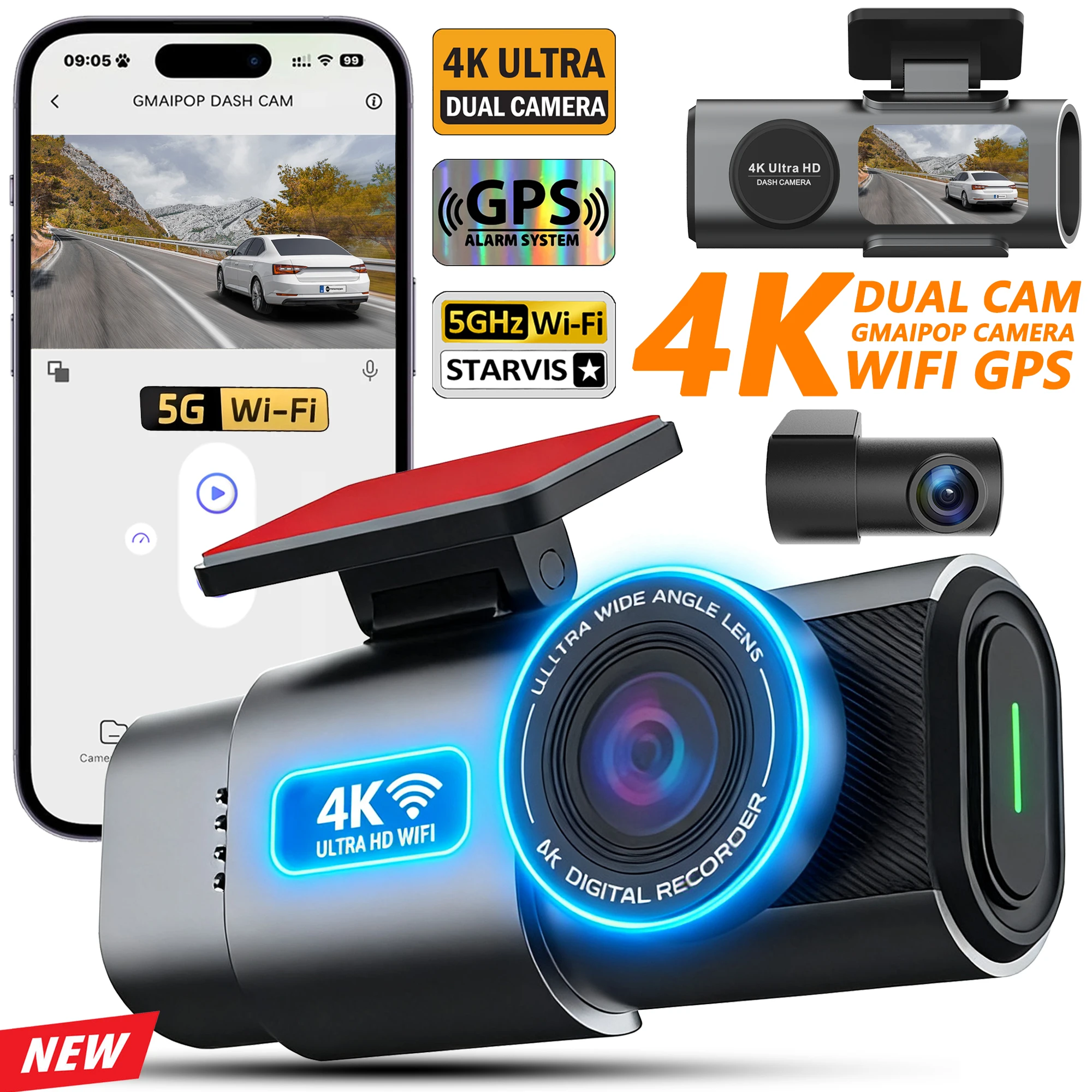
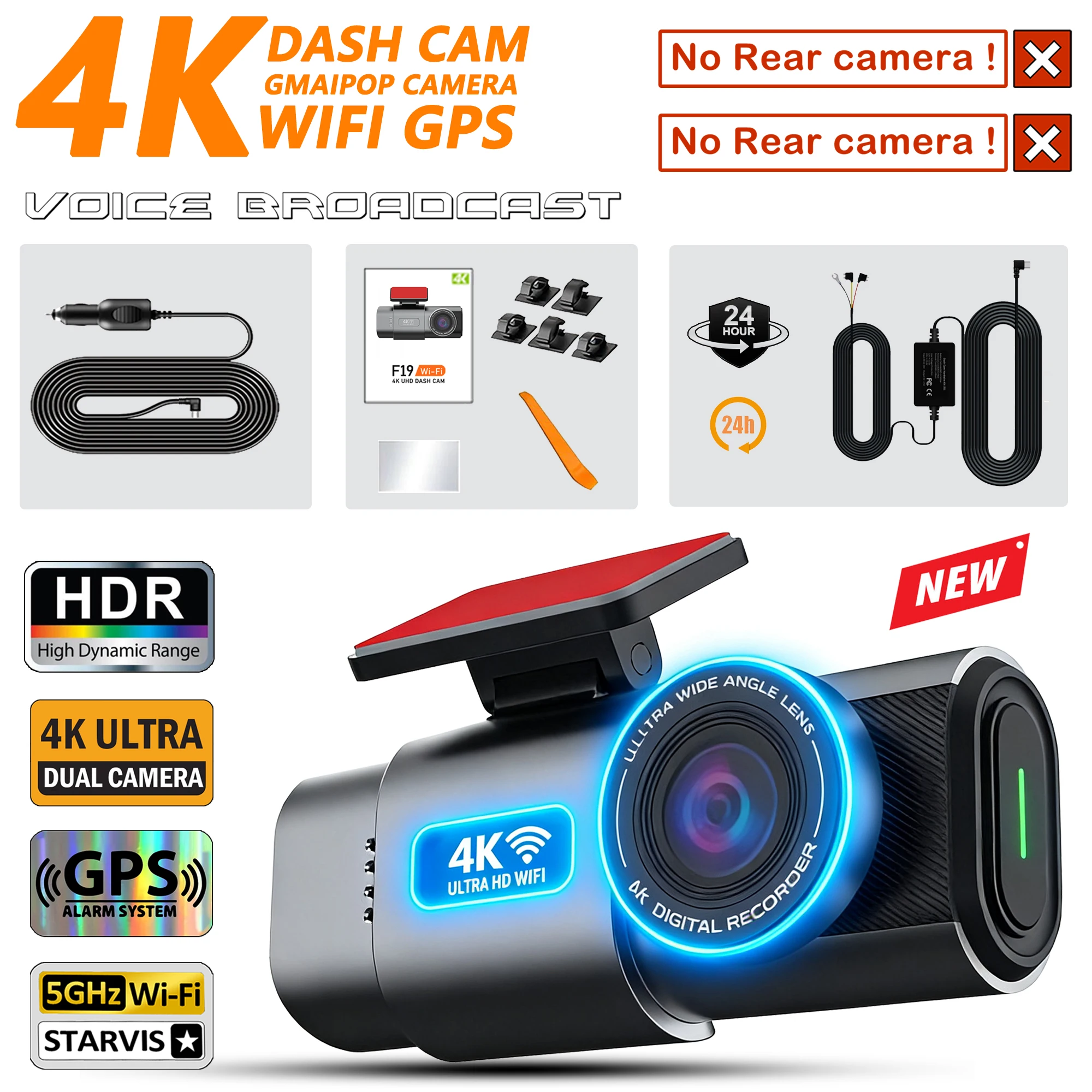
● Resolution: Front 4K + Rear 1080P 170 degrees
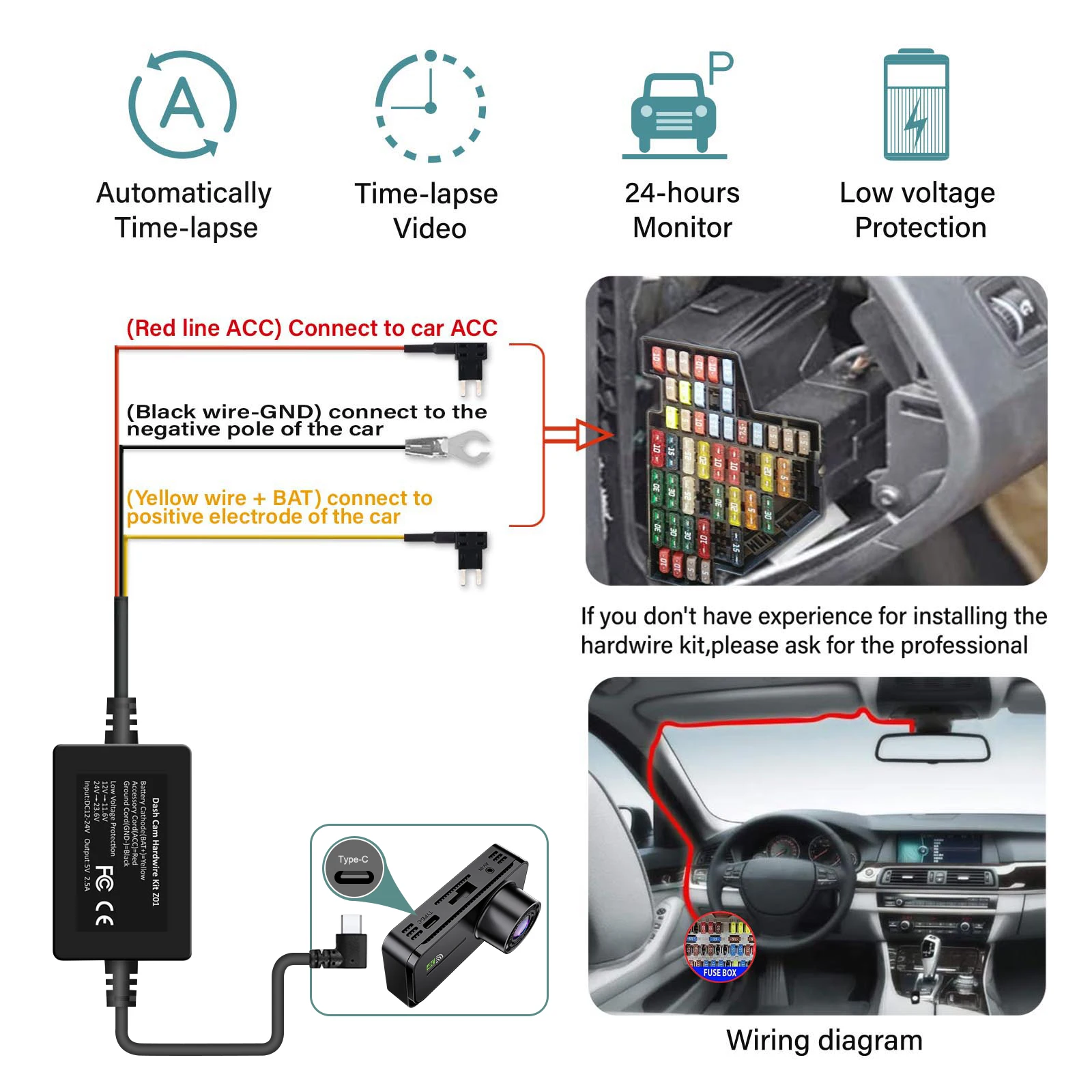
● Features :Loop Recording ; G-sensor ;Parking Monitoring(Requires Hardwirekit); Mobile Detection.
● Memory Card: Max 512G Transfer speed class10 format FAT32
● Power Interface: USB2.0/5V-2.5A
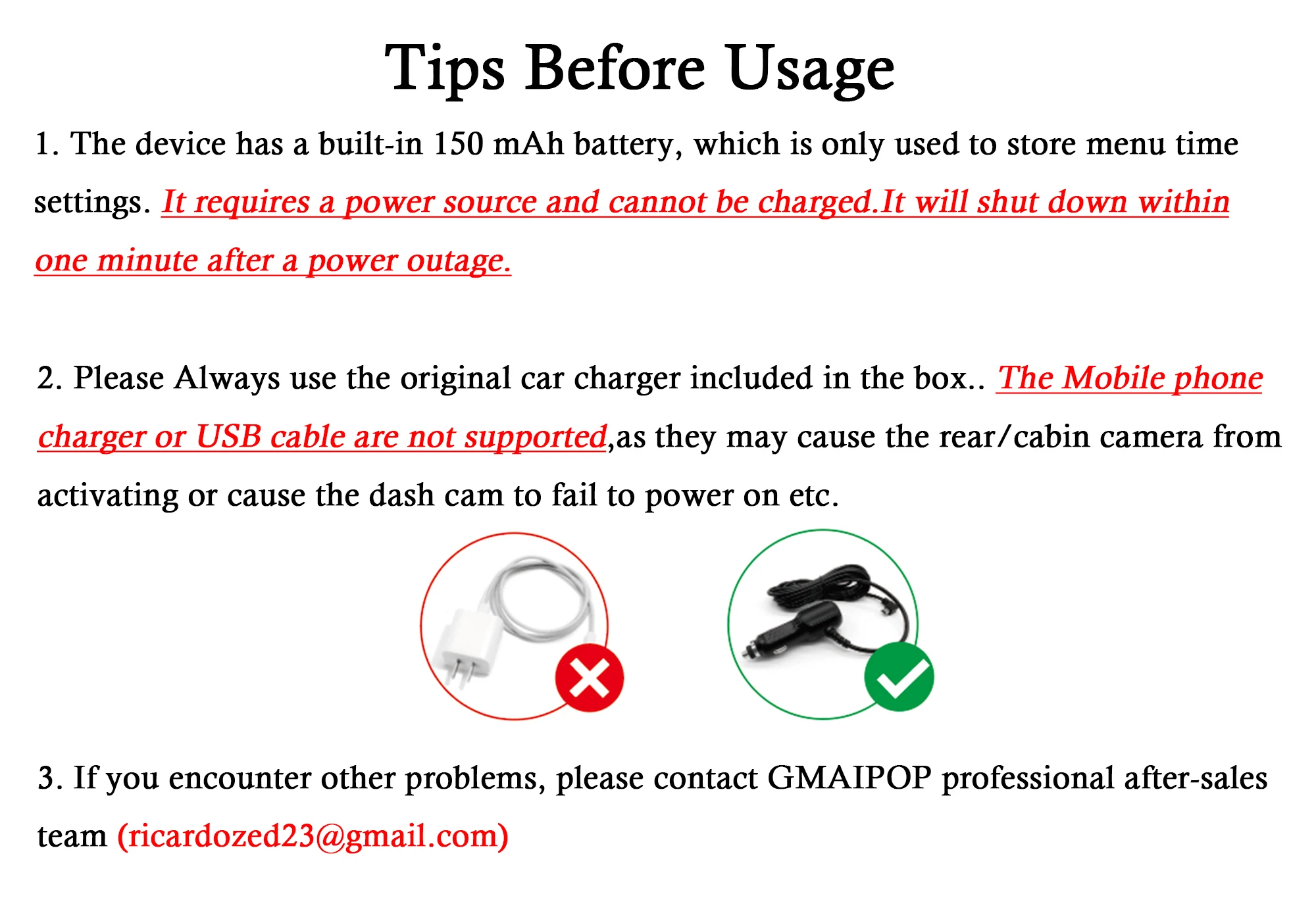
● Battery: 150mAh (It can't be turned on without power supply!)
● OSD Languages: English, Russian, Dutch, French, Spanish, Portuguese, German, Italian, Chinese, Japanese, Korean, Polish, Thai, Vietnamese,tc..... (You can change the desired language on the app)
● Customer service email: ricardozed23@gmail.com (Please describe the problem you encountered and send videos or photos if possible. You will not suffer any loss during the camera warranty period. Please do not initiate disputes. Thank you)
Steps:
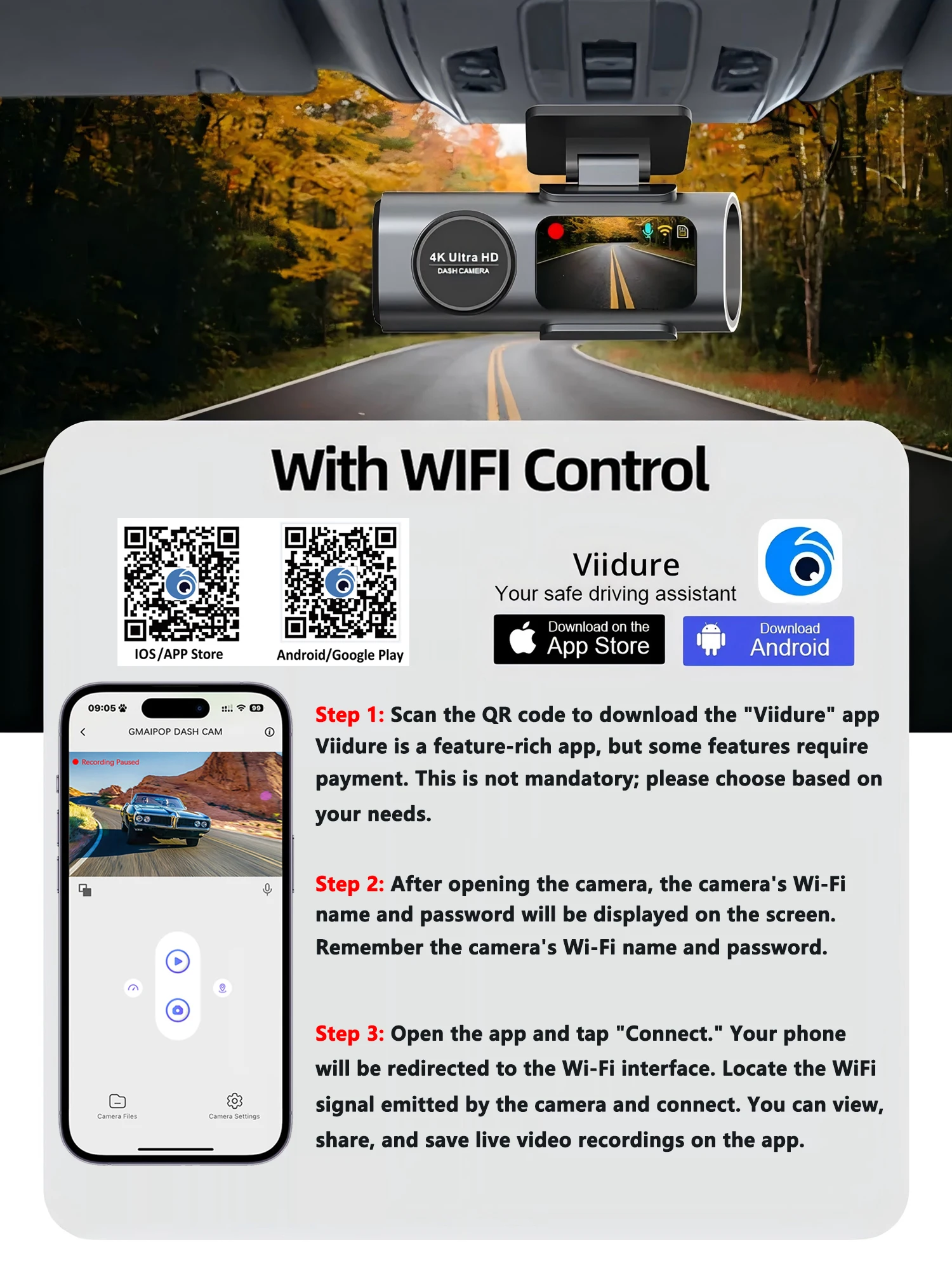
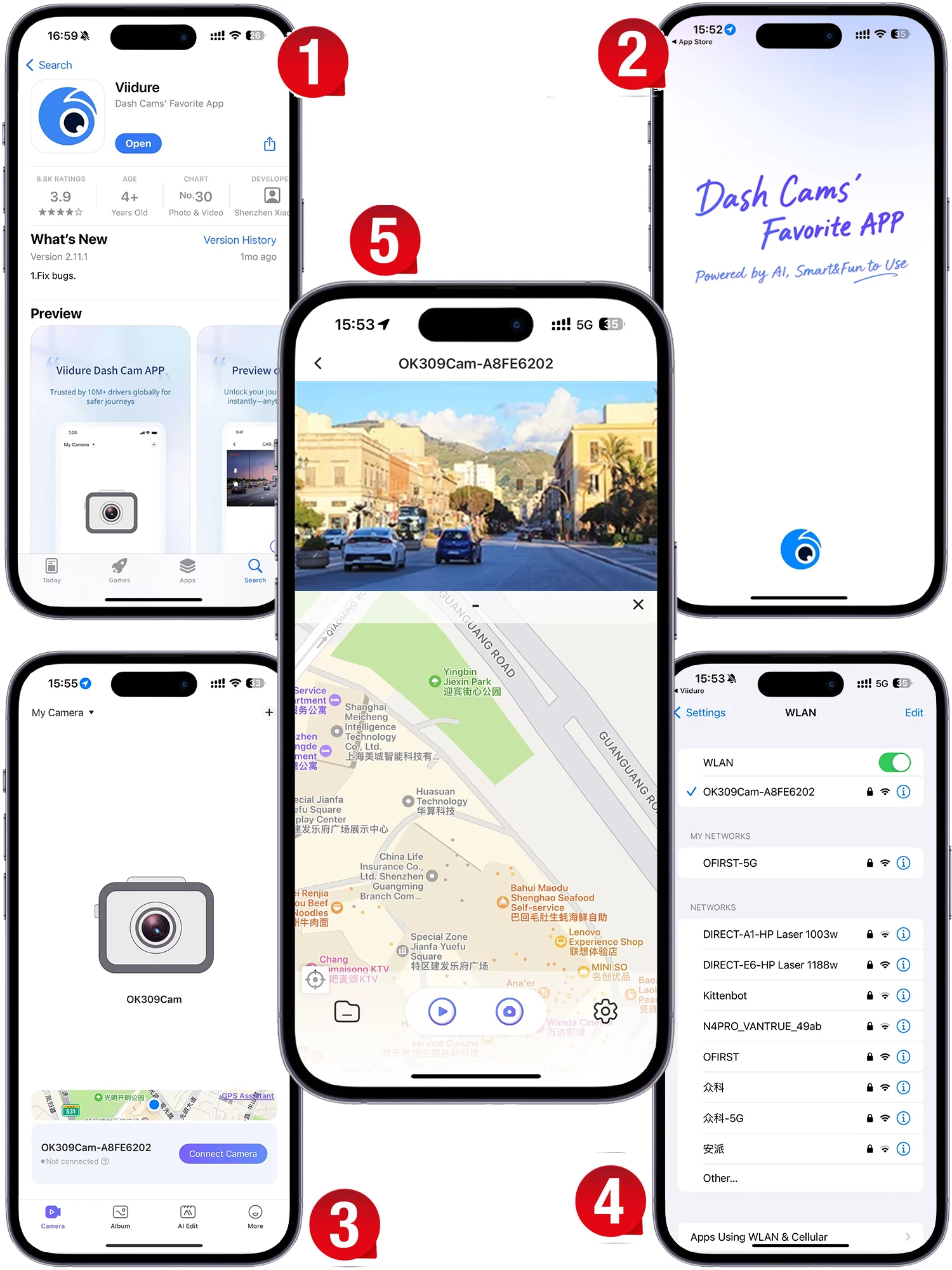
(1) Enter the DVR menu and enter the WIFl setting menu,nable WiFi function;
(2)In the wifi menu of the DVR, check to obtain the wifi SSID name and password;
(3)Open the "Viidure" APP on your phone, enter the configuration mode, turn on the wifi function of the phone, follow the prompts to find the SSID wifi signal of the DVR and enter the password to connect;
(4)After successful configuration, you can connect and operate the DVR through the "Viidure" APP.



Detalles
Este producto está fabricado con materiales de calidad para garantizar su durabilidad y rendimiento. Diseñado pensando en su comodidad, se integra a la perfección en su vida diaria.
Envíos y devoluciones
Nos esforzamos por procesar y enviar todos los pedidos de manera oportuna, trabajando diligentemente para garantizar que sus artículos lleguen a usted lo antes posible.
Nos comprometemos a garantizar una experiencia de compra positiva para todos nuestros clientes. Si por alguna razón desea devolver un artículo, le invitamos a contactar a nuestro equipo para obtener ayuda. Evaluaremos cada solicitud de devolución con atención y consideración.
Compra la colección completa


