

Universal DashCam 10.33" Car Intelligent 4K Car DVR Dash Cam Wireless CarPlay & Android Auto MP5 Bluetooth WIFI Rear Reversing


Universal DashCam 10.33" Car Intelligent 4K Car DVR Dash Cam Wireless CarPlay & Android Auto MP5 Bluetooth WIFI Rear Reversing
SPECIFICATIONS
APP Compatibility: YES
Assembly Mode: After The Loading Machine Integrated
Audio Recorded: Yes
Battery: None
Brand Name: other
Built-in Screen: Yes
Camera Resolution: 1280x960
Certification: CE
Chipset Manufacturer: Allwinner
Choice: yes
Display: OLED
Display Size: 10.26"
Frames Per Second: 60
High-concerned chemical: None
Imaging Sensor: Sony IMX327
Is Batteries Included: No
Item Type: Car DVR
Loop-Cycle Recording Feature: Yes
Max External Memory: 128G
Memory Card Required Reding Speed: Class 10
NightShot Function: Yes
Number Of Lenses: 1
OSD Language: albanian,Arabic,Armenian,Azeri,Belarusian,Boolean text (Dutch South Africa),Bulgarian,Catalan,Chinese (Simplified),Chinese (Traditional),Croatian,czech,Danish,Dutch,English,ESTONIAN,Filipino,Finnish,French,Galicia,Georgian,German,Greek,Haitian Creole,Hebrew,hindi,hungarian,Icelandic,indonesia,Irish,Italian,Japanese,Korean,Latin,Latvian,Lithuanian,Macedonian,Malay,Maltese,Norwegian,PERSIAN,Polish,Portuguese,Romanian,RUSSIA,Russian,Serbian,Slovak,Slovenian,Spain's Basque,Spanish,Swahili,Swedish,THAI,Turkish,Ukrainian,Urdu India,Vietnamese,Welsh,Yiddish
Origin: Mainland China
Original Package: Yes
Power Source: Corded Electric
Rear Camera: Yes
Screen Ratio: 16:9
Special Features: G-Sensor,Display Rotate,Digital zoom,With Rearview Mirror,Bult in GPS,Radar Detector
Touch Screen: Yes
Video Code: H.264
Video Format: AVI,MOV,MPEG-4,TS,MP4
Warranty: 1YES
Weight: 0.81
type1: dascam
type2: carplay
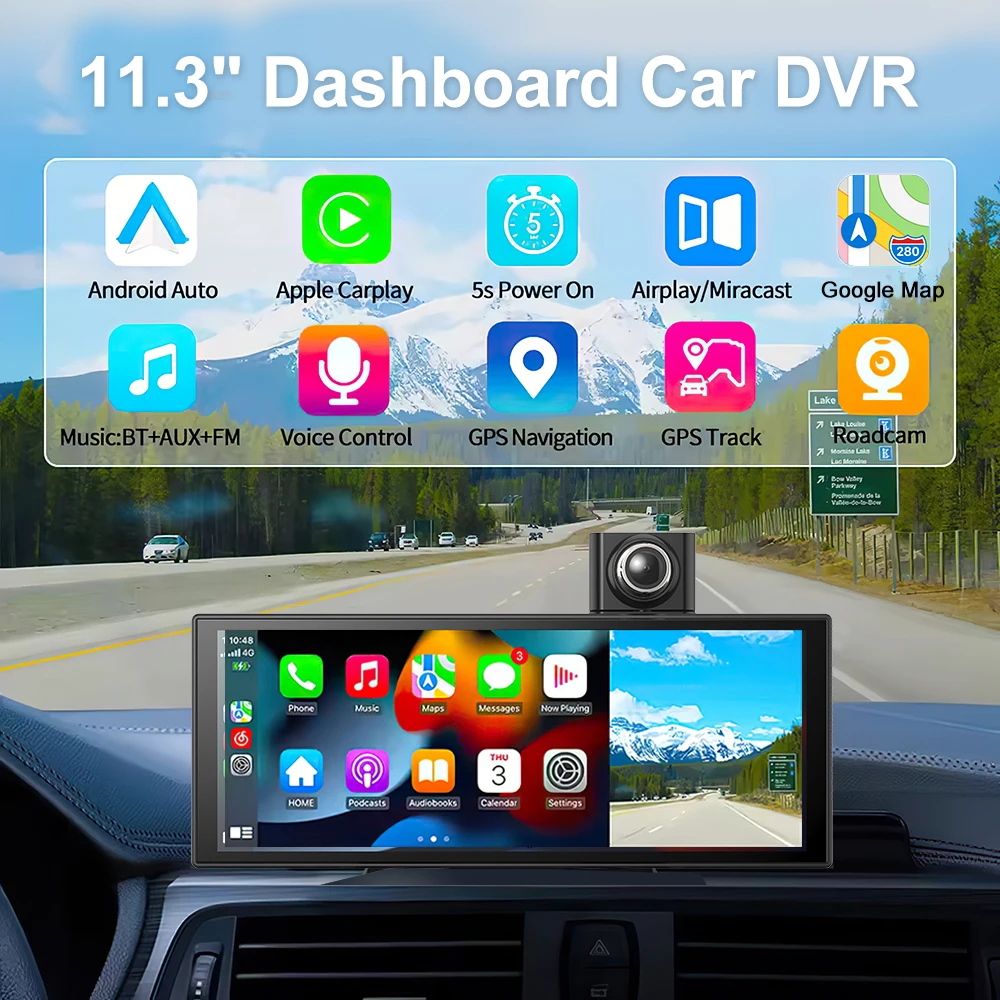
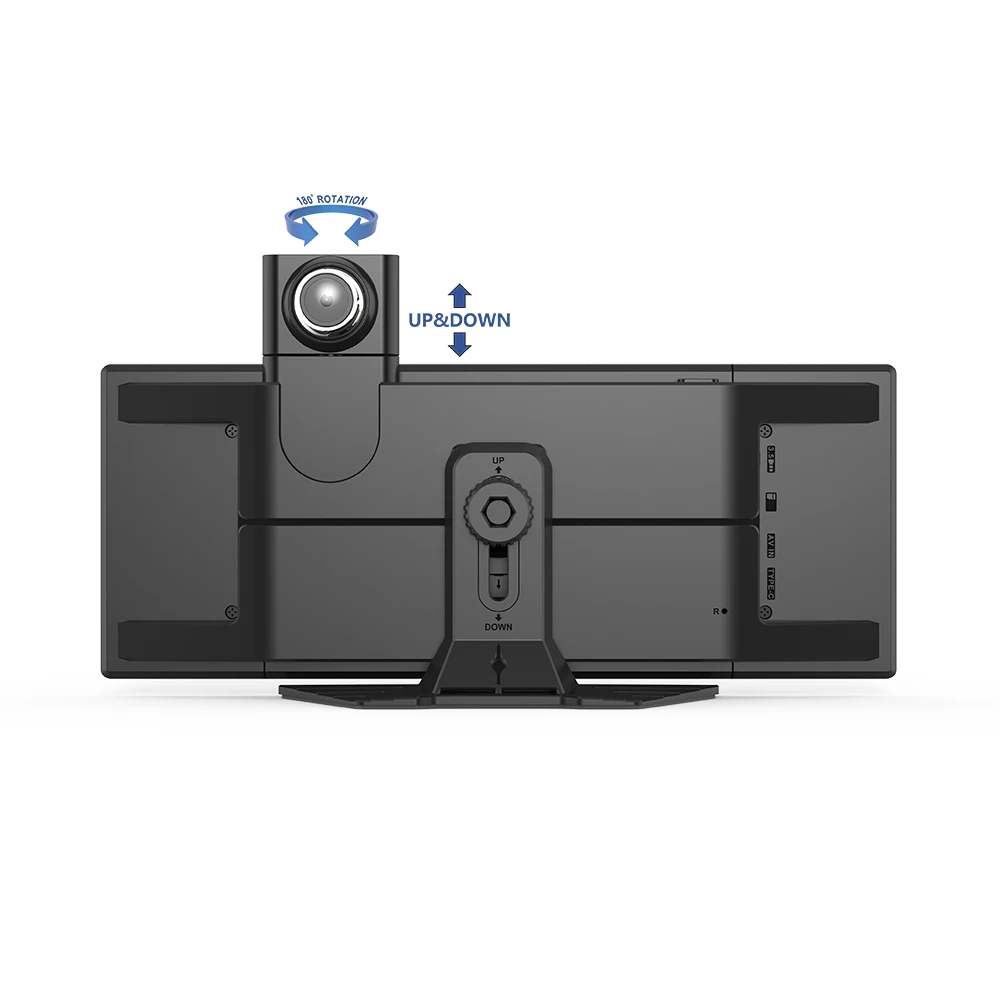
11.3"CentralControl Smart Screen Car Dvr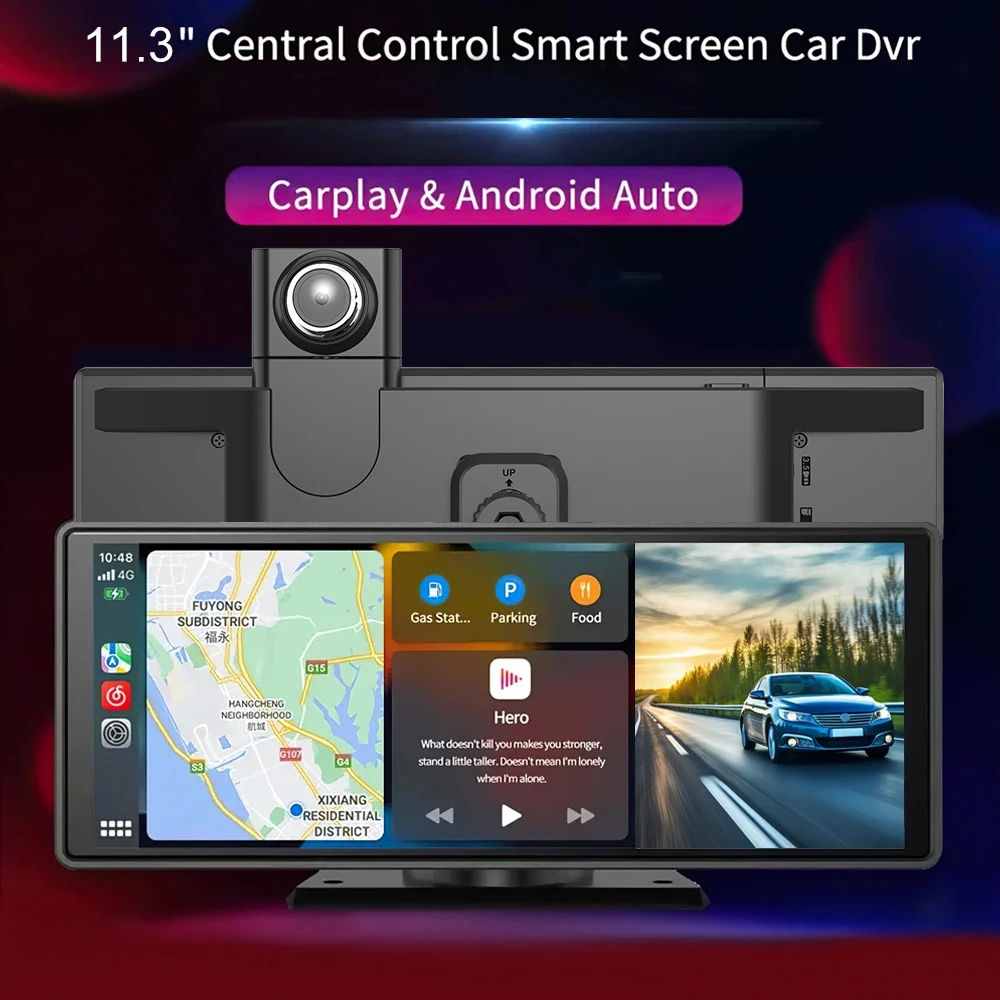
ISO ANDROID
AirPlay/Mirror wireless Mirroring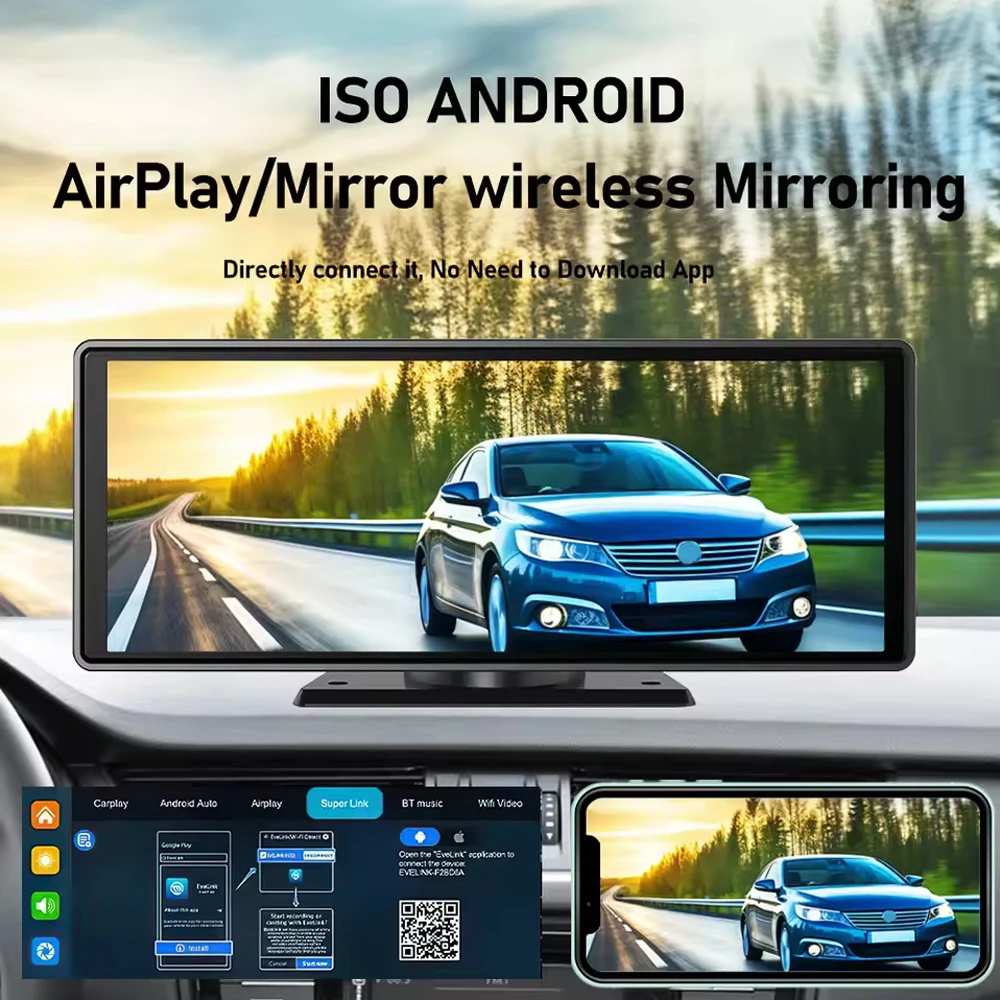
Support siri and Google Assistant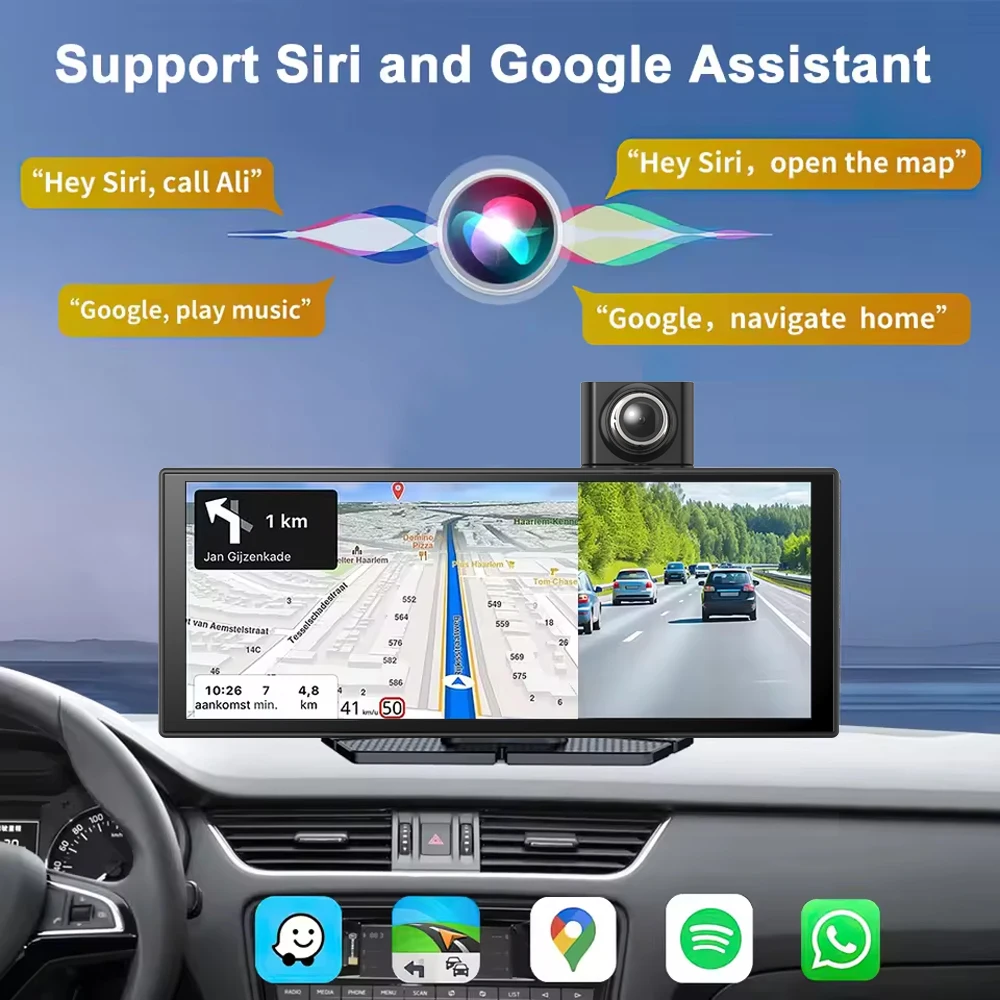 Front 1080P 170°wide angle Rear AHD720P
170° wide angle Reverse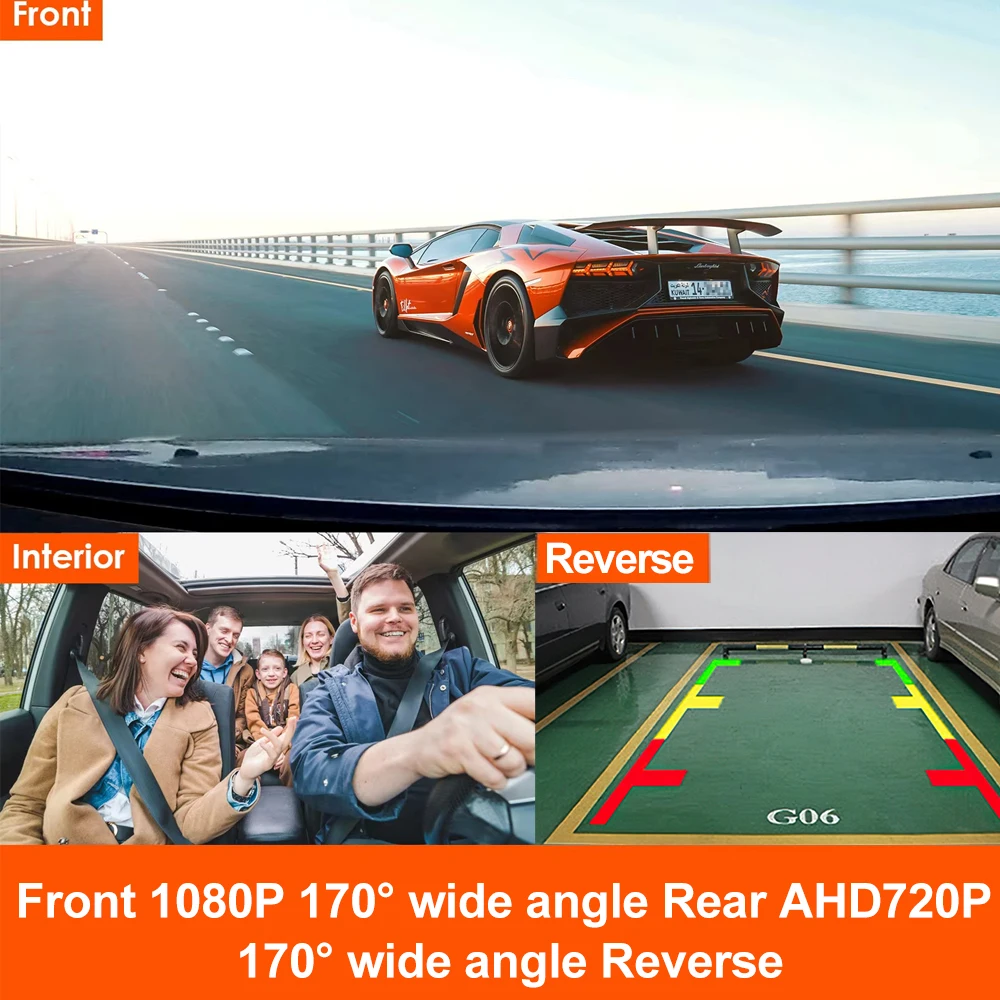
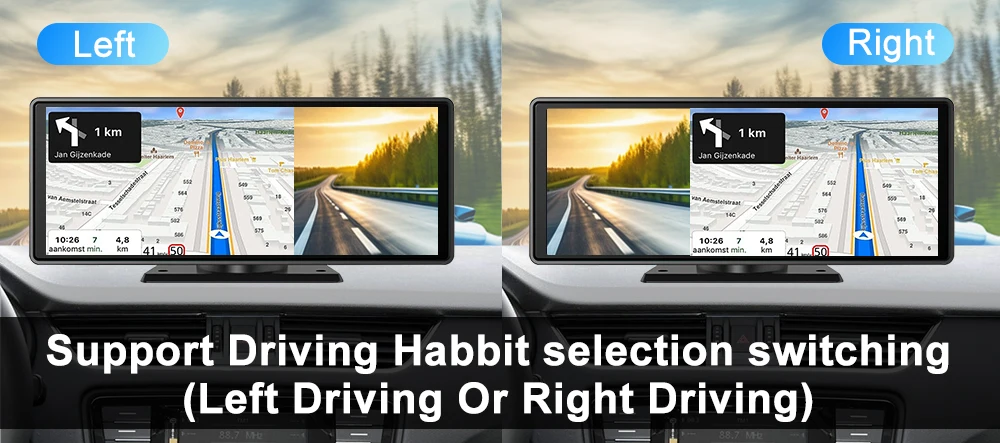
support Driving Habbit selection switching
(Left Driving Or Right Driving)
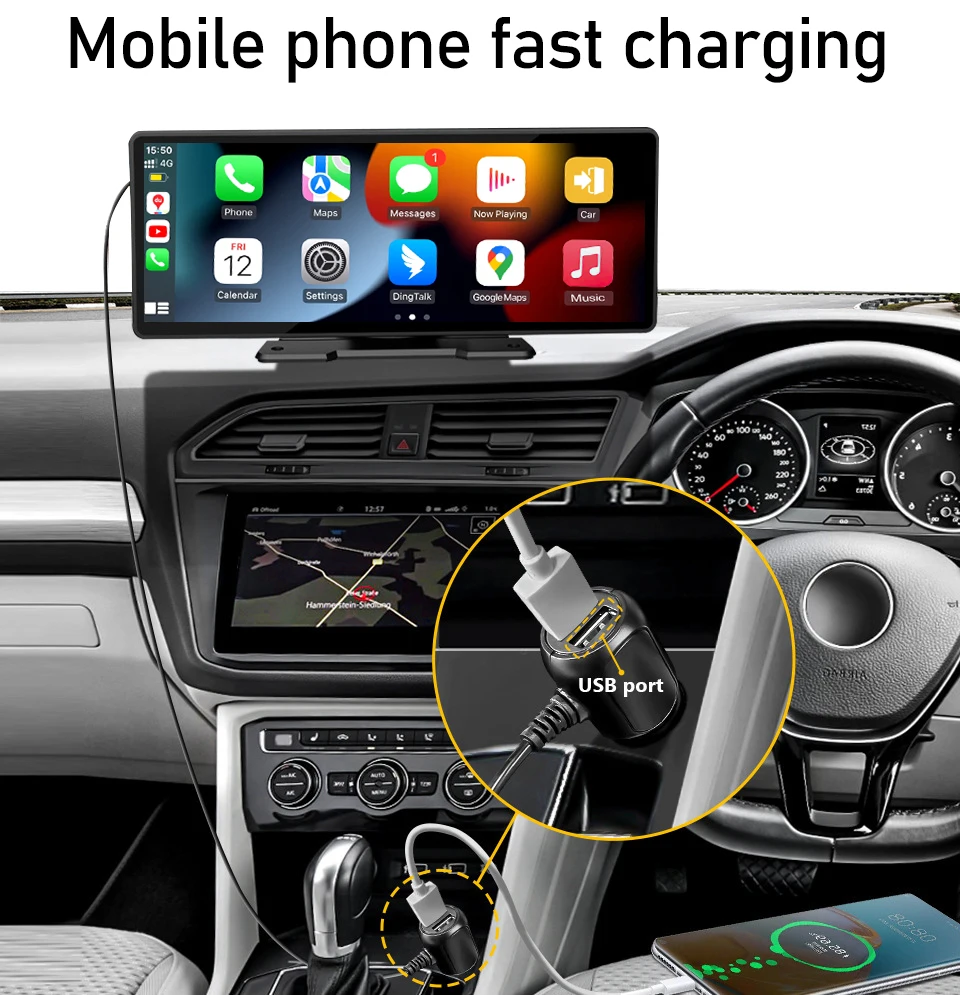
K-Play Easy-Mount 7"IPS Touch Monitor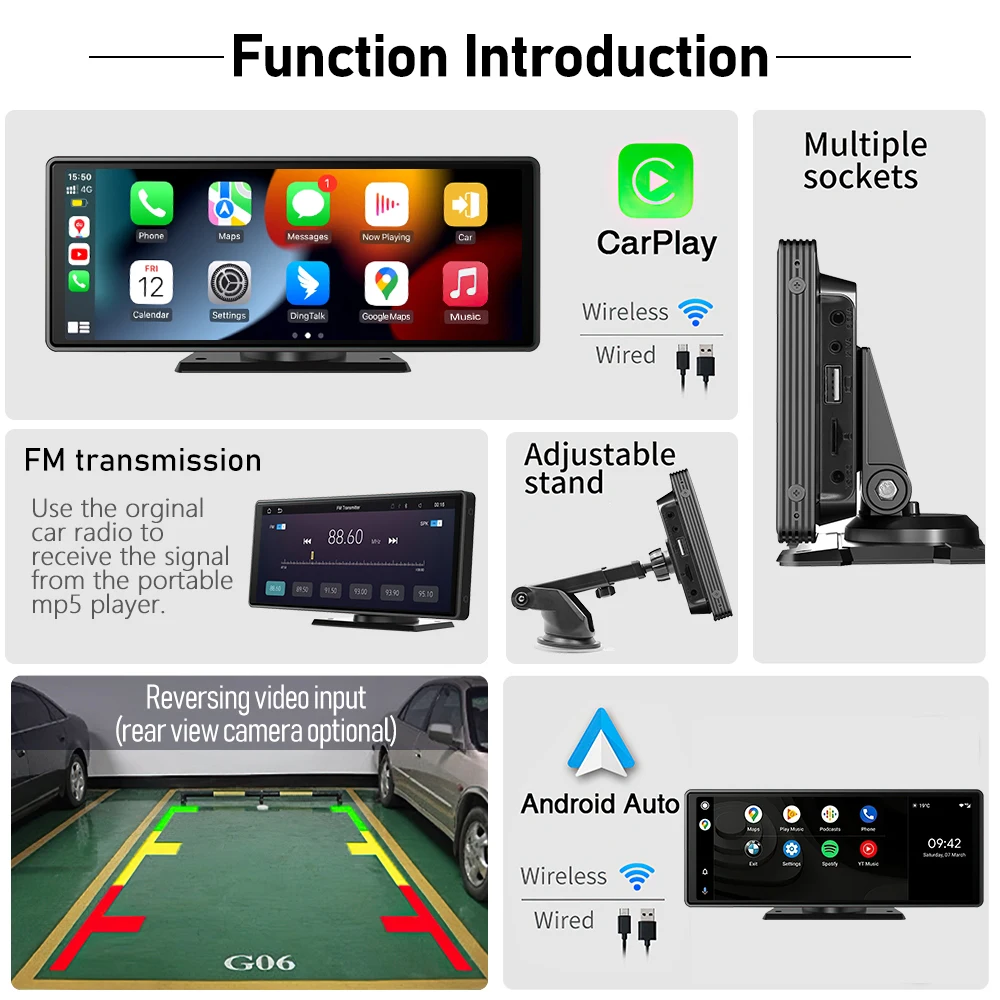 Mobile phone fast charging
Wireless Carplay/Wireless Android Auto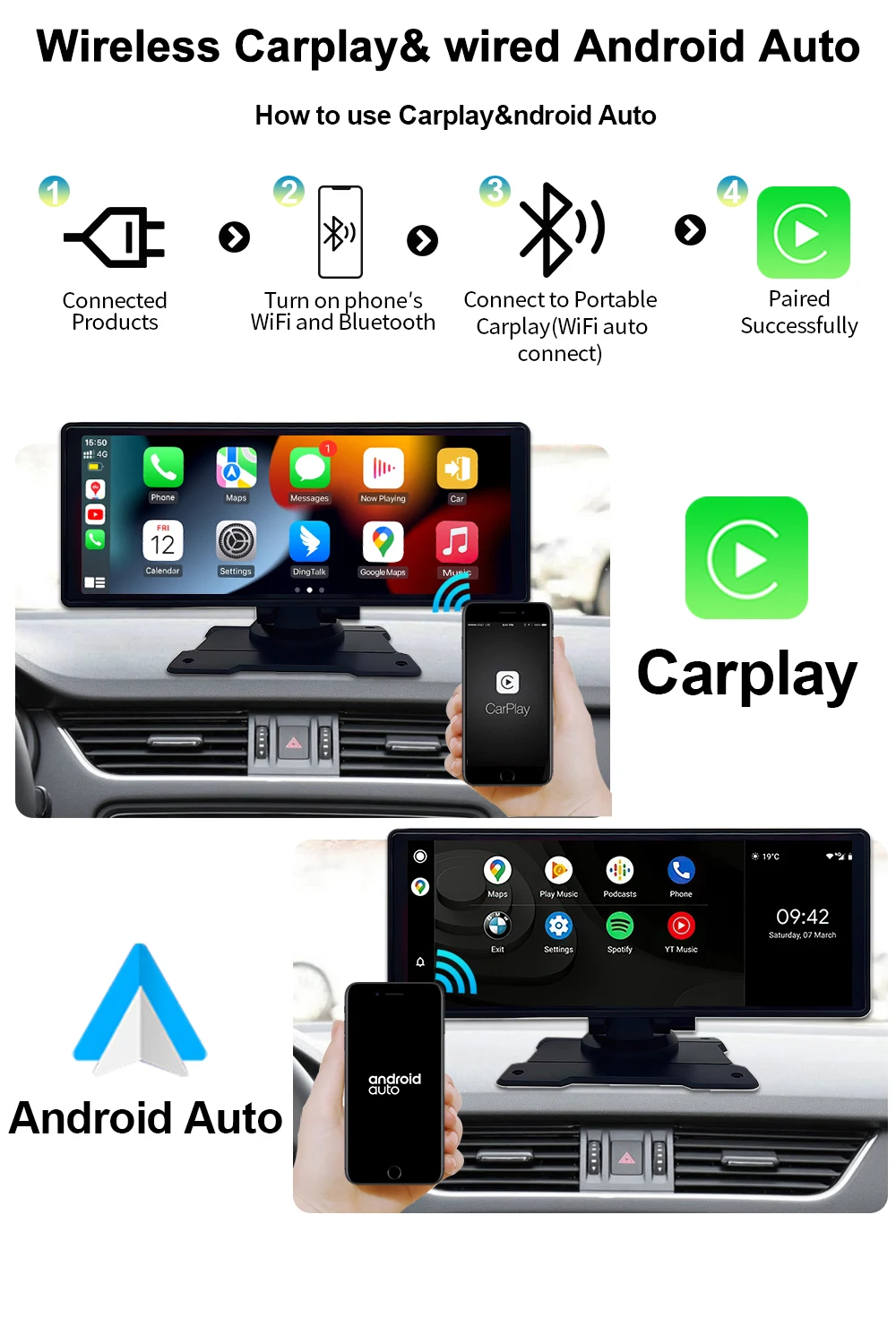
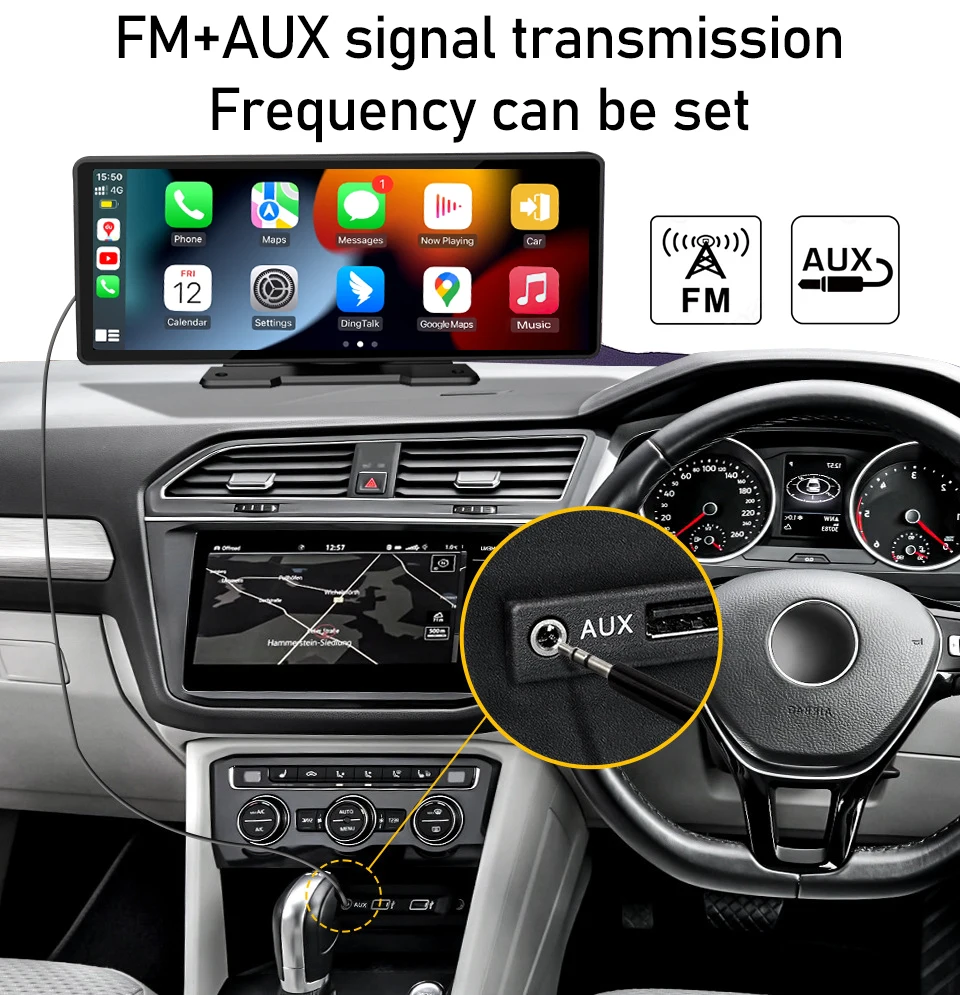
FM+AUX signal transmission
Camera
Can be external
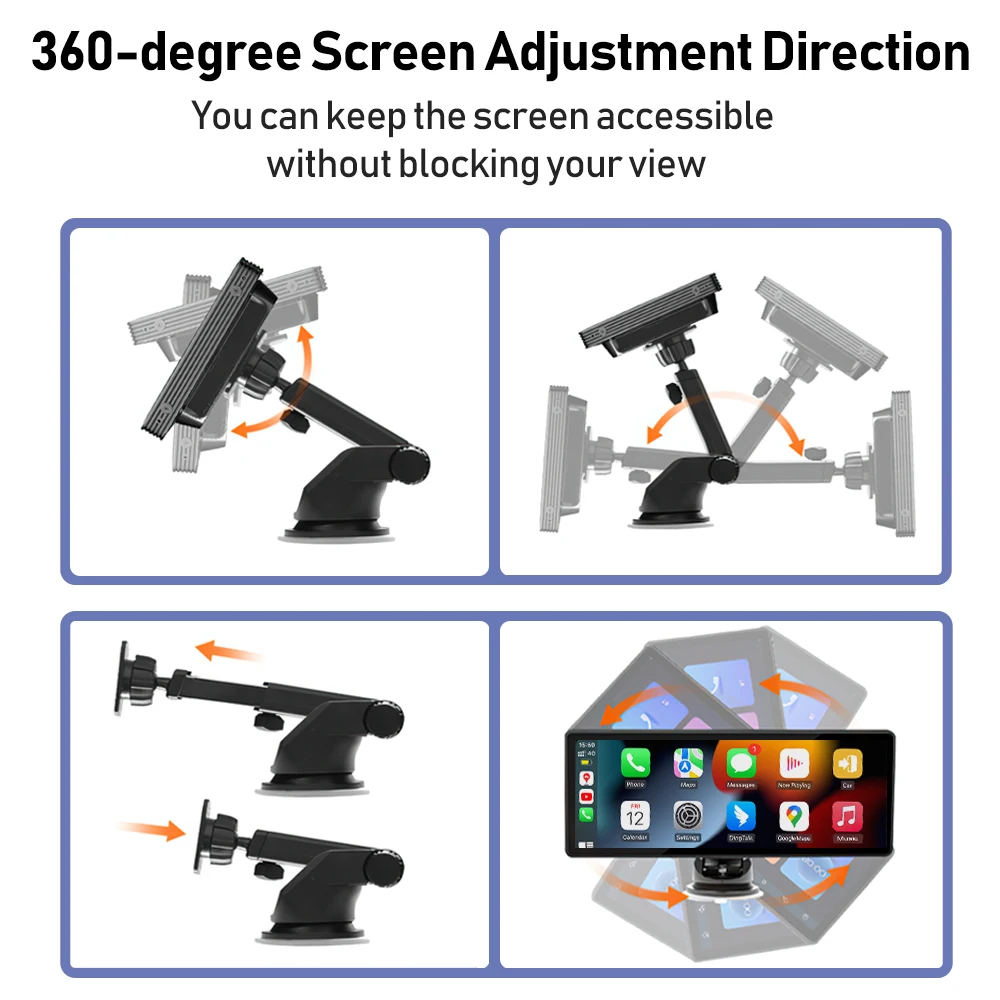
360°View Angle Adjustable
 Bluetooth 5.1 Make Driving Safe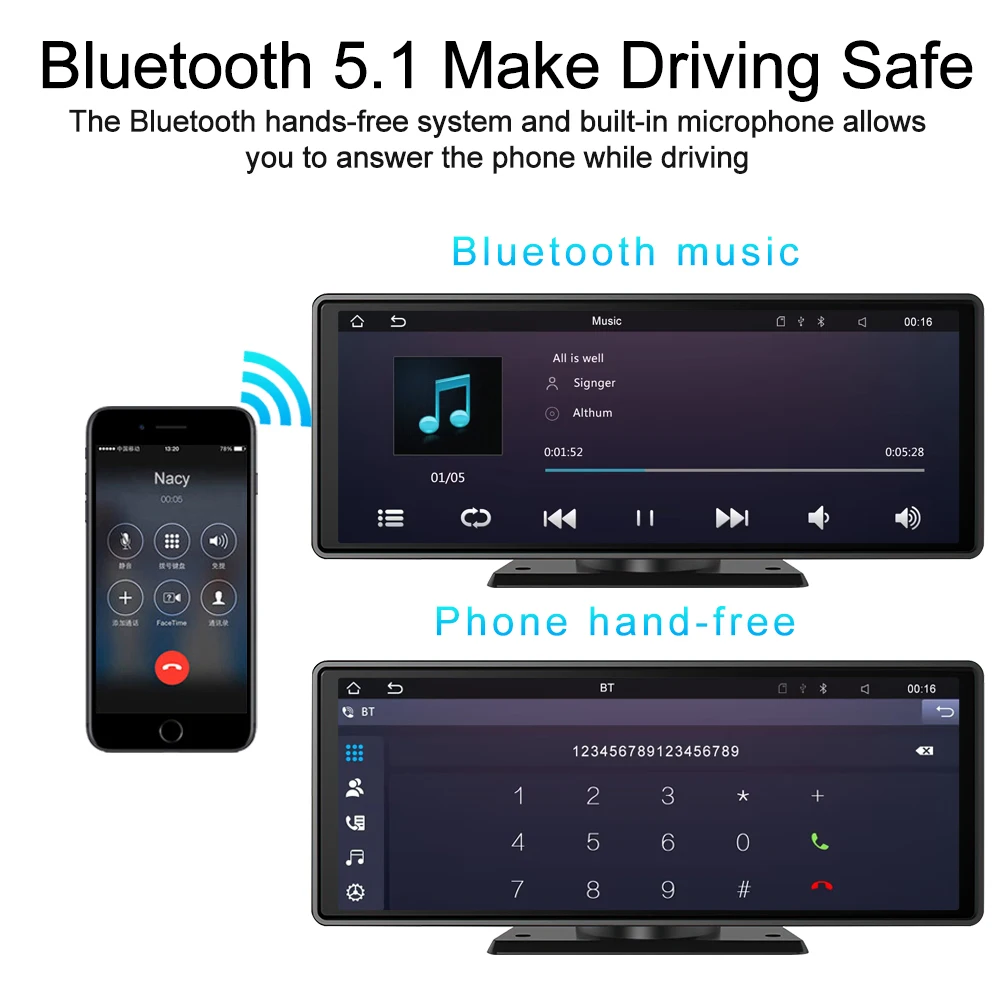
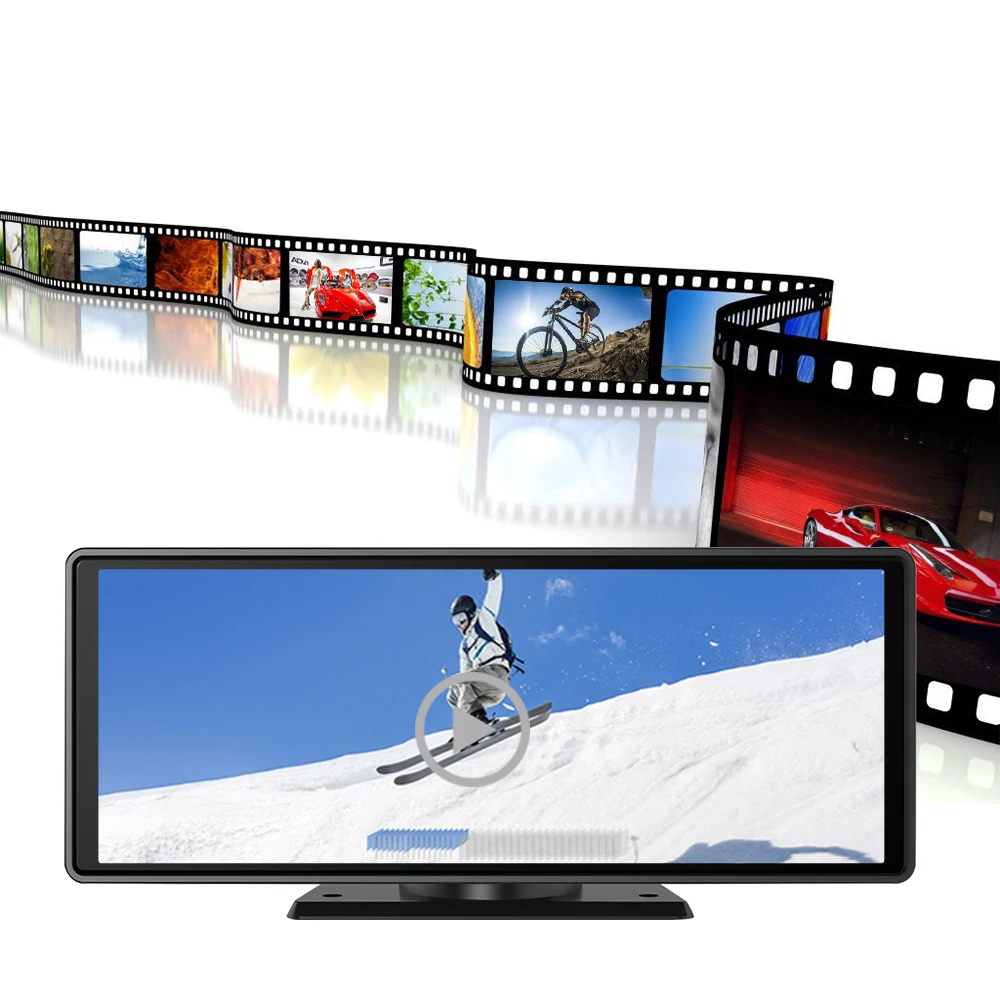 12NMprocessorfasterspeed and less heatdissipation
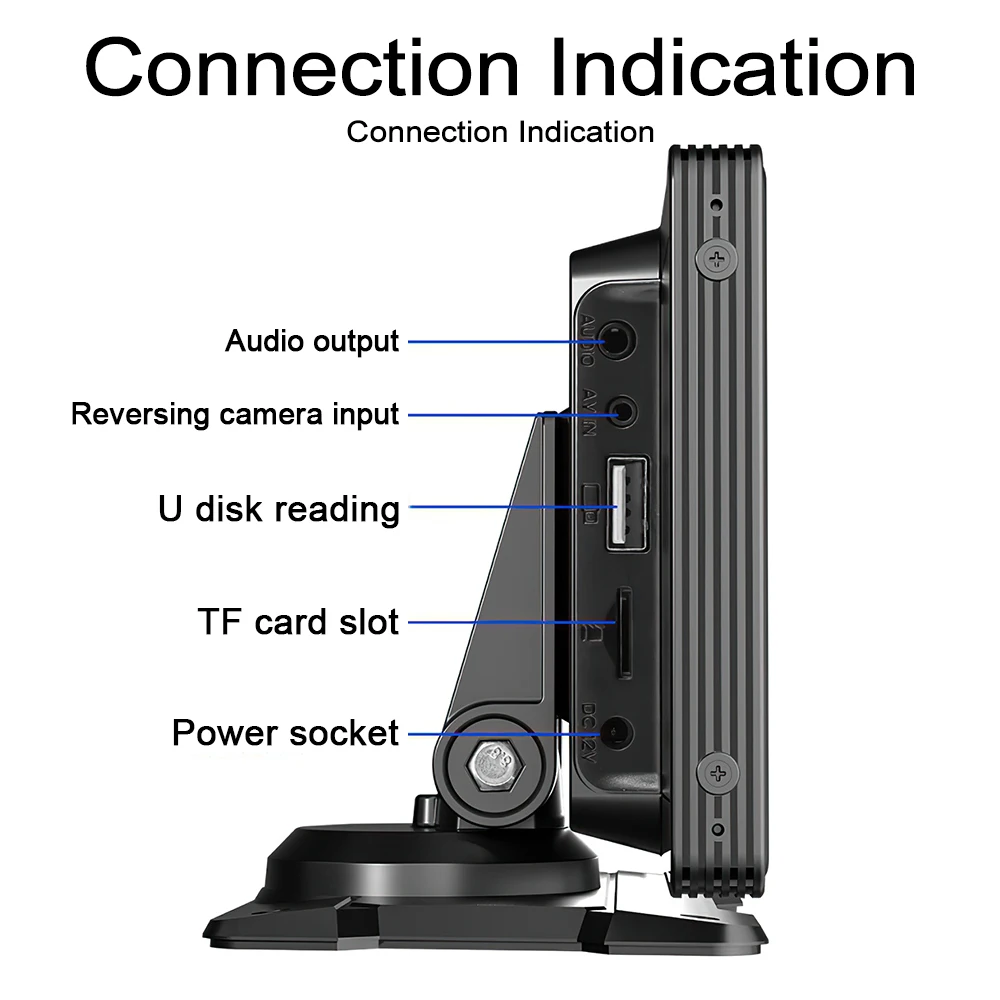
 Can be external CameraConnection Indication
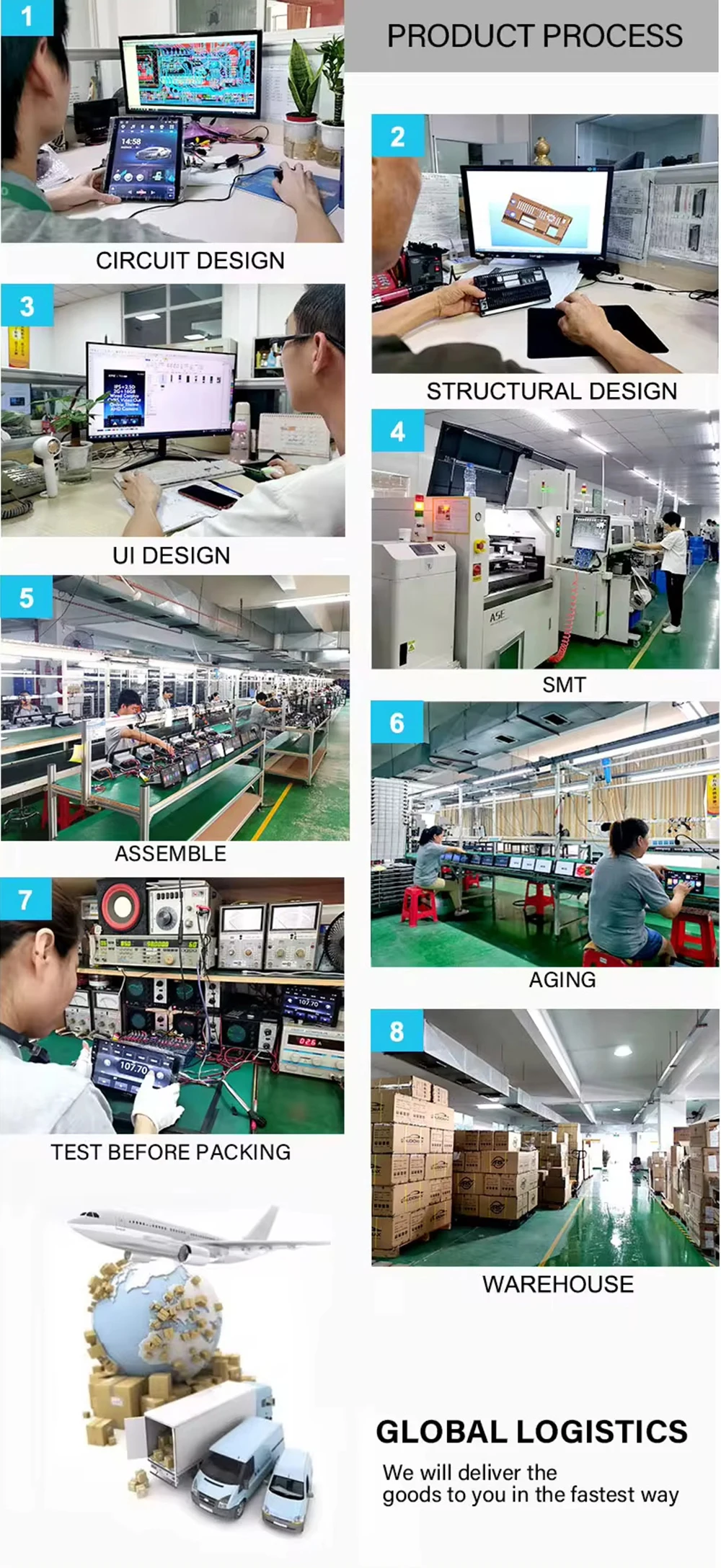
 Company Profile
 Certifications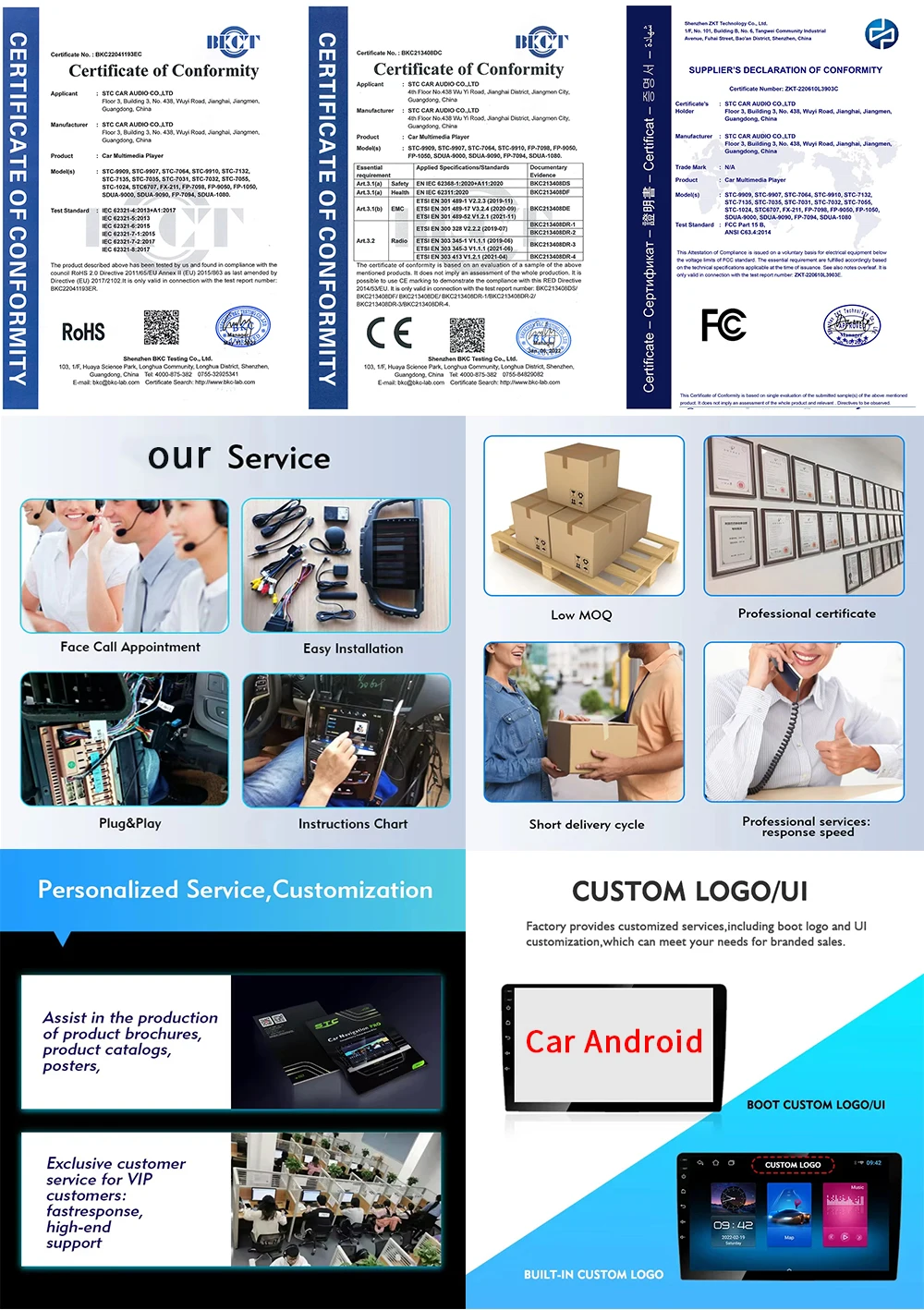
FAQ:
1:Is this device suitable for my car?
This is a 7" universal car radio, just fix it on the center console or attach it to the windshield, and you will get a perfect car companion
2: How to connect wireless carplay/android auto?
First pair the mobile phone with Bluetooth, and then connect to the WIFI signal. After both are connected, carplay/android auto will automatically jump to the corresponding interface.
3: How to connect wired carplay/android auto?
It can be connected through the mobile phone data cable, please pay attention to use the original car cable that can be used for data transmission.
4: How to connect airplay?
First complete the setting: setting - phone link - I0S device (iso mirror) /wireless connection (airplay), after the setting is completed, restart the car radio to use the airplay function normally.
5: Why is there no sound from the device?
1. The AUX cable is inserted and the FM transmitter switch is turned on.
2. When the FM transmitter switch is turned on, the speaker has no sound.
6:Is it possible to transmit audio to the car's speakers via Bluetooth?
No, only via AUX cable or FM channel.
7:How to sync sound via FM?
Turn on the FM TANSMITTER on the device, click ON on the device, adjust the channel of the car radio to a blank station, and set the radio on the device to the same frequency as the radio on the car, the setting is complete.
8:How to sync sound via AUX cable?
Find the AUX cable in the package, then connect one end of the cable to the AUDIO port on the top left of the device, connect the other end to the AUX-IN port on the car, and enter the AUX playback interface of the car radio to synchronize the sound - Set up.
9:Why doesn't the screen light up?
1. Check whether the power supply is plugged in properly. If one end of the cigarette lighter is installed in place, the indicator light on the USB will light up, and the other end will be connected to the lowermost DC 12V power supply port on the left side of the device.
2. After confirming that the power is turned on, if the screen is still not on, there is a reset button on the back of the device, press and hold for 3 seconds.
3. Software problems, you can upgrade the software, please contact customer service.
10:What should I do if the touch buttons do not work after the upgrade?
Follow the upgrade video, the upgrade process takes two times, and only one upgrade may cause the touch buttons on the bottom of the device to not work. (Please contact customer service for upgrade software and upgrade video).
11:What should I do if the screen is blurry or I can't see the screen clearly when I wear sunglasses?
Adjust the VCOM parameters in the settings (if you need to operate the video, please contact customer service).
12:Can I use the rear camera of the original car/other brand?
No, only the rear camera of Grandnavi is supported, the camera of the original car/other brands is not suitable for the device.
13:How to install the bracket?
1. Front windshield installation: attach the bracket to the front windshield through the adhesive suction cup
2. Center console installation: Adsorb the bracket on the center console through the adhesive suction cup. If the surface of the center console is not smooth enough, you can lock the mounting pad on the center console with screws, and the stability of the bracket will be improved.
Details
This product is crafted with quality materials to ensure durability and performance. Designed with your convenience in mind, it seamlessly fits into your everyday life.
Shipping & Returns
We strive to process and ship all orders in a timely manner, working diligently to ensure that your items are on their way to you as soon as possible.
We are committed to ensuring a positive shopping experience for all our customers. If for any reason you wish to return an item, we invite you to reach out to our team for assistance, and we will evaluate every return request with care and consideration.
Shop The Full Collection


