

10.26 inch Dash Cam 4K Car DVR Wireless Carplay & Android Auto GPS Navigation Video Recorder Dashboard Dual Lens Wifi FM AUX


10.26 inch Dash Cam 4K Car DVR Wireless Carplay & Android Auto GPS Navigation Video Recorder Dashboard Dual Lens Wifi FM AUX
SPECIFICATIONS
APP Compatibility: Do not support download app
Accessory Type: Bracket, car charger, user manual
Aperture: 2.0
Assembly Mode: After The Loading Machine Integrated
Audio Recorded: Yes
Battery: None
Battery Capacity(mAh): None
Battery Life: None
Battery Type: None
Brand Name: Phoebus Link
Built-in Screen: Yes
Cable Length: 3 meters-power cable
Camera Resolution: 3840x2160
Certification: CE,FCC,RoHS
Chipset Manufacturer: Allwinner
Choice: yes
Data Storage Capacity: TF Card
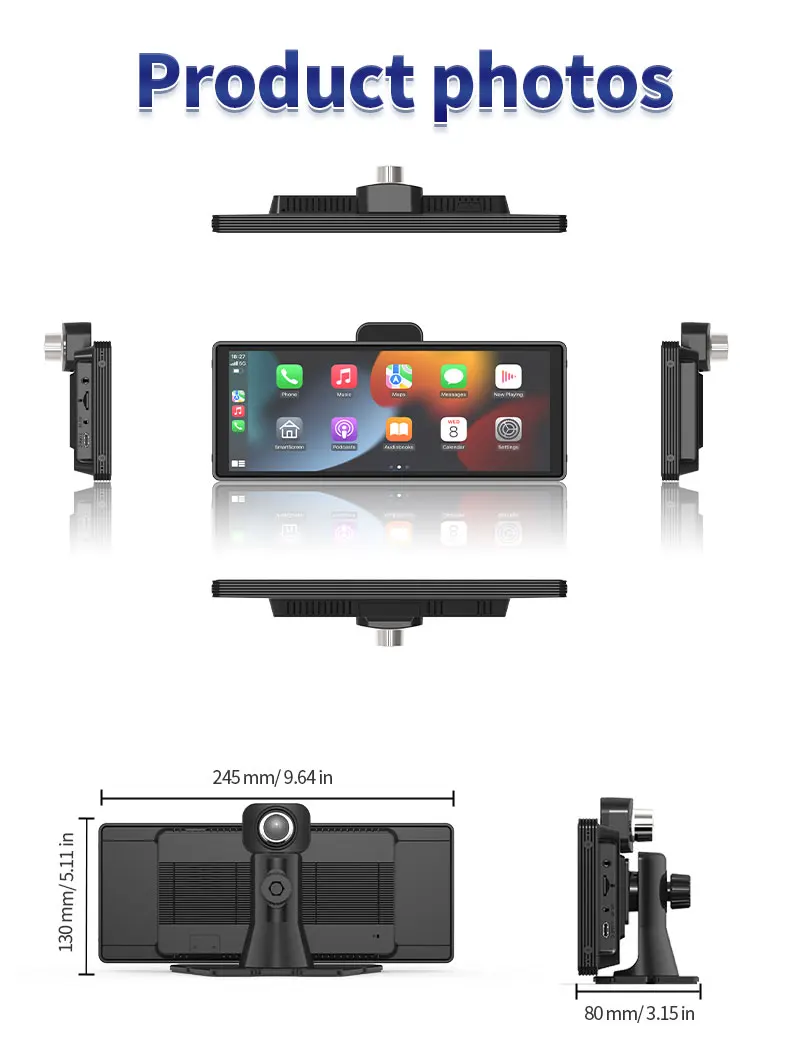
Dimensions (W x H x D): 250x130x80mm
Display: IPS
Display Size: 10.26inches
Frames Per Second: 30
GPS logger: External
High-concerned chemical: None
Interface: AV-In,Bluetooth,USB 2.0,Wi-fi,Micro SD/TF
Item Type: Car DVR
Loop-Cycle Recording Feature: Yes
Max External Memory: 256G
Maximum Video Frame Rate: 4K 18
Memory Card Required Reding Speed: Class 10
NightShot Function: Yes
Number Of Lenses: 2
OSD Language: Chinese (Simplified),Chinese (Traditional),English,French,German,Japanese,Korean,RUSSIA,Spanish
Origin: Mainland China
Original Package: Yes
Pixels: 200Mega
Power Source: Corded Electric
Rear Camera: Yes
Screen Ratio: 16:9
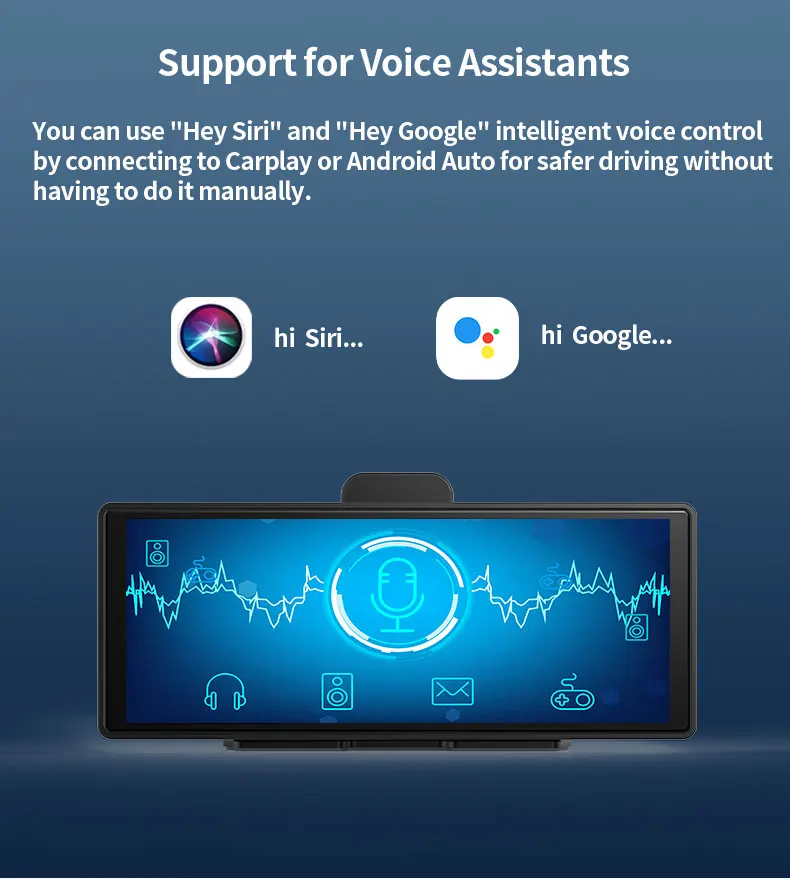
Special Features: sd/mmc card,Automatic White Balance,wifi function,Bluetooth,Voice Control
Touch Screen: Yes
Video Code: H.265
Video Format: TS,MP4
View angle: 170 degree
Warranty: 1 year
Weight: 1.2kg
Working Temperature: -20-50℃
semi_Choice: yes

NOTE BEFORE YOU PURCHASE
🔴×Android Auto is only available with Android version 11 or above, for some models of Huawei, Samsung and Xiaomi phones do not support Android Auto
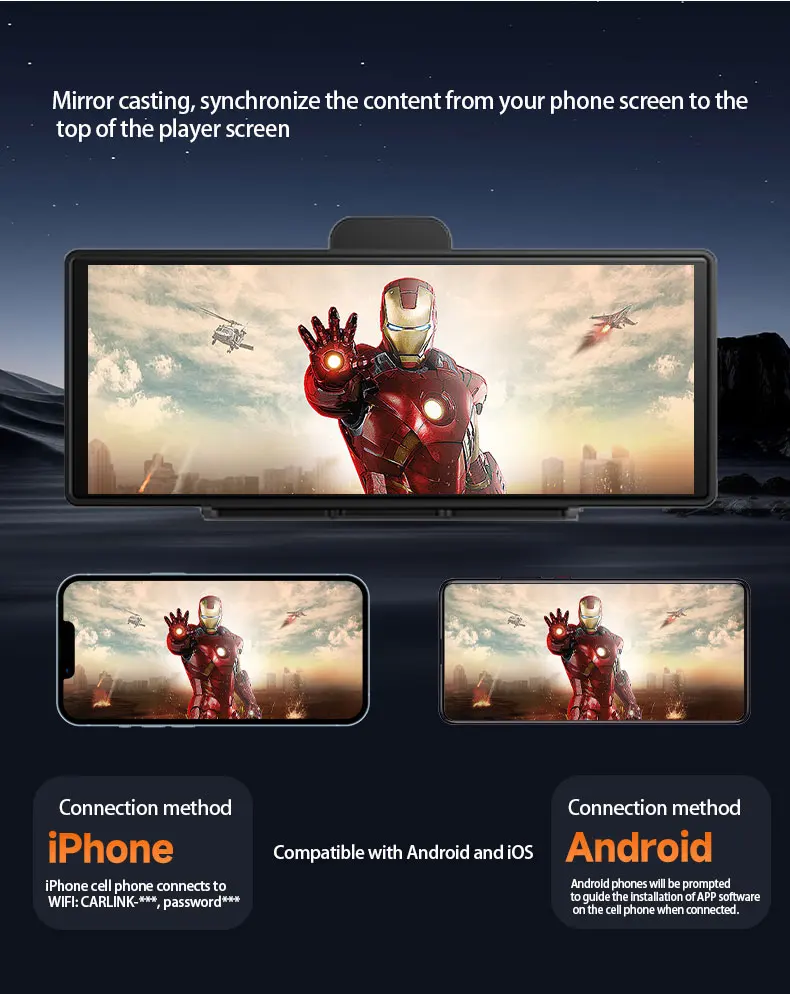
🔴×This product is Linux system, so can not download any apps. However, mobile apps can be used on the machine through the carplay/android auto/mirror link.
🔴×We suggest you purchased camera and TF card together in our store, other brand may can not compatible
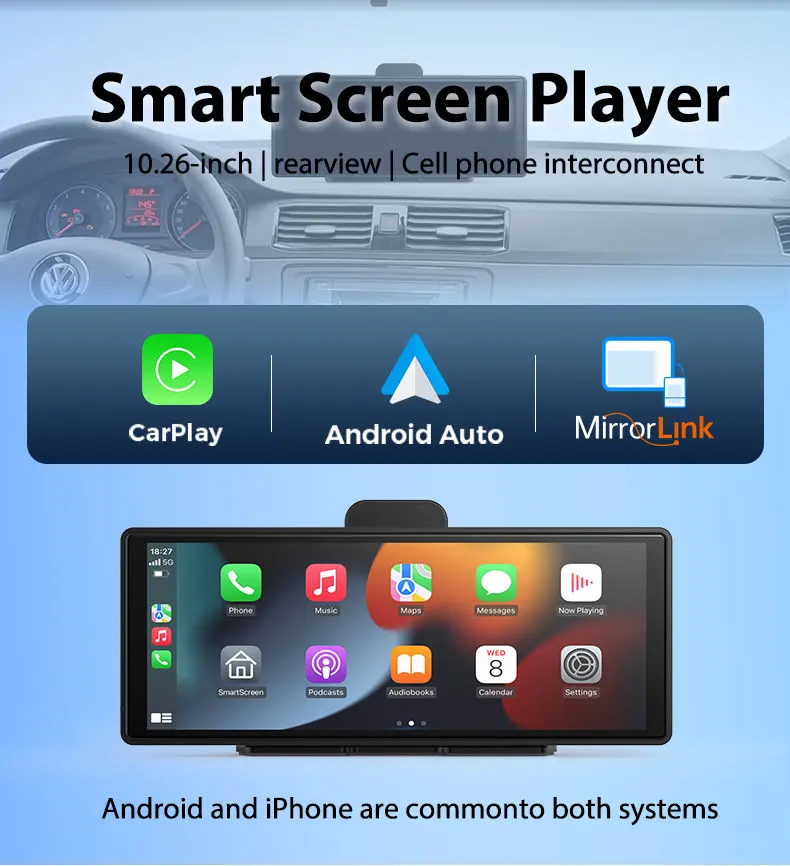
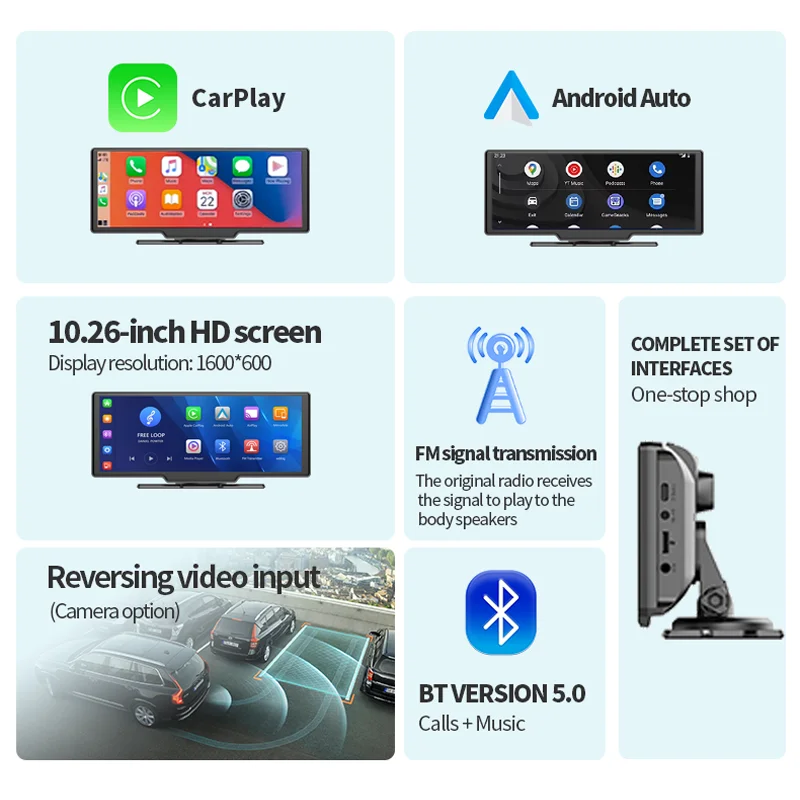
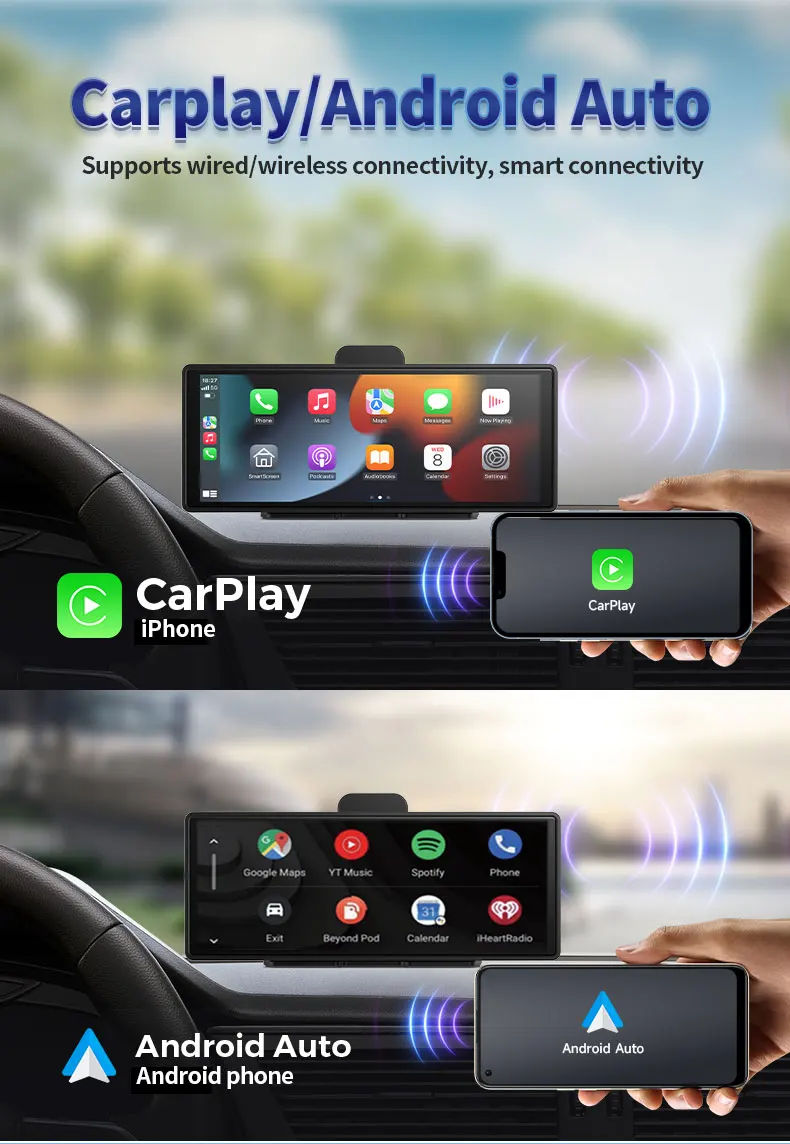
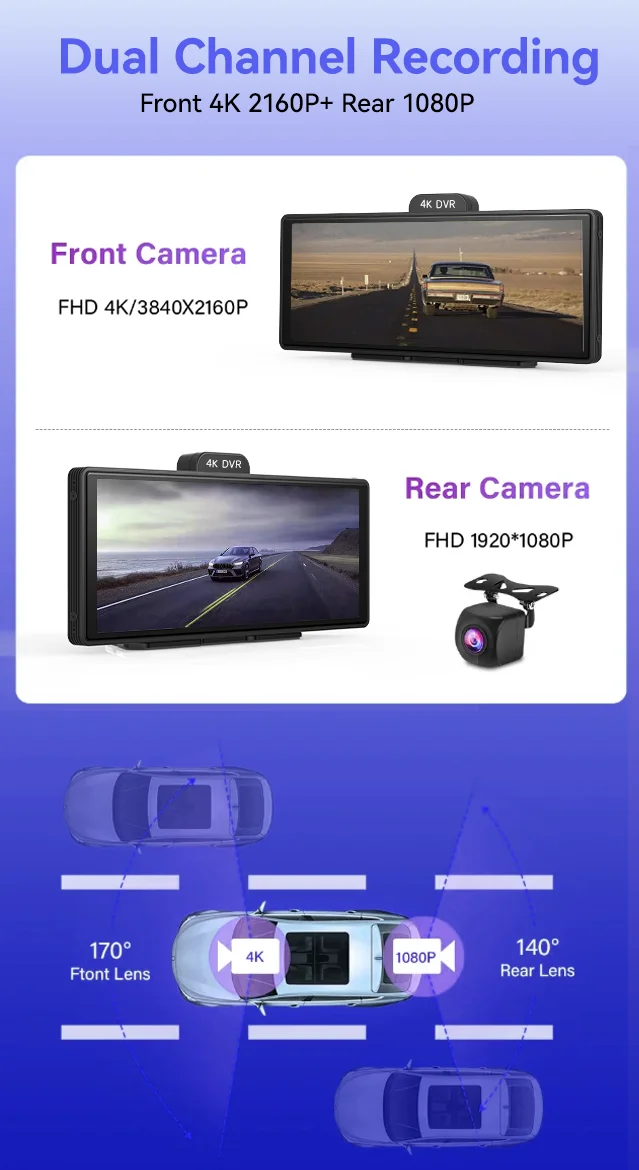
2 systems+2 Camera
Built-in 2 system, Carplay system/Android Auto system, and has added an Dual Lens to meet all your car driving needs!
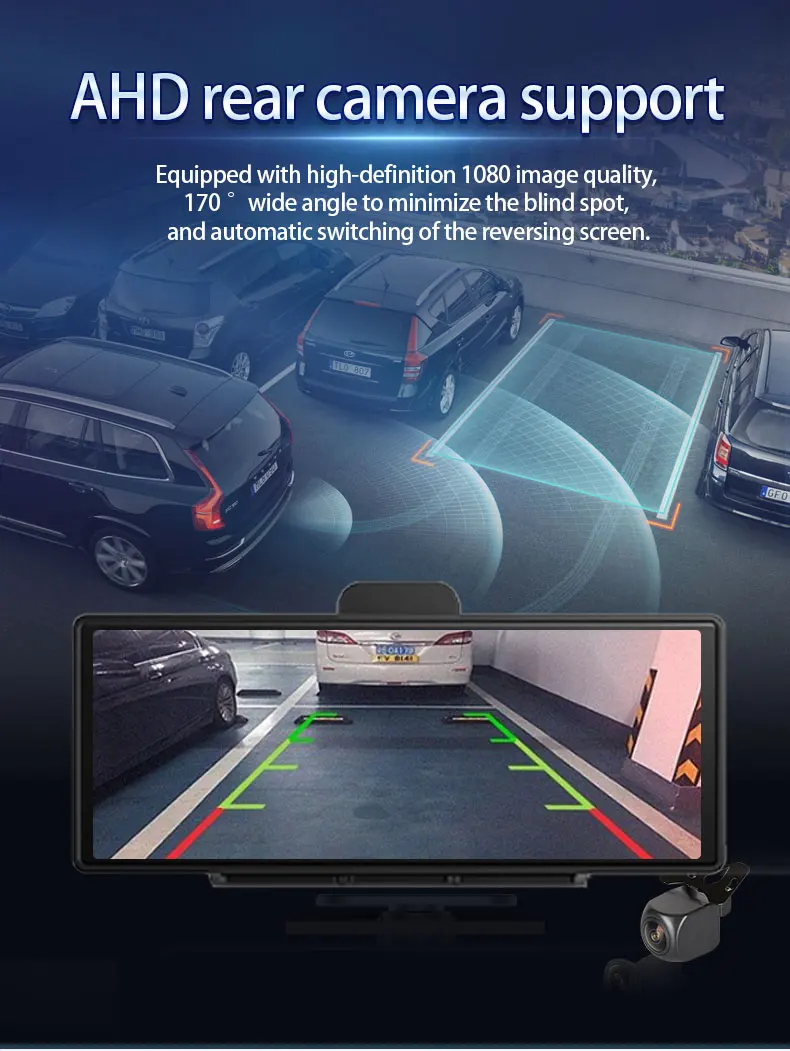
Please note rear camera is optional
Front 4K 2160P+Rear 1080P Record
✅Support simultaneous 1:1 display of front and rear cameras. (Rear camera is optional)
✅4K+1080P, capturing clear pictures like
✅Auto adjusting brightness streaming mirror
Multiple Functions
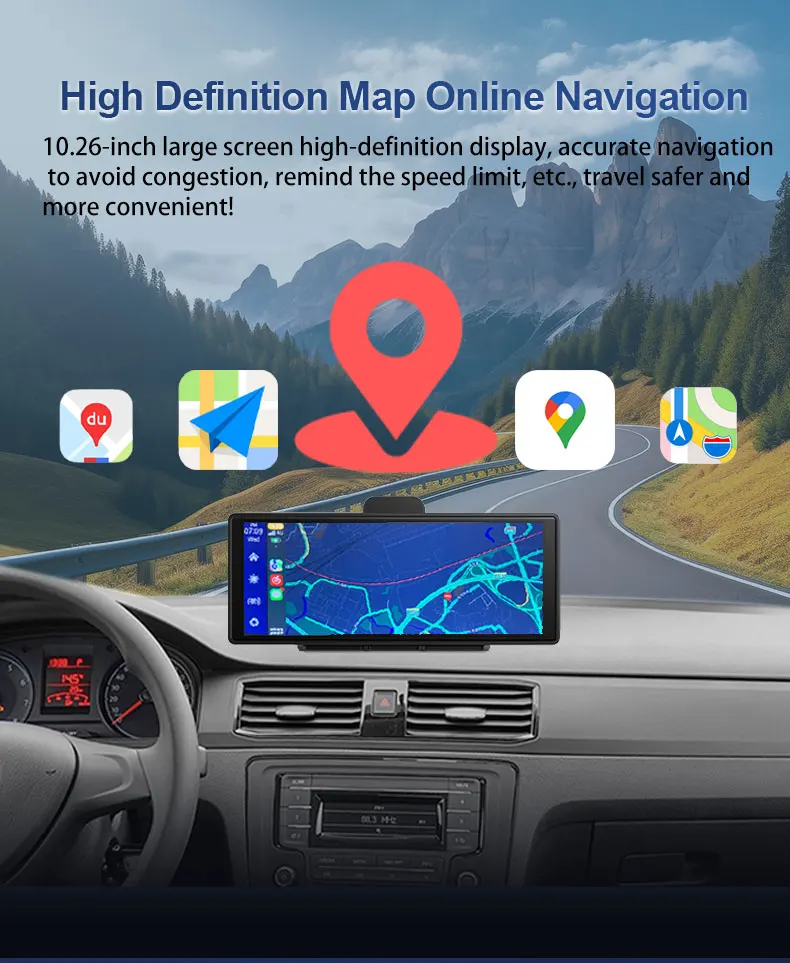
✅Online Navigation
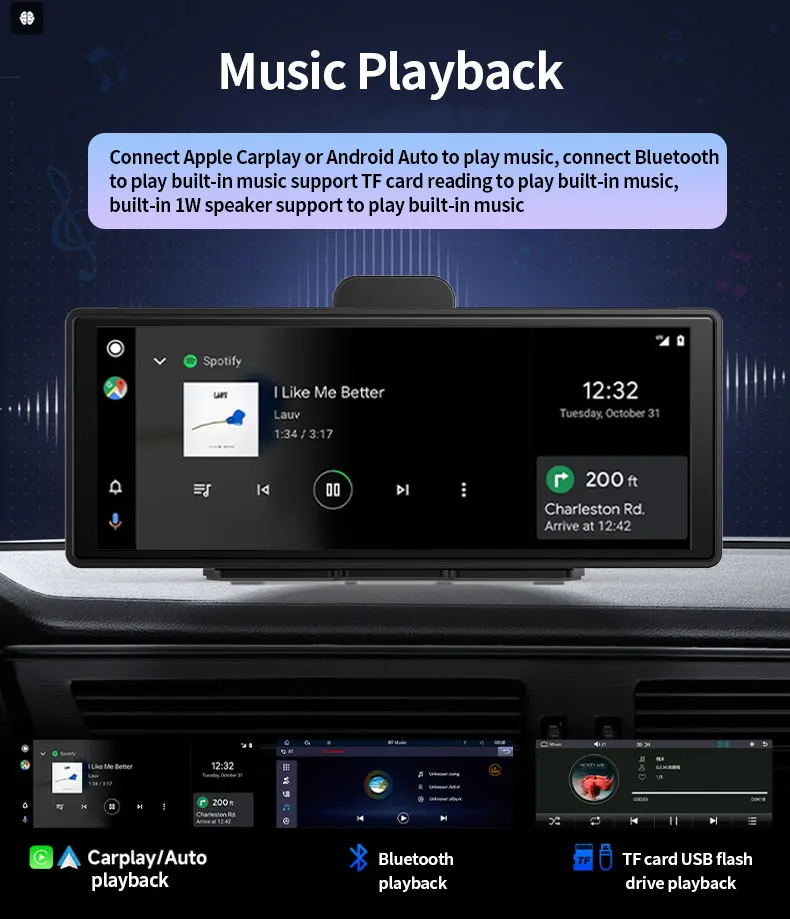
✅Music Playback
✅FM Radio
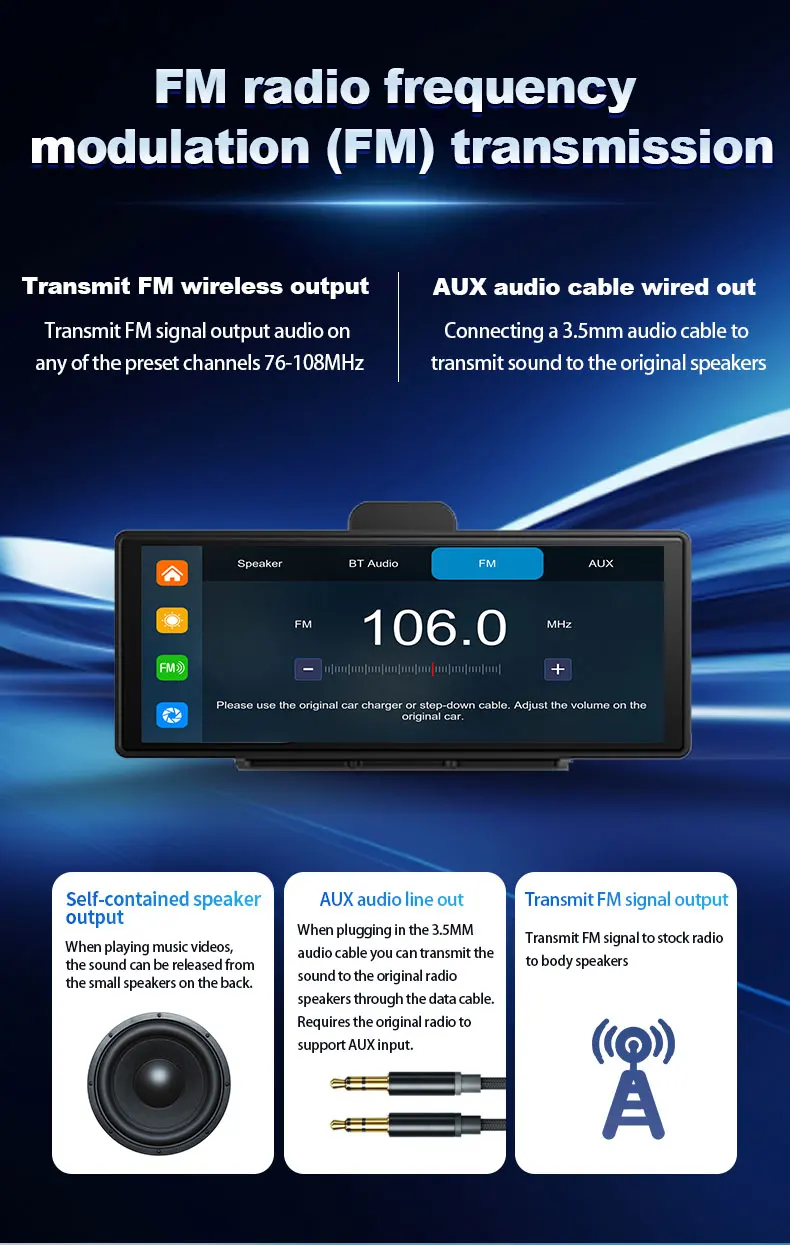
High Fidelity Audio Output
✅Build in multi chip audio output mode, seamless connect to car audio,
✅Wireless Bluetooth or FM output or wired AUX audio output
✅High fidelity audio output can be retained (Include AUX Cable)
Why choose us?


FAQ
Q: Can the system version be upgraded? How to obtain the latest version?
A: We will continue to upgrade the version. You can contact online customer service to obtain the latest version
Q: How to use the latest version of Bluetooth audio output?
A: Click on FM Settings on the homepage>>>Select BT
[Note: After selecting BT, the FM/AUX/SPK above will become invalid]
After selecting BT, use the phone connected to Carplay/Android Auto to connect to the vehicle's Bluetooth to achieve sound synchronization
Q: What mobile phone can I use Carplay/android Auto?
A: IPhone 6 or above on Apple phones
Android mobile system version Android 10 or above
For Huawei phones cannot be used
Q: Why is there no sound on the device?
A: There are three audio output modes: SPK (device's own speaker)/FM transmitter/AUX. The device will only emit sound when SPK mode is selected. If FM/AUX is selected, the device will not emit sound.
Q: How to keep the time from resetting after restarting?
A: Open the time and date settings, first set the correct time zone (you can search your local time zone on Google), then adjust the correct time, and finally click "Confirm".
Q: How to change the mirror effect of the rear camera?
A: Open the settings, click on 'Rear camera Mirror', and choose to turn it on or off
Q: How to automatically restart a problem to solve it
Answer: Most automatic restart issues are caused by the power supply or mini SD card. Please gradually try the solution:
1. Use the charger included in the packaging to connect to the power supply, or try using a 3A charger to connect to the power supply.
If step 1 does not work, please use another mini card
If steps 1 and 2 do not work, please contact the seller and provide a video.
Q: How to choose a good Micro SD card for the dash cam?
A: 4K resolution requires a high standard Micro SD card, while Micro SD cards require U1 and Class 10 standard storage cards. Please ensure that your Micro SD card has the U1 and Class 10 logos on it. We suggest you purchase the Micro SD card from us together.
Details
This product is crafted with quality materials to ensure durability and performance. Designed with your convenience in mind, it seamlessly fits into your everyday life.
Shipping & Returns
We strive to process and ship all orders in a timely manner, working diligently to ensure that your items are on their way to you as soon as possible.
We are committed to ensuring a positive shopping experience for all our customers. If for any reason you wish to return an item, we invite you to reach out to our team for assistance, and we will evaluate every return request with care and consideration.
Shop The Full Collection


