

Car DVR Camera ADAS Car Dash Cam Android Player Navigation Dashcam DVRs Video HD 1080P Night Vision USB Dash Cam Auto Recorder


Car DVR Camera ADAS Car Dash Cam Android Player Navigation Dashcam DVRs Video HD 1080P Night Vision USB Dash Cam Auto Recorder
SPECIFICATIONS
Android dashcam: ADAS Car Dash Cam
Aperture: F2.0
Assembly Mode: Rearview Mirror
Audio Recorded: Yes
Brand Name: sendao
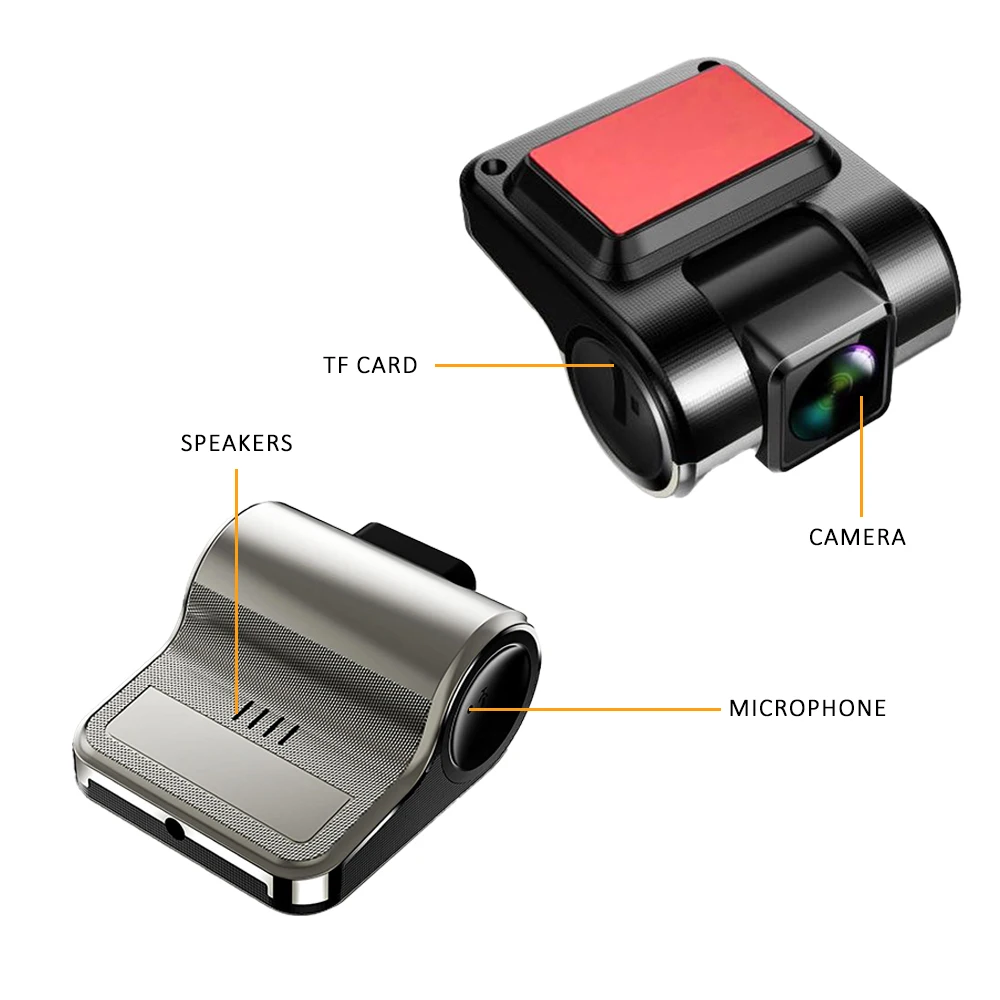
Built-in Screen: No
Camera Resolution: 1920x1080
Certification: CE,FCC
Chipset Manufacturer: DOGAINE
Data Storage Capacity: 64gb
Display: LCD
Frames Per Second: 20
GPS logger: NONE
High-concerned chemical: None
Input/Output: usb
Interface: USB 2.0
Is Batteries Included: No
Item Type: Car DVR
Loop-Cycle Recording Feature: Yes
Max External Memory: 64G
Maximum Video Frame Rate: 25
Memory Card Required Reding Speed: Class 10
NightShot Function: Yes
Number Of Lenses: 1
OSD Language: albanian,Arabic,Armenian,Azeri,Belarusian,Boolean text (Dutch South Africa),Bulgarian,Catalan,Chinese (Simplified),Chinese (Traditional),Croatian,czech,Danish,Dutch,English,ESTONIAN,Filipino,Finnish,French,Galicia,Georgian,German,Greek,Haitian Creole,Hebrew,hindi,hungarian,Icelandic,indonesia,Irish,Italian,Japanese,Korean,Latin,Latvian,Lithuanian,Macedonian,Malay,Maltese,Norwegian,PERSIAN,Polish,Portuguese,Romanian,RUSSIA,Russian,Serbian,Slovak,Slovenian,Spain's Basque,Spanish,Swahili,Swedish,THAI,Turkish,Ukrainian,Urdu India,Vietnamese,Welsh,Yiddish
Origin: Mainland China
Original Package: Yes
Pixels: ≤300Mega
Power Source: Corded Electric
Rear Camera: NONE
Screen Ratio: NONE
Special Features: G-Sensor,motion detection,Bult in GPS,Waterproof,Anti Vibration,Automatic White Balance,adas
Touch Screen: Yes
USB Dash Cam Auto Recorder: HD 1080p
Video Code: H.264
Video Format: MOV,MPEG-4,MP4
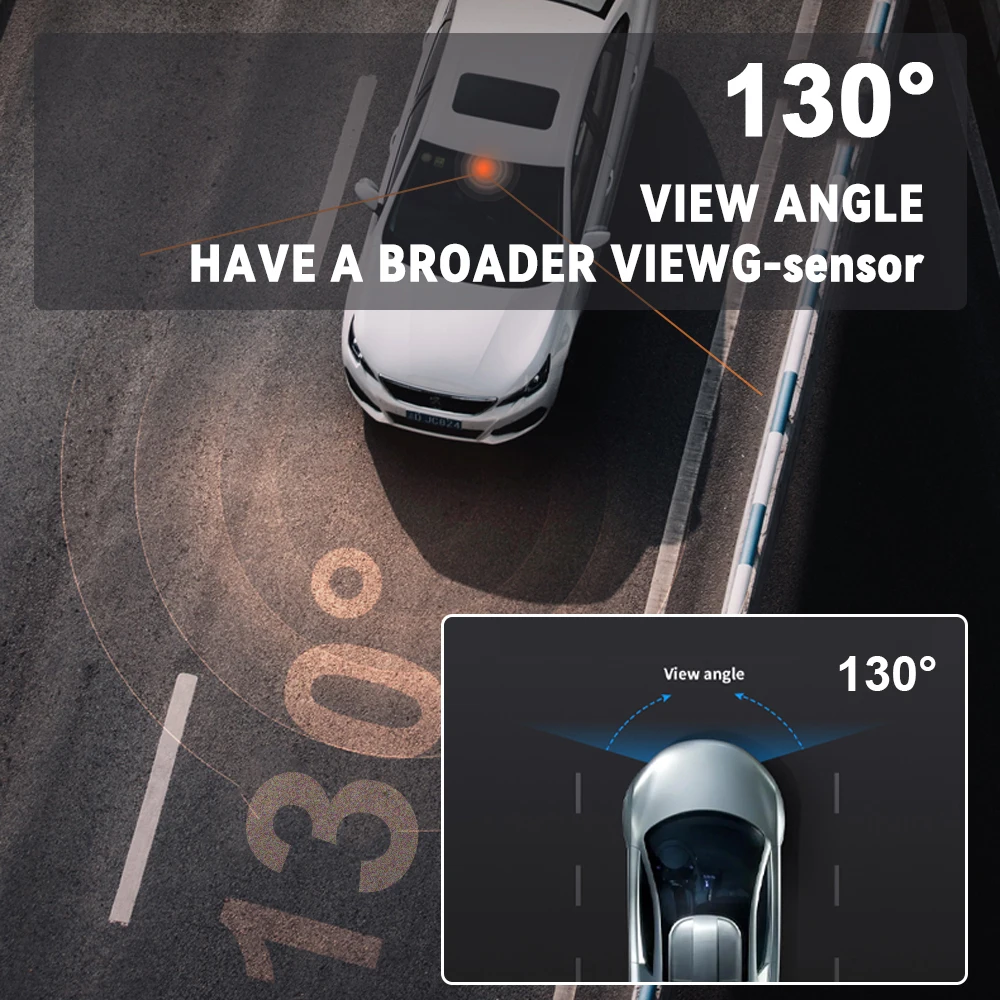
View angle: 130°
Working Temperature: -35°℃-70°℃
 Features:
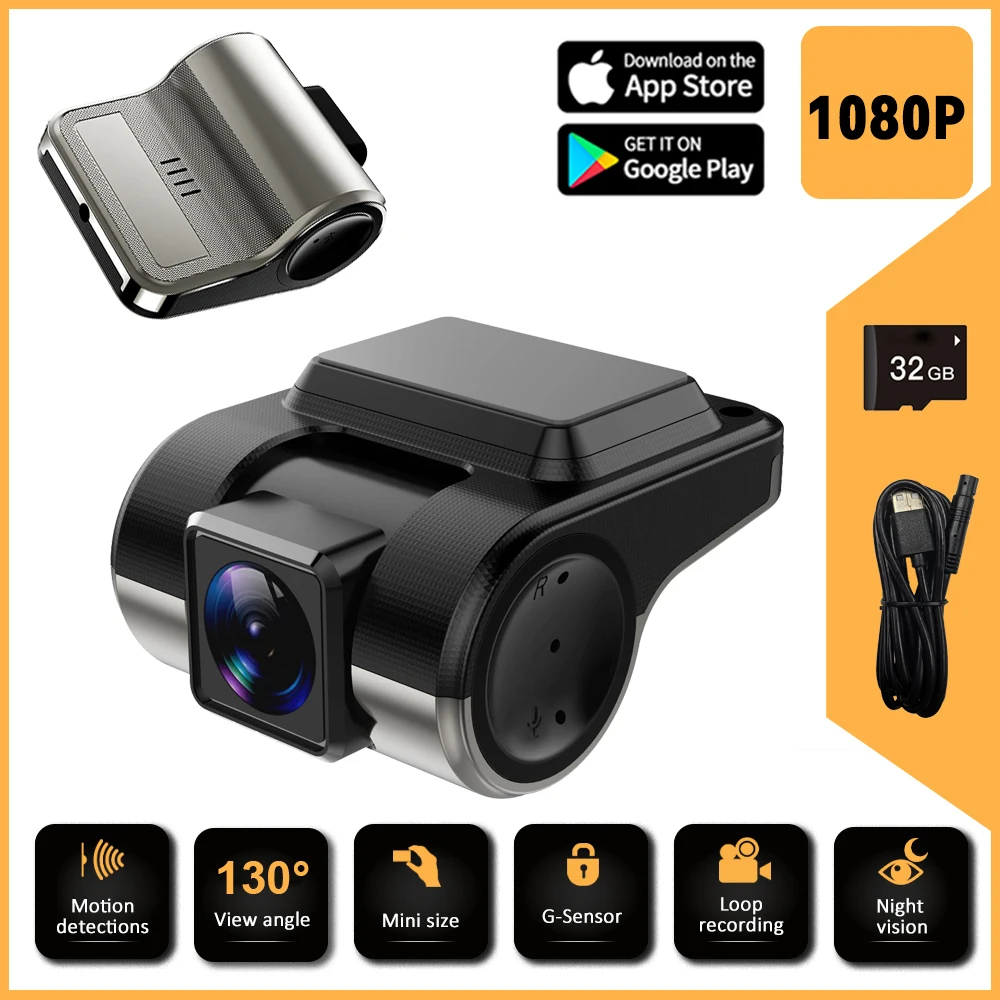
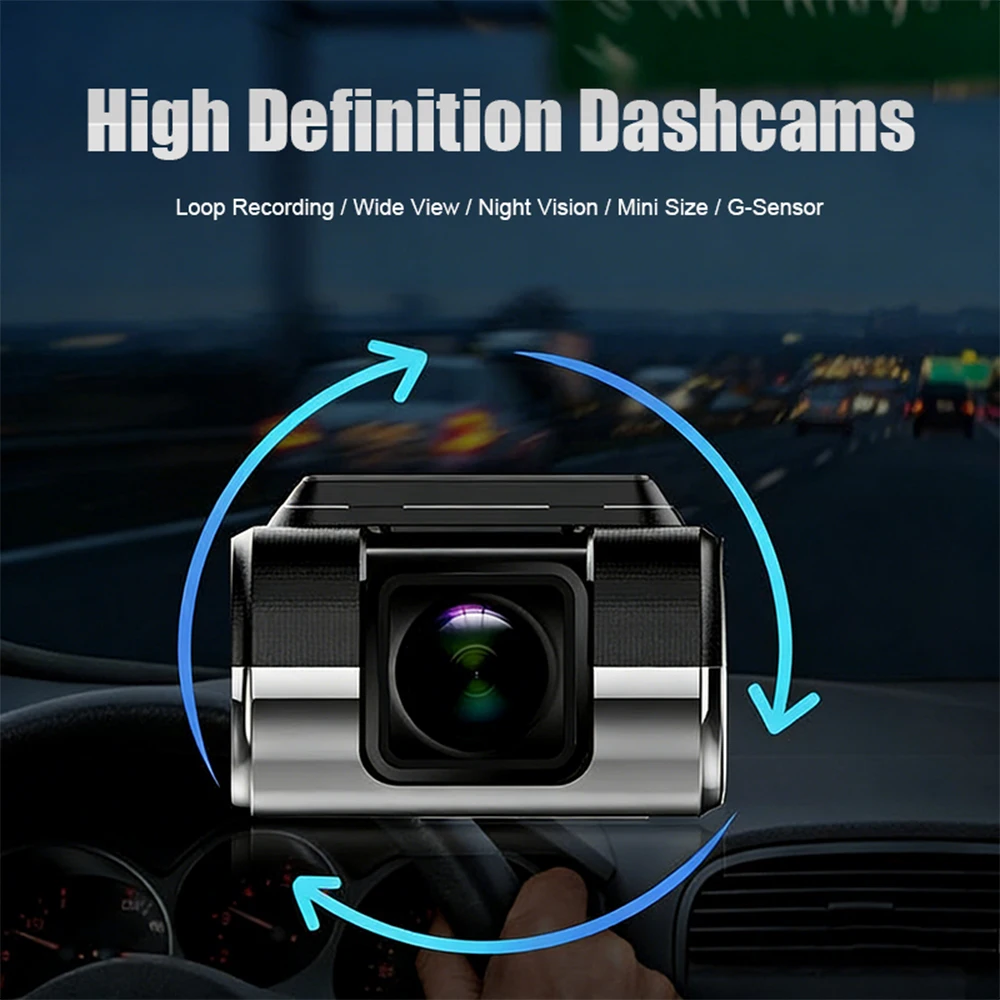
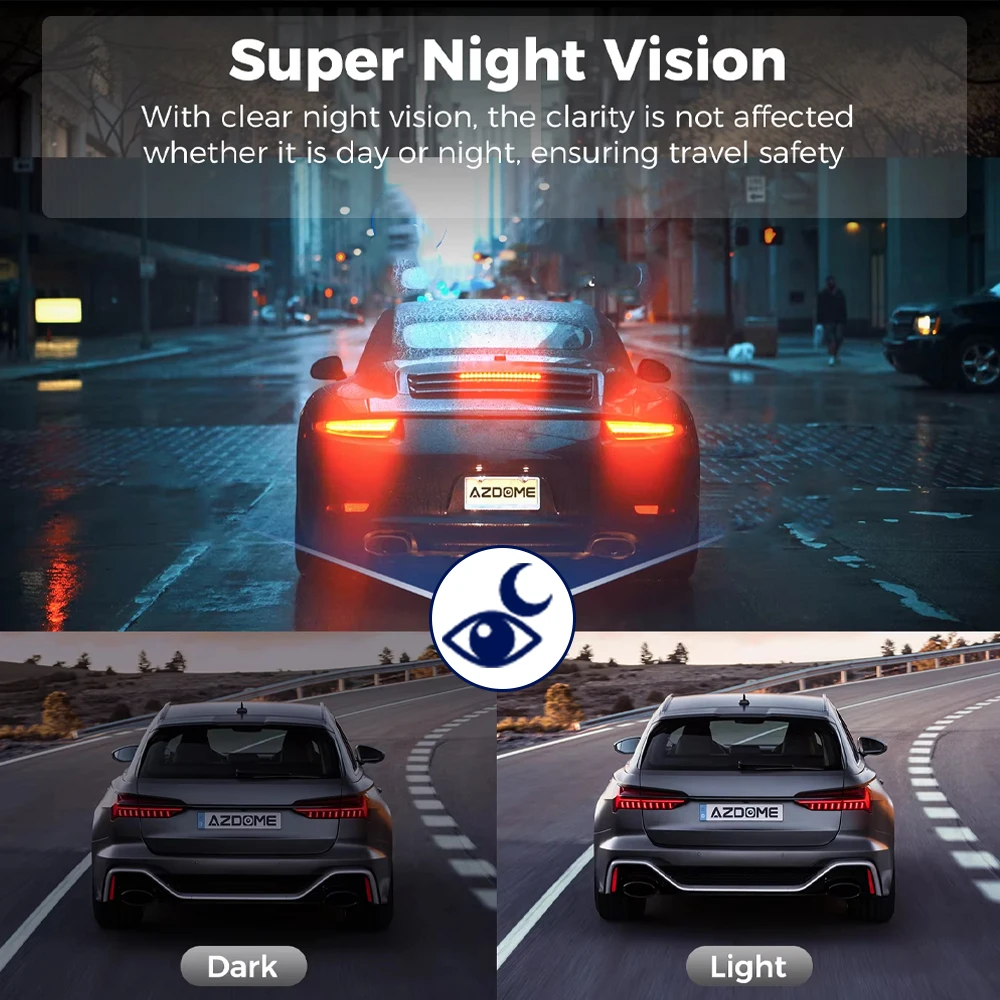
1.Excellent night vision/day vision and HDR: The built-in camera is equipped with infrared LED lights and F2.0 aperture to handle low-light conditions, ensuring perfect video pictures even in the dark cabin at night. The front camera is equipped with HDR technology, with excellent exposure and dynamic range in low-light conditions.
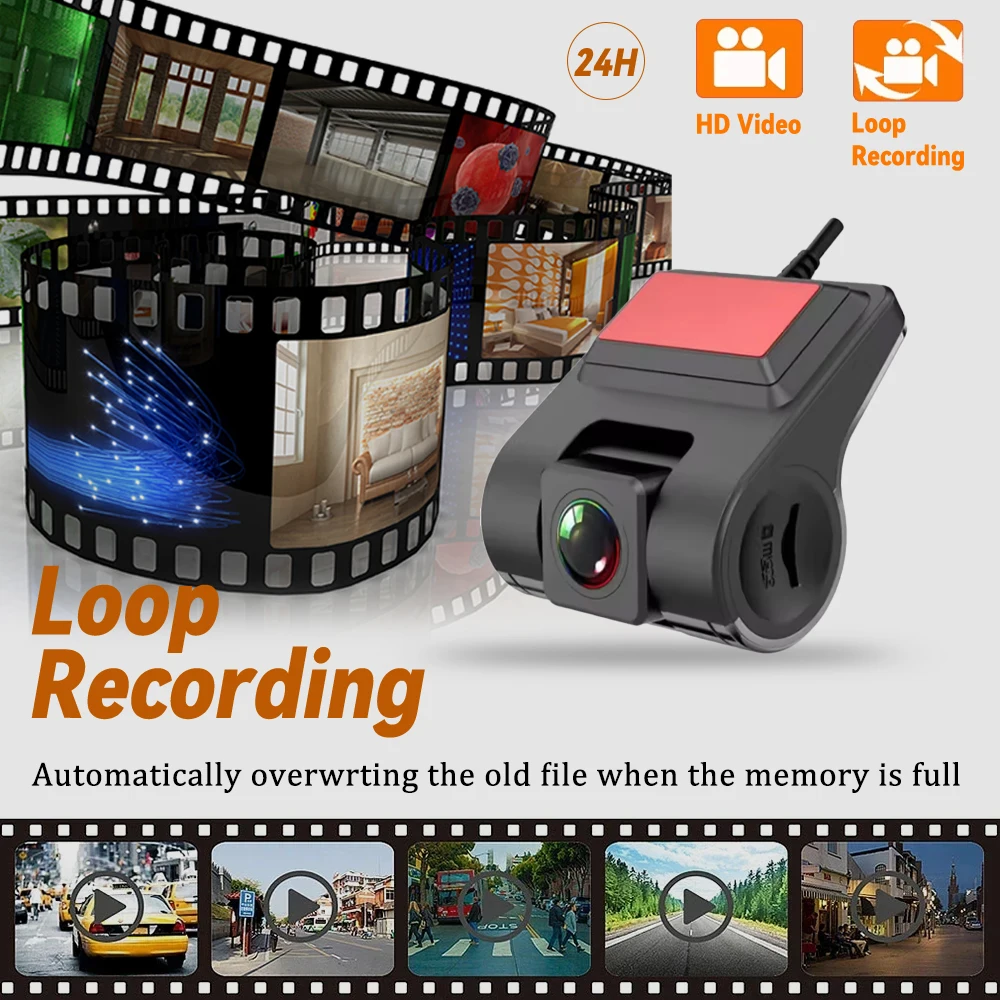
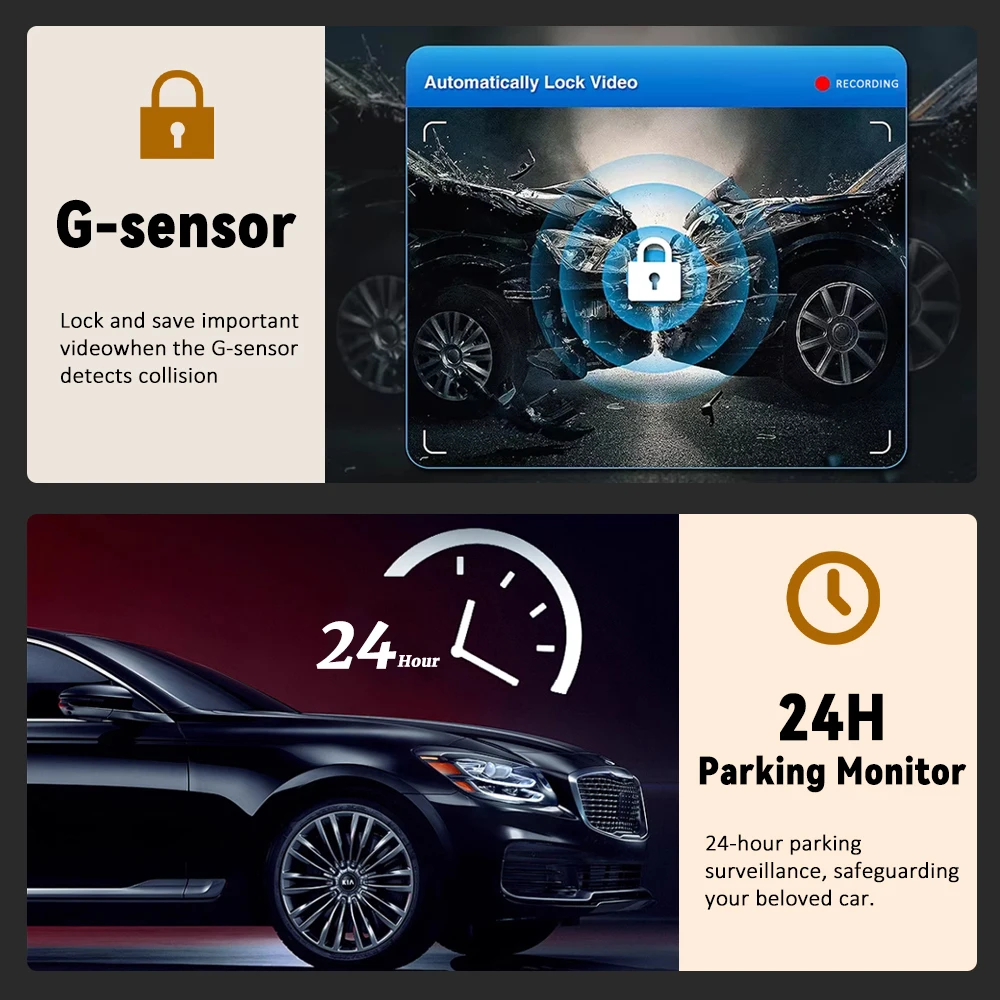
2. Loop recording with G-sensor: Continuous loop recording will automatically overwrite the oldest recording, no need to worry about insufficient memory card space. Combined with G-sensor.which can be used as evidence for car accidents and insurance claims.
3. • High-definition recording at 1080P,The Car DVR records in high-definition at 1080P, capturing clear and detailed footage of your driving experience
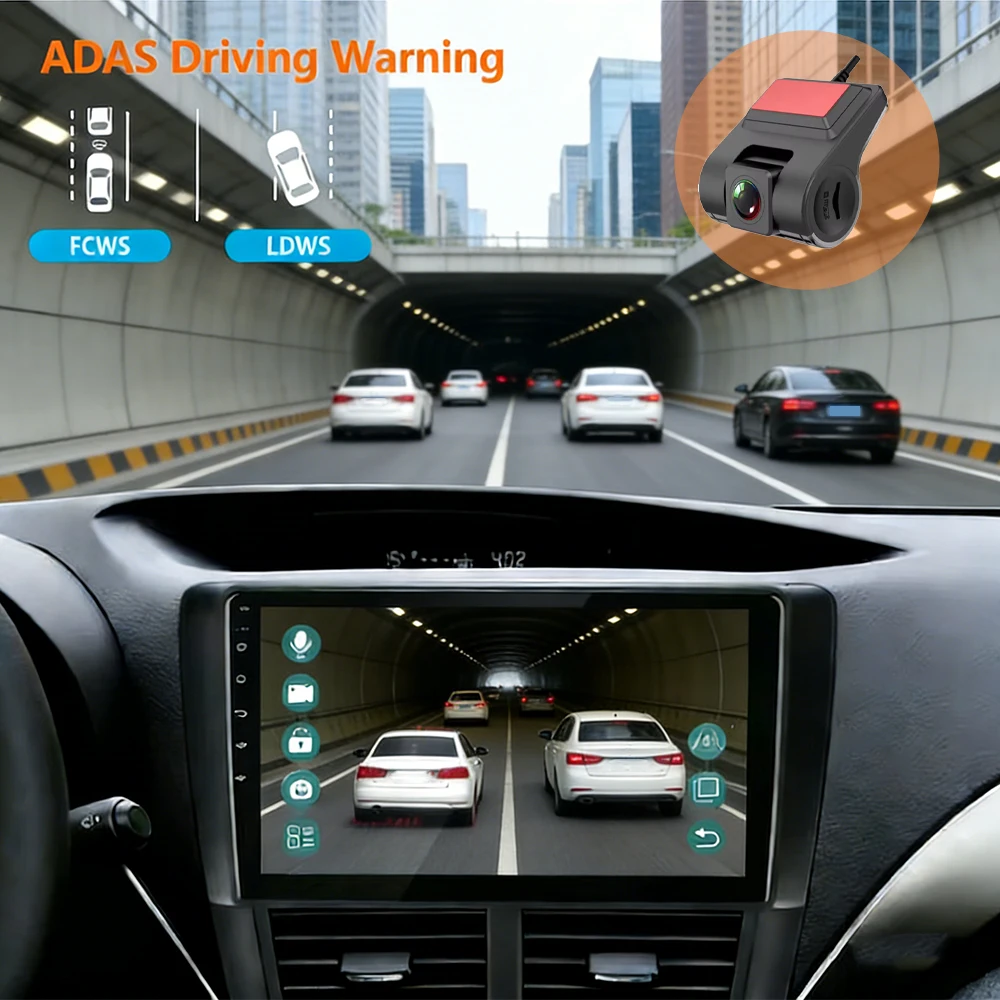
4.The product is ADAS driving assistance and prompts the vehicle ahead to start. The start will be automatically recorded, and it has a multifunctional recorder with night vision and cyclic recording
 product is an ADAS driving assistance system used to prompt the vehicle ahead to start, and requires a WiFi connection from the vehicle's infotainment system to use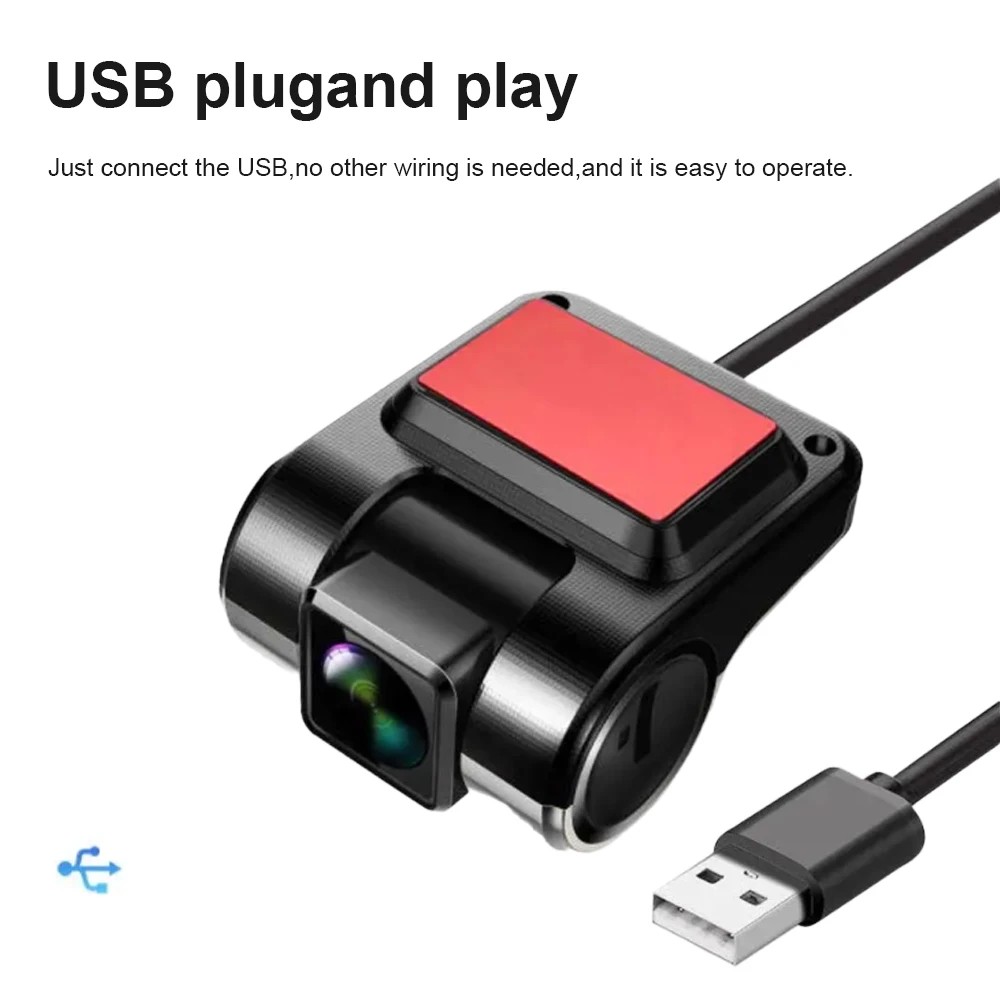

Packing List
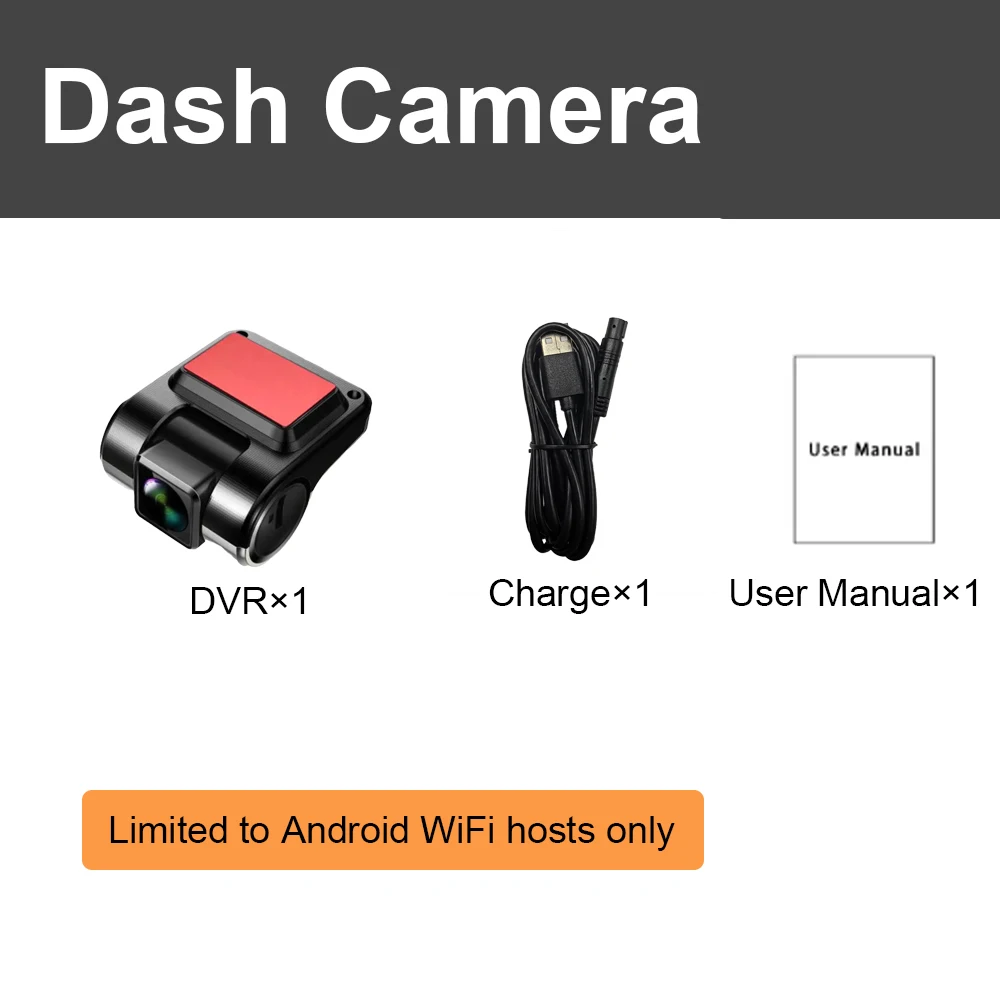
●1 x DVR
●1 x Power charger
●1 x User manual
●1 x With Meters Cable
Installation Diagram
1.Secure the recorder to the windshield of the vehicle , recommended near the rearview mirror area
2.Hide the power cord in the window gap along the red line in the figure above
3.Insert the car charge wire into the cigarette lighter, connect the power supply, and complete the installation
Please note: the test power to use the car charger in the package, please do not use a cell phone charger or rechargeable treasure, when replacing the adapter, please match the car charging voltages in the package, mismatched voltages may lead to failure to work properly.
Notes:
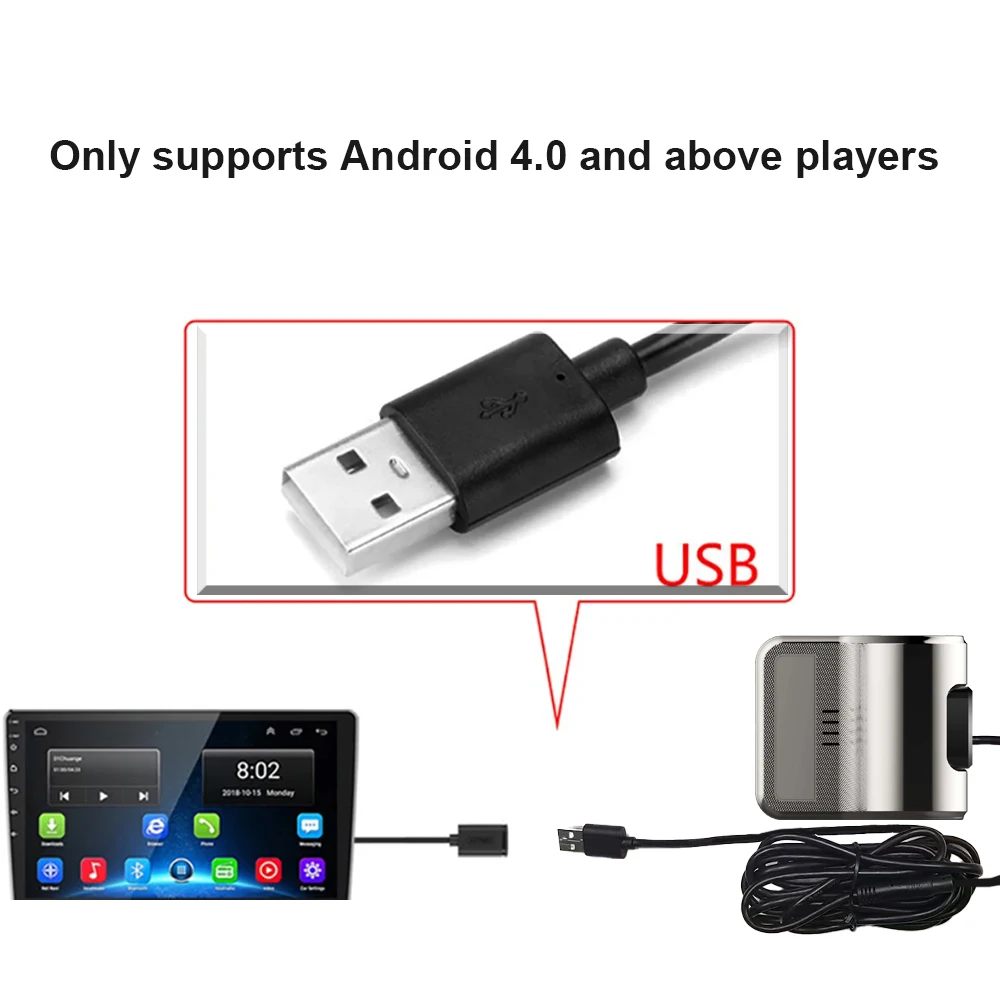
Normally choose the random USB interface of the large screen host machine of connection,eg:USB1,Replace USB2 interface if the equipment can not be normally found
FAQ
Q: How do I install the DVR application?
A: We have reinstalled the application in dvr, just connect to your car radio, enter the file manager, find the Buildwin USB drive, click to enter, and then click to run "uCardvr.apk" to install and then complete;
Q: How to make ADAS work properly?
A: Enter the settings of the DVR application, find ADAS, and turn on all functions. It may be necessary to update the software. It is easy. Just connect to the wifi and click Update;
Q: Can DVR be connected to a phone or have wifi / Bluetooth capabilities?
A: No, not all of them are supported;
Q: How to watch the video recorded by DVR?
A: DVD is just to watch the video in real time. If you want to watch the video, please remove the SD card and then use a card reader to connect to the computer to watch
Details
This product is crafted with quality materials to ensure durability and performance. Designed with your convenience in mind, it seamlessly fits into your everyday life.
Shipping & Returns
We strive to process and ship all orders in a timely manner, working diligently to ensure that your items are on their way to you as soon as possible.
We are committed to ensuring a positive shopping experience for all our customers. If for any reason you wish to return an item, we invite you to reach out to our team for assistance, and we will evaluate every return request with care and consideration.
Shop The Full Collection


