

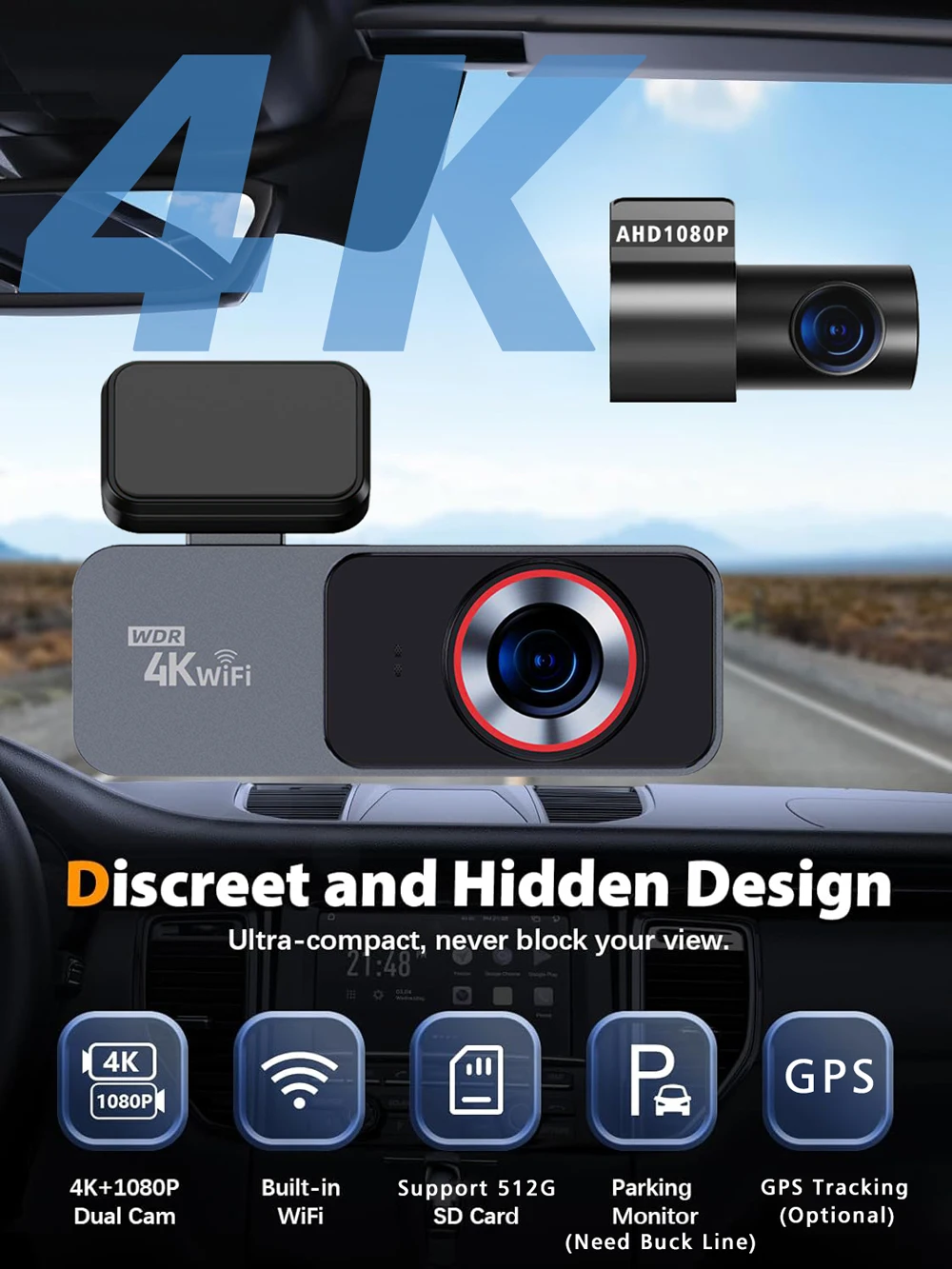
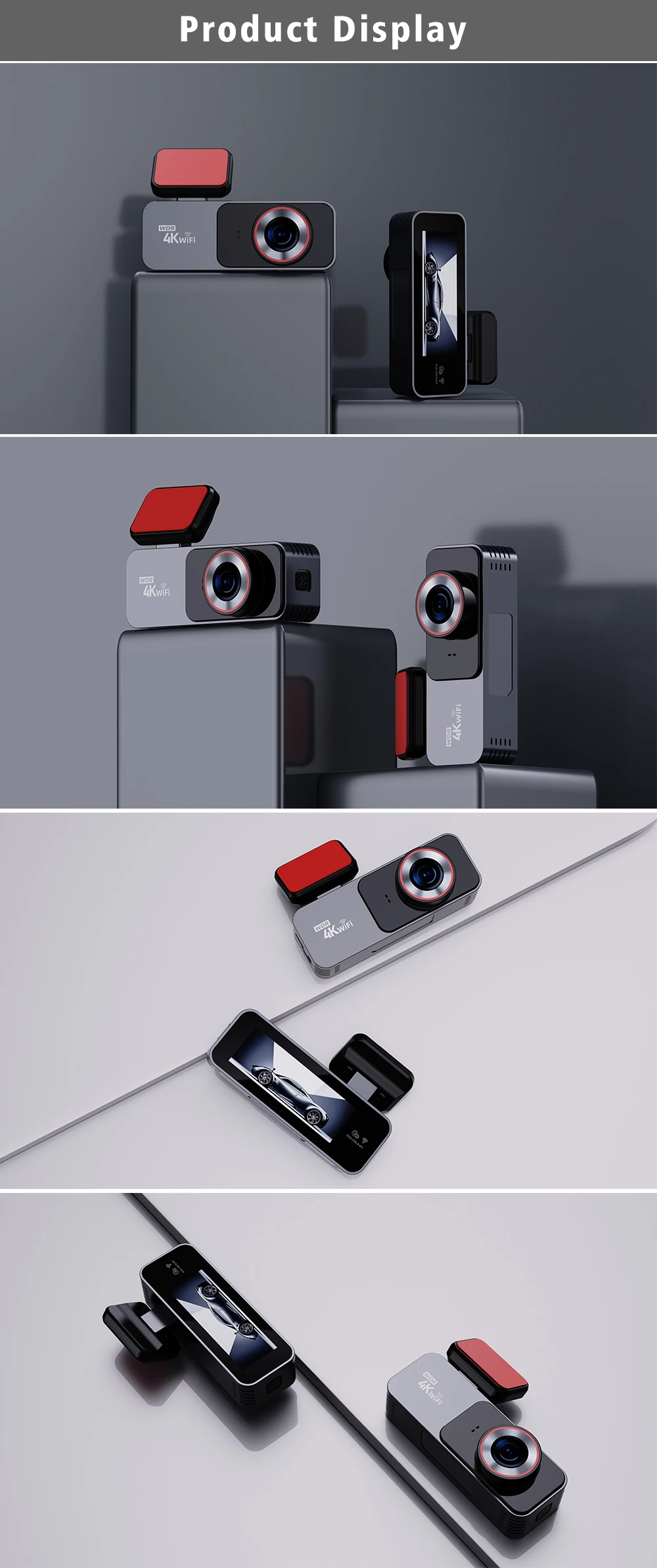
Dash Cam 4K 3840*2160P Car DVR WIFI GPS Mini Dual Lens Camera Front and Rear Dashcam Black Box Video Drive Recorder Night Vision


Dash Cam 4K 3840*2160P Car DVR WIFI GPS Mini Dual Lens Camera Front and Rear Dashcam Black Box Video Drive Recorder Night Vision
SPECIFICATIONS
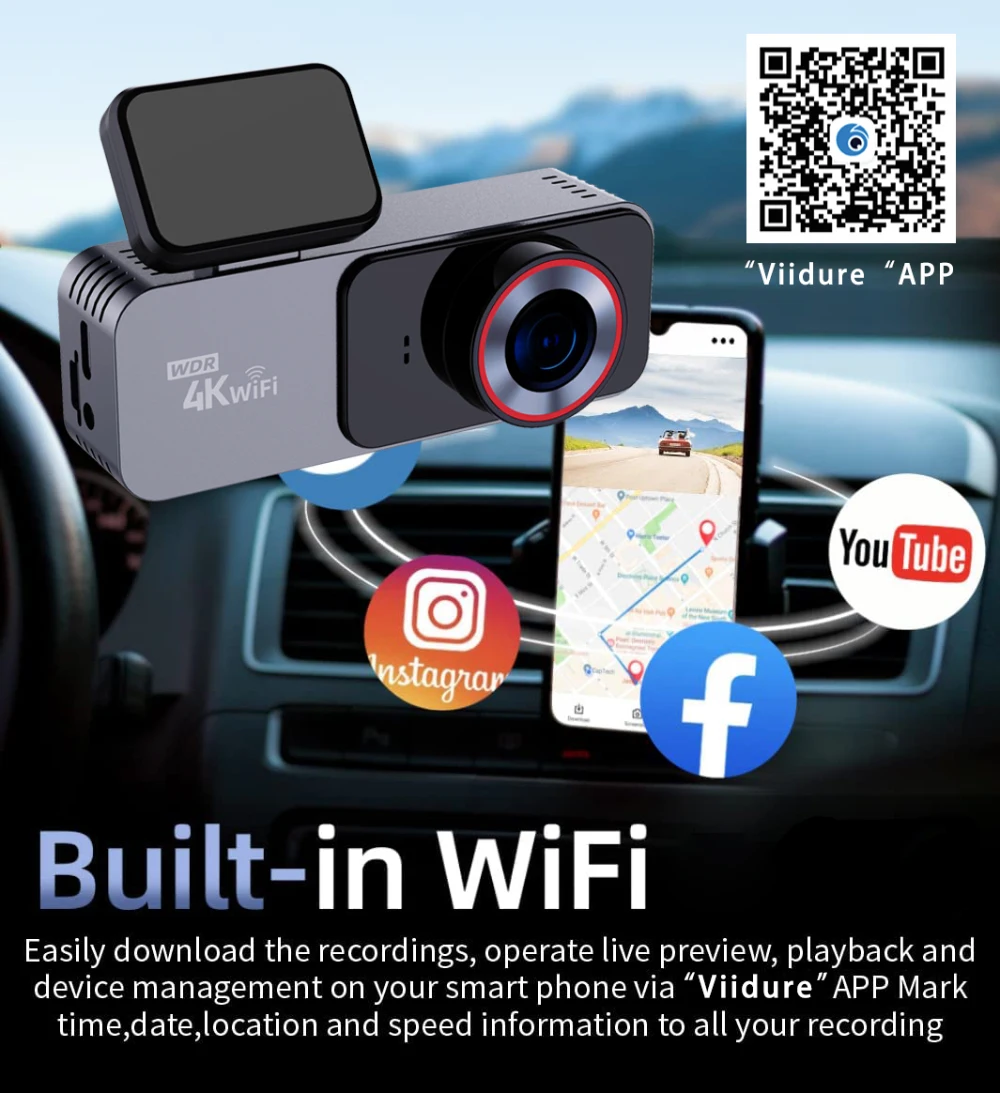
APP Compatibility: Viidure
Assembly Mode: Portable Recorder
Audio Recorded: Yes
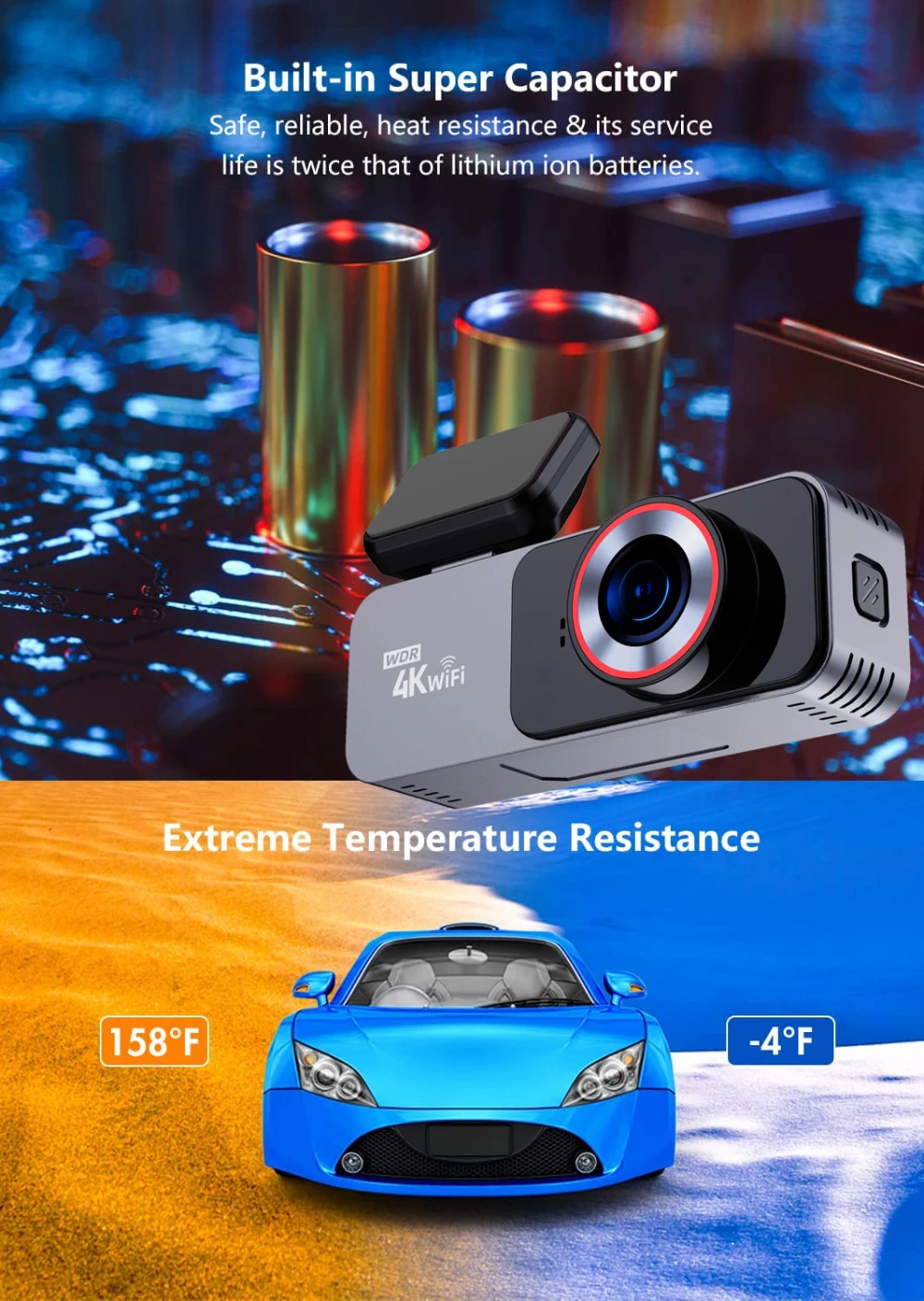
Battery: Built-In
Brand Name: MYOLSD
Built-in Screen: Yes
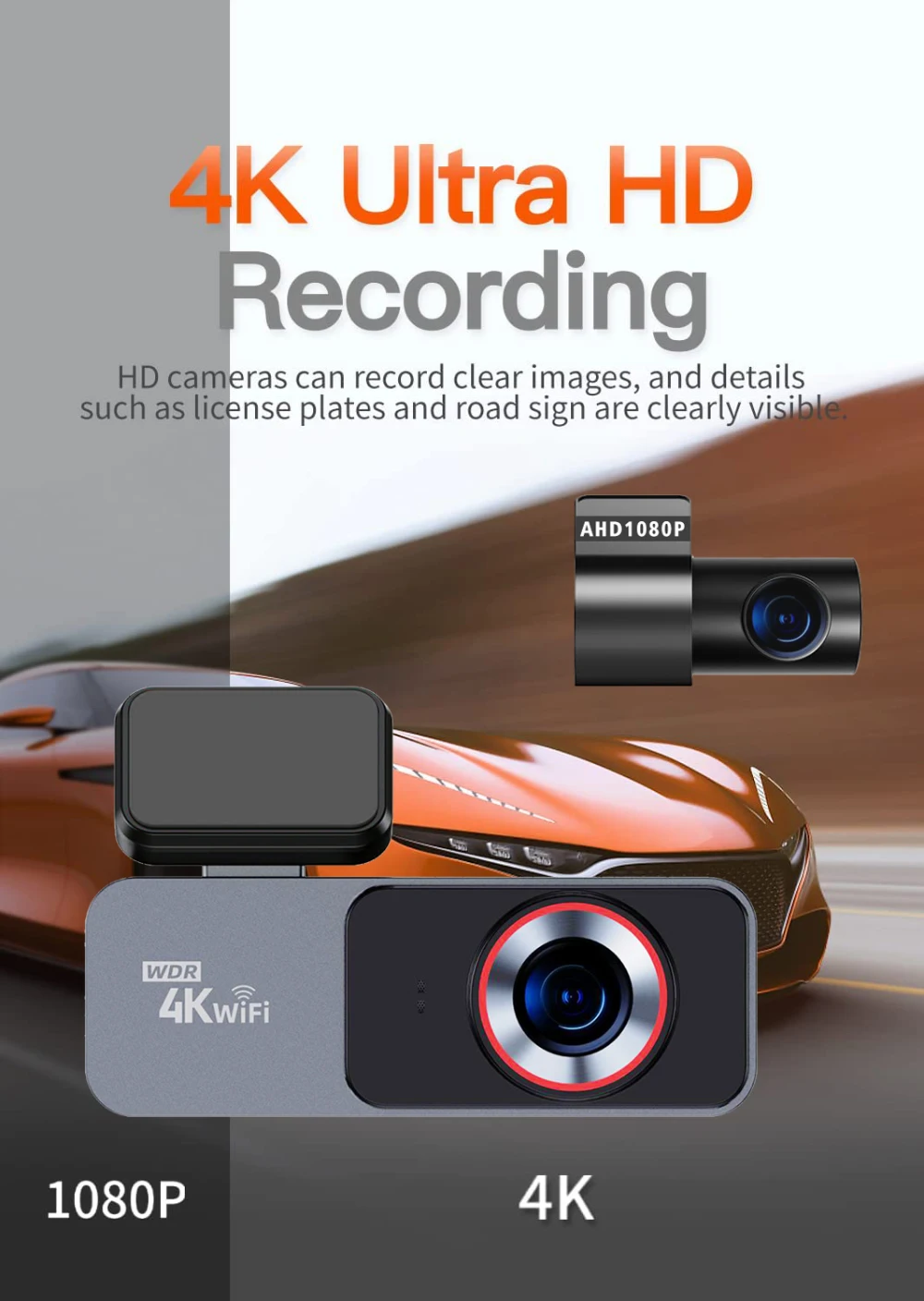
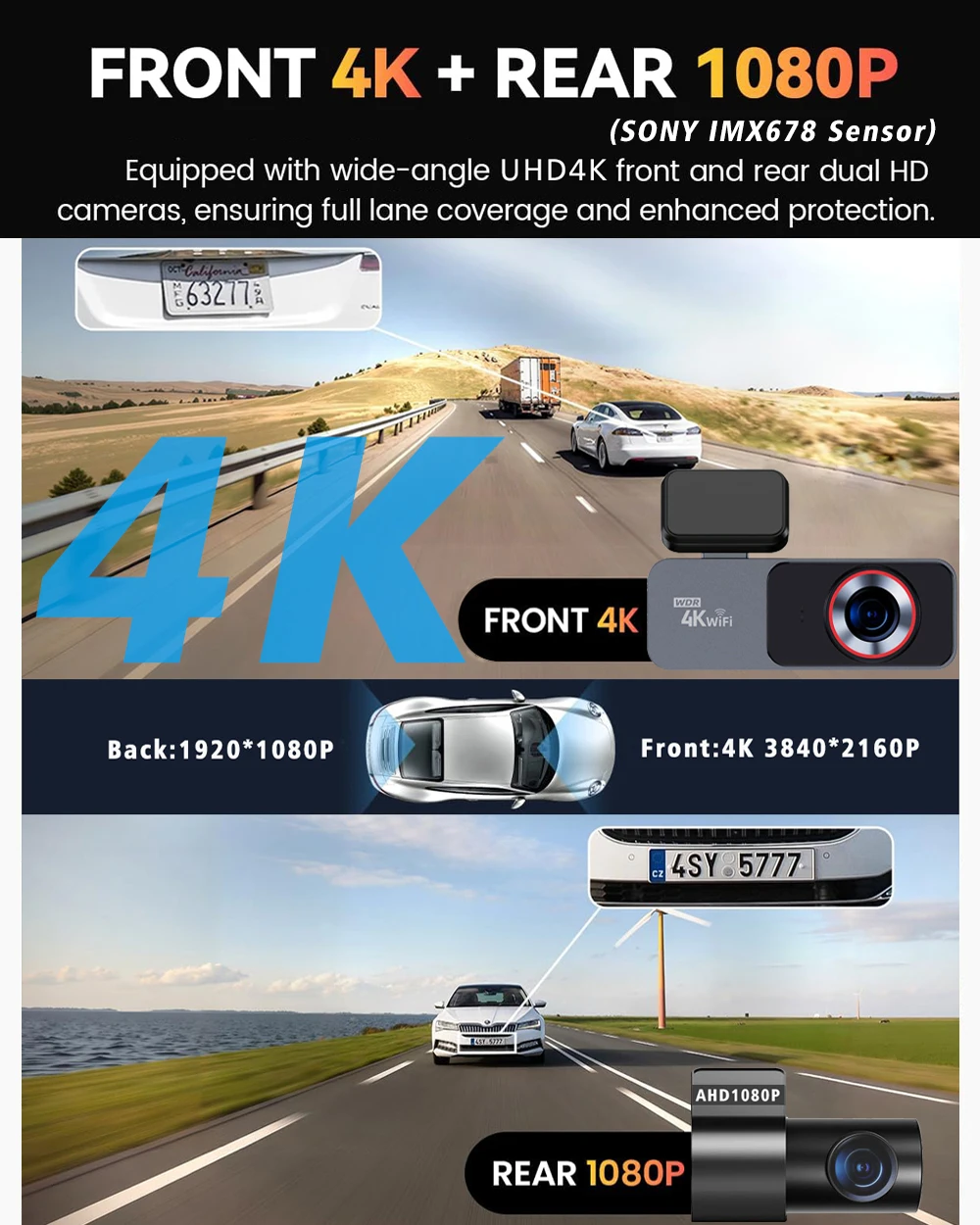
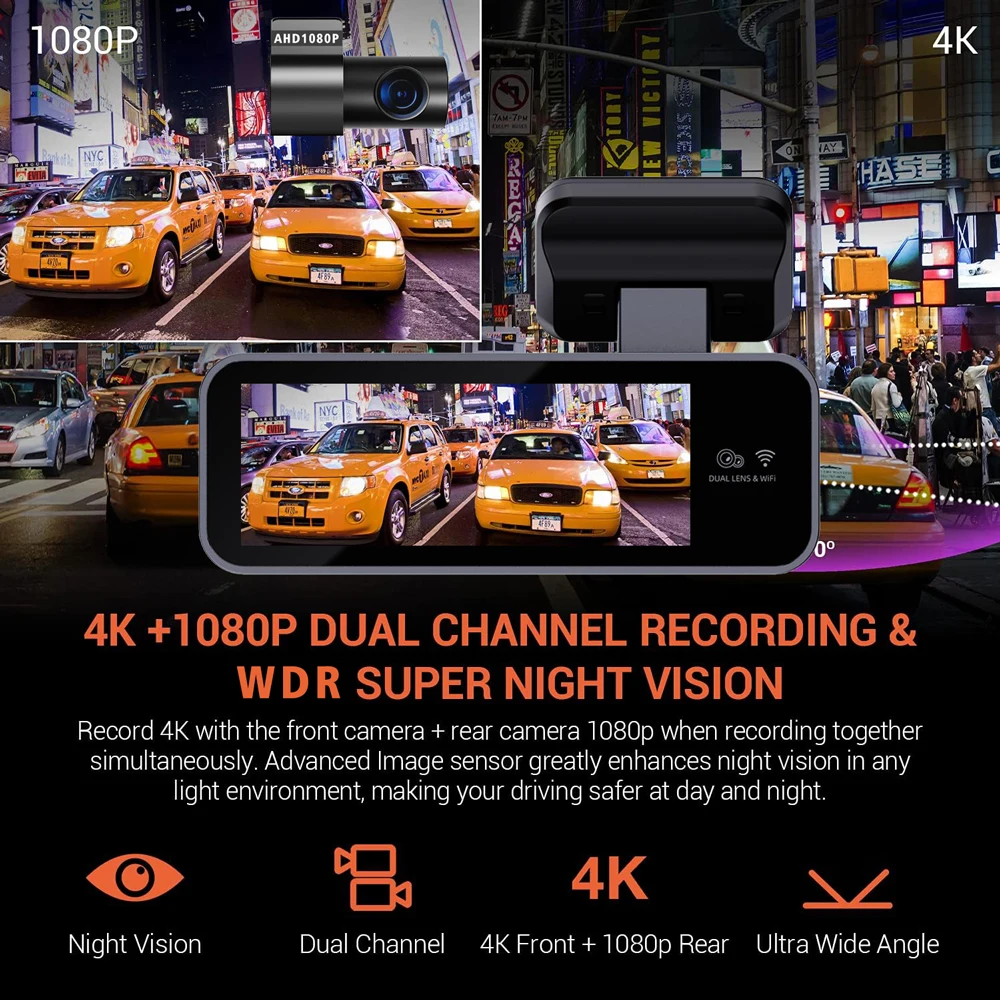
Camera Resolution: 3840x2160
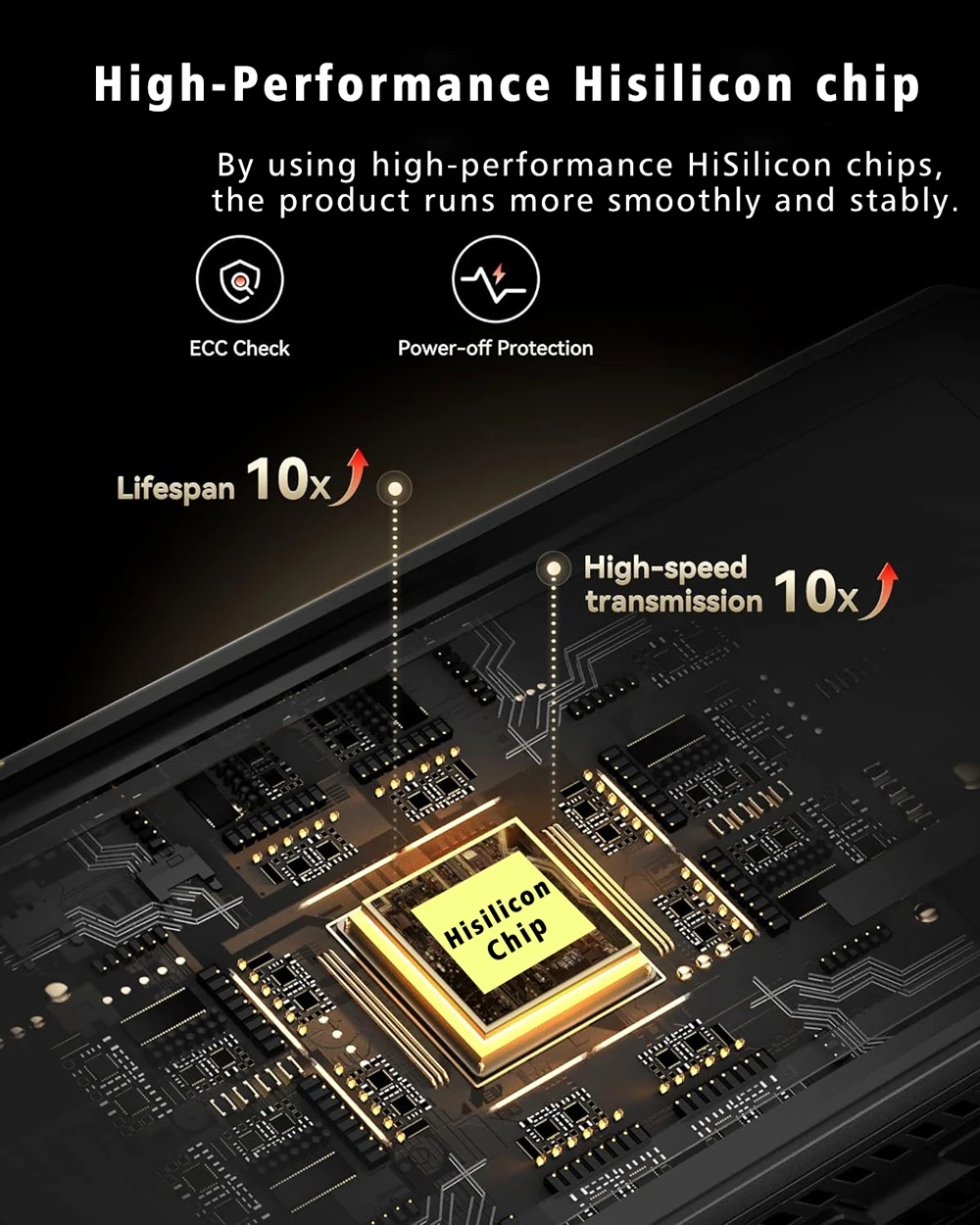
Chipset Manufacturer: HISILICON
Choice: yes
Frames Per Second: 30
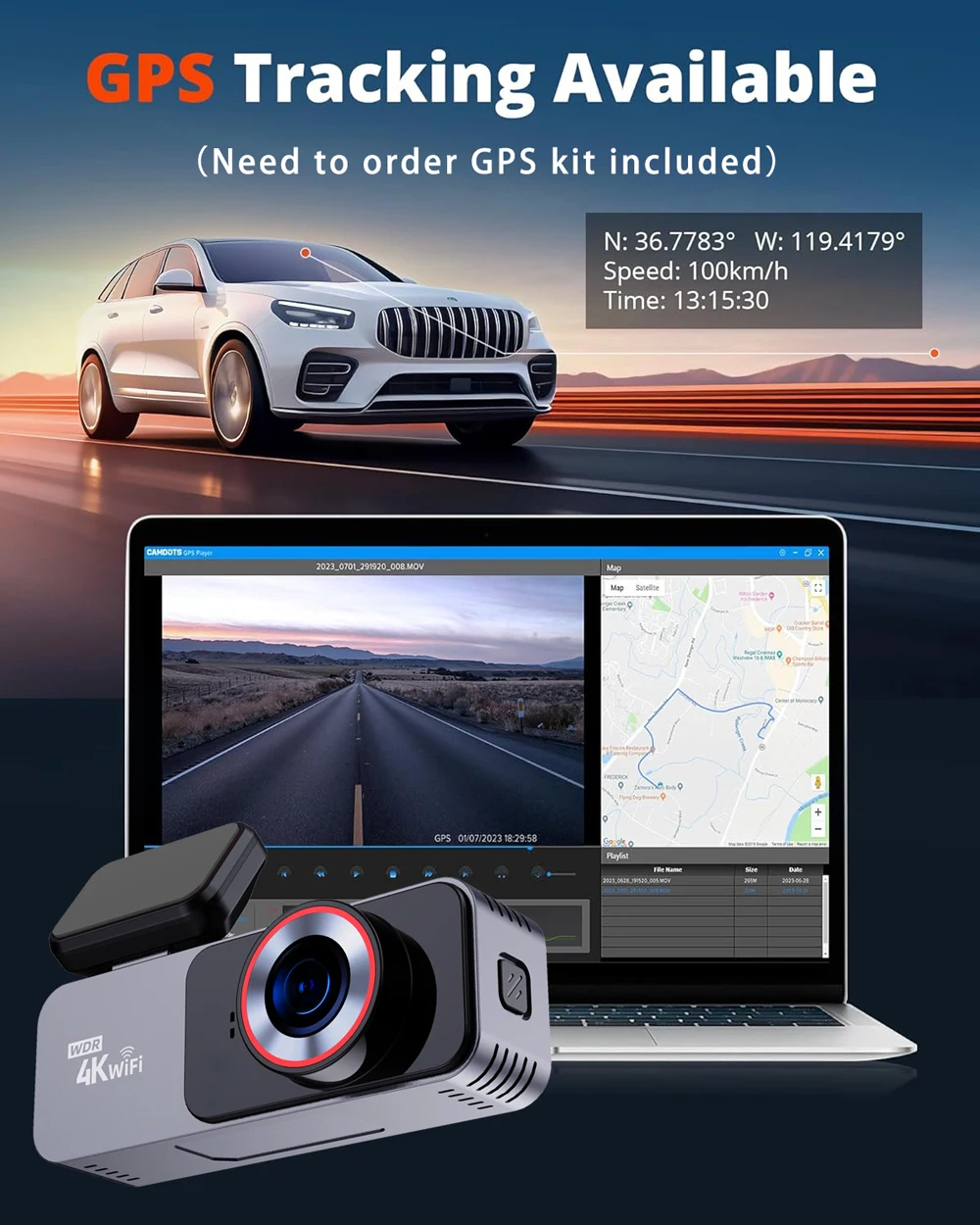
GPS logger: External
High-concerned chemical: None
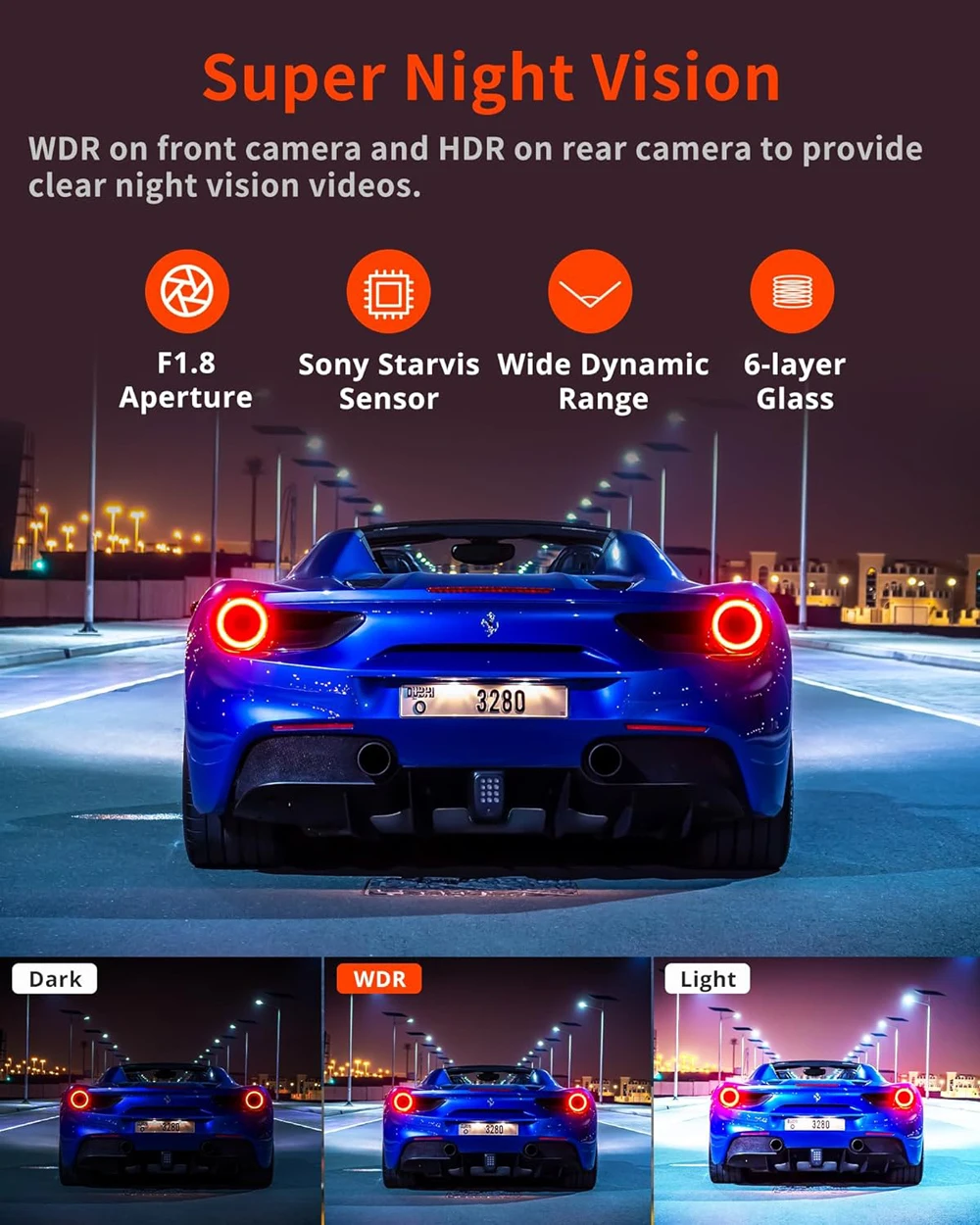
Imaging Sensor: SONY Starvis 2 IMX678
Is Batteries Included: No
Item Type: Car DVR
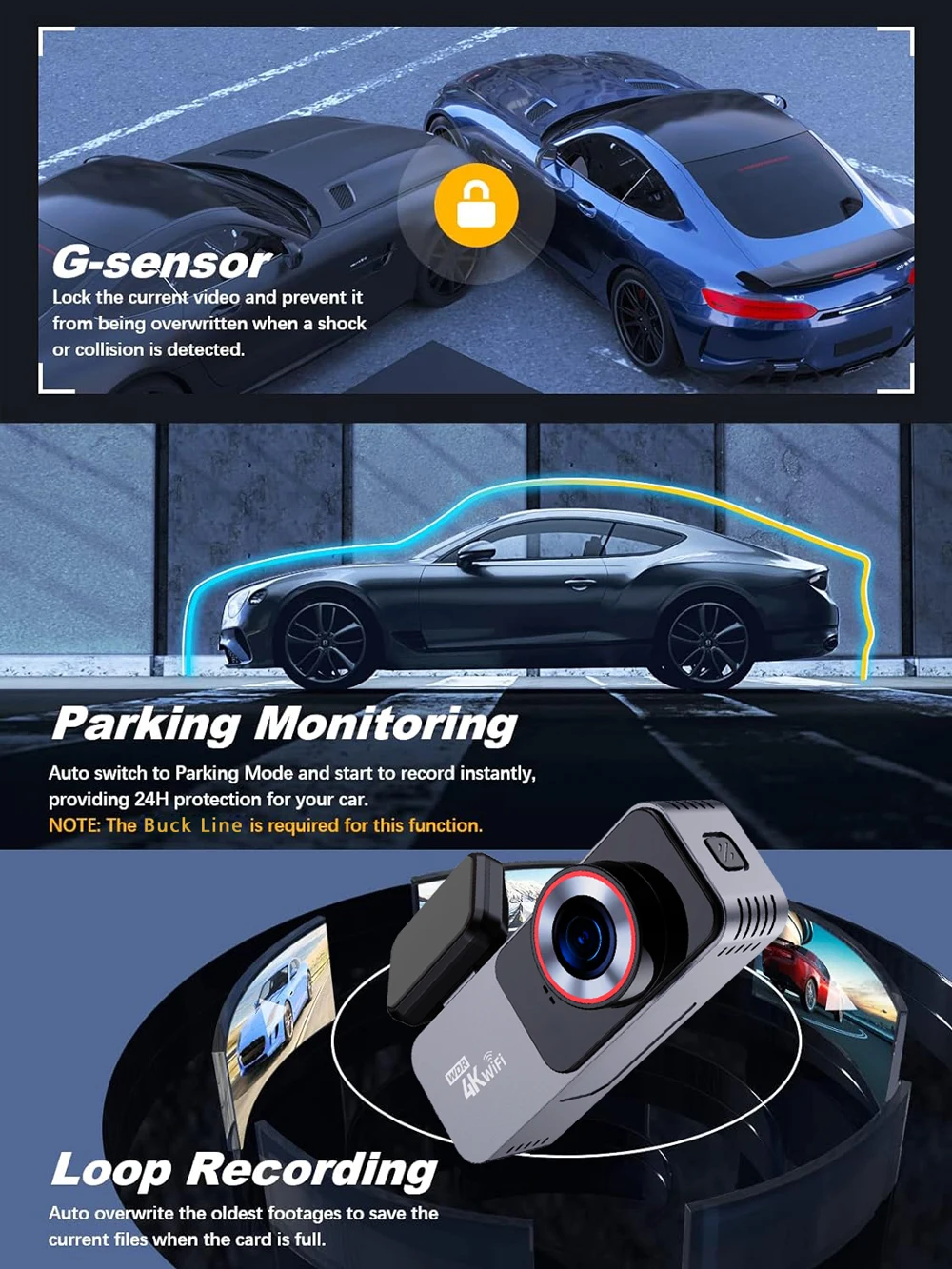
Loop-Cycle Recording Feature: Yes
Max External Memory: 512G
Memory Card Required Reding Speed: Class 10
NightShot Function: Yes
Number Of Lenses: 2
OSD Language: Arabic,Belarusian,Chinese (Simplified),Chinese (Traditional),czech,Dutch,English,French,German,Hebrew,indonesia,Italian,Japanese,Korean,Polish,Portuguese,Russian,Spanish,THAI,Turkish,Ukrainian,Vietnamese
Origin: Mainland China
Original Package: Yes
Pixels: 1800Mega
Power Source: Corded Electric
Rear Camera: Yes
Special Features: G-Sensor,Digital zoom,motion detection,sd/mmc card,Anti Surge Voltage Impact,Anti Fog,Anti Vibration,Real Time Surveillance,Automatic White Balance,Wide Dynamic Range,wifi function,Parking Monitor,Speed and Coordinates Recording,3D DNR,External GPS
Touch Screen: Yes
Video Format: TS
View angle: 170°
About WIFI Connection:
1. Before connecting to the DVR on the phone, it is necessary to install the WIFI connection app "Viidure APP" in advance.You can search for "Viidure" installation in the Apple App Store or Google App Market.
2.Open the "Viidure" APP on your phone, enter the configuration mode, turn on the wifi function of the phone, follow the prompts to find the SSID wifi signal of the DVR and enter the password(12345678) to connect;
3.After successful configuration, you can connect and operate the DVR through the "Viidure" APP.
About 24-Hour Parking Monitoring:
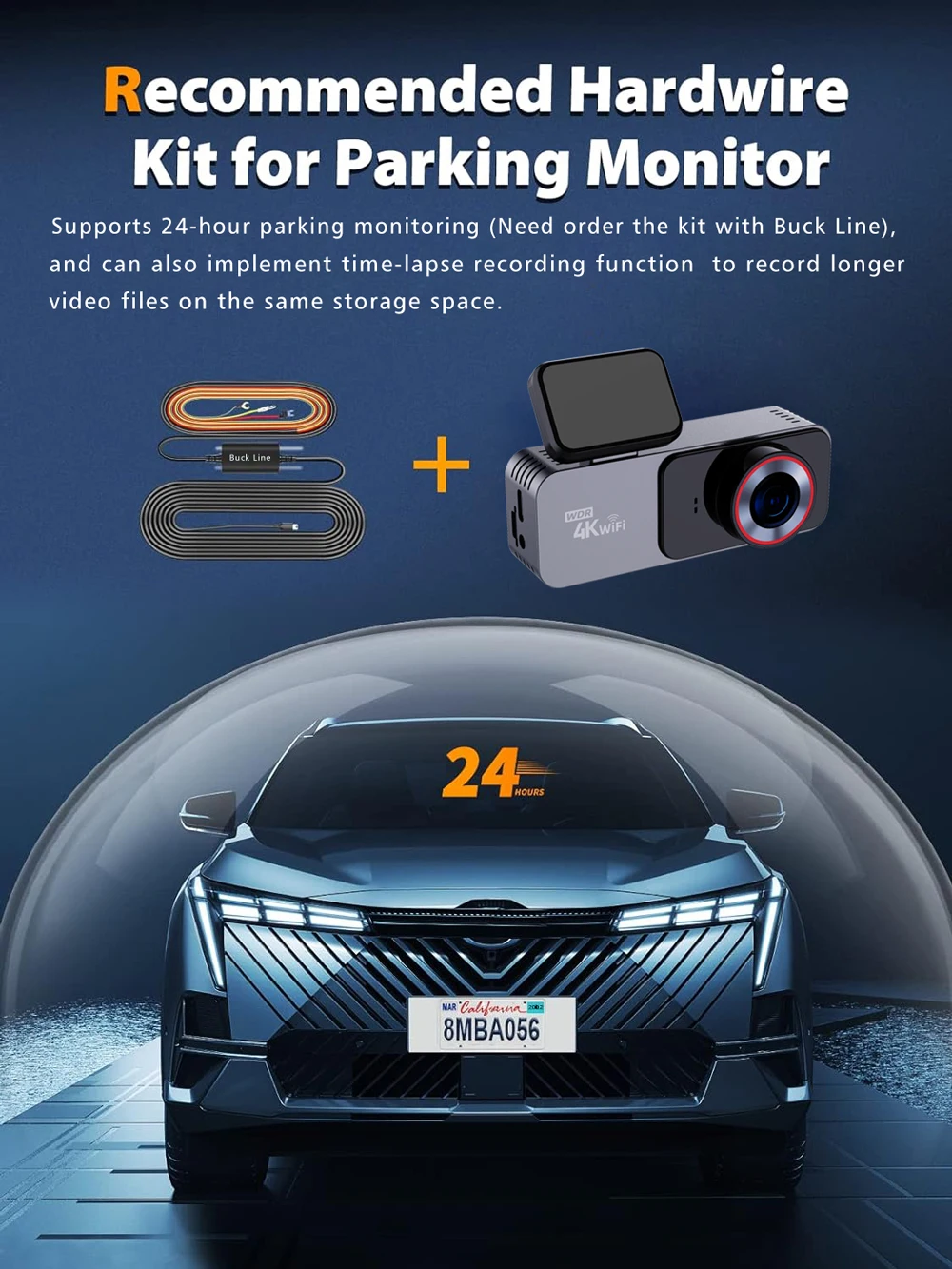
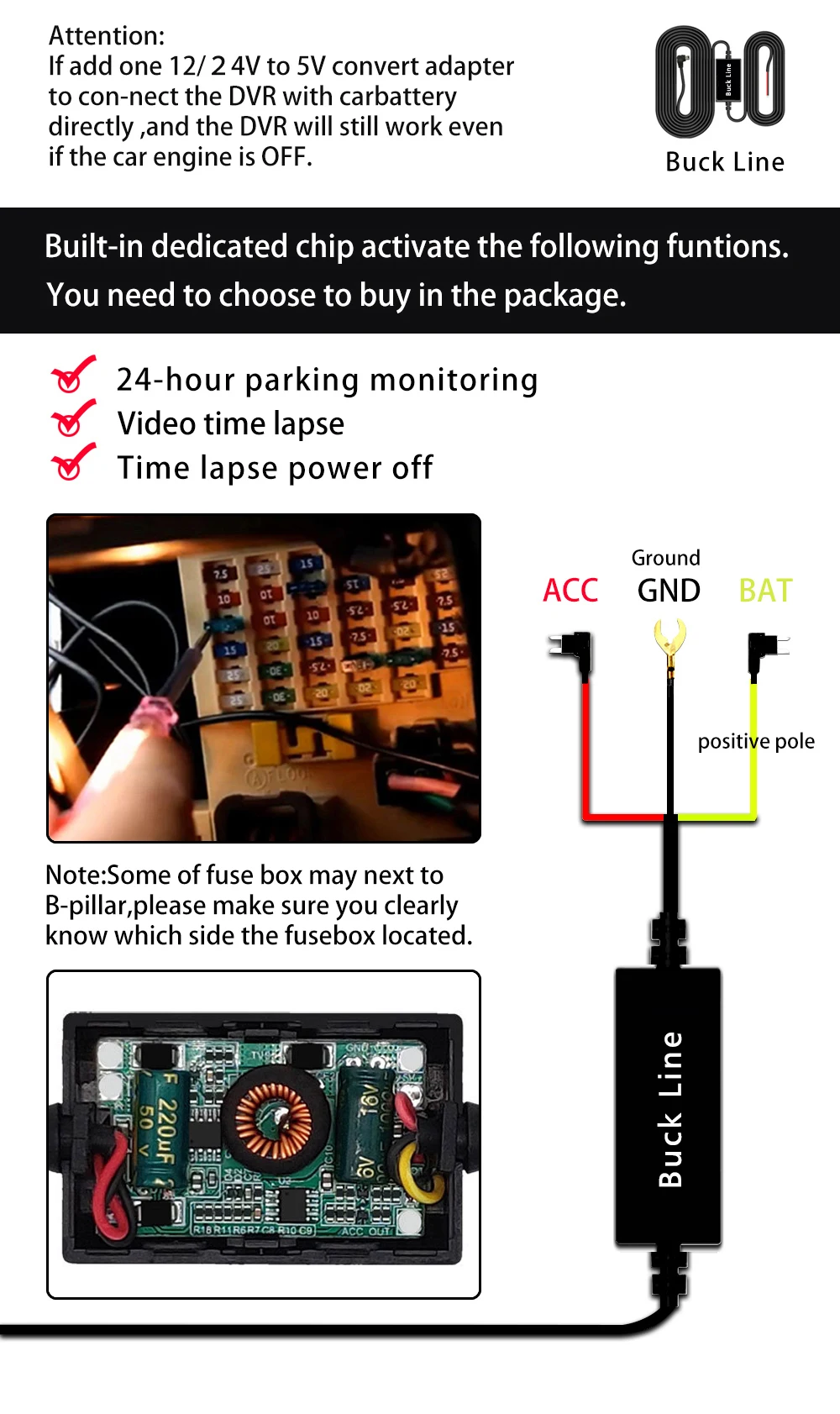
If you need the 24 hour parking monitoring function, you can order the corresponding Buck Line accessories to replace the car charger.Through Buck Line, the DVR power can be obtained directly from the car battery or car ACC, so that the DVR can maintain normal recording work even when the car is turned off.(Since different car models have different battery interfaces or ACC interfaces, it is not recommended to install it by yourself. It is recommended to find a professional to install the Buck Line.)
About The Installation And Use Of GPS:
1. Connect the GPS module to the DVR;
2. Install the DVR on the car and start the recording mode. Start the car outdoors and drive for a certain distance. The GPS module will automatically capture the satellite signal and the DVR will automatically record the video with the GPS driving track.
Video Playback Of GPS Tracks:
1. Install the GPS dedicated video player "GX Player" on your computer. Please enter the link below in your computer browser to download and install;
Download link: http://www.sunningsoft.com/en/pcgps.html
2. Open the recorded DVR video with GPS track information on the computer through "GX player" to play back the GPS driving track.


Details
This product is crafted with quality materials to ensure durability and performance. Designed with your convenience in mind, it seamlessly fits into your everyday life.
Shipping & Returns
We strive to process and ship all orders in a timely manner, working diligently to ensure that your items are on their way to you as soon as possible.
We are committed to ensuring a positive shopping experience for all our customers. If for any reason you wish to return an item, we invite you to reach out to our team for assistance, and we will evaluate every return request with care and consideration.
Shop The Full Collection


