

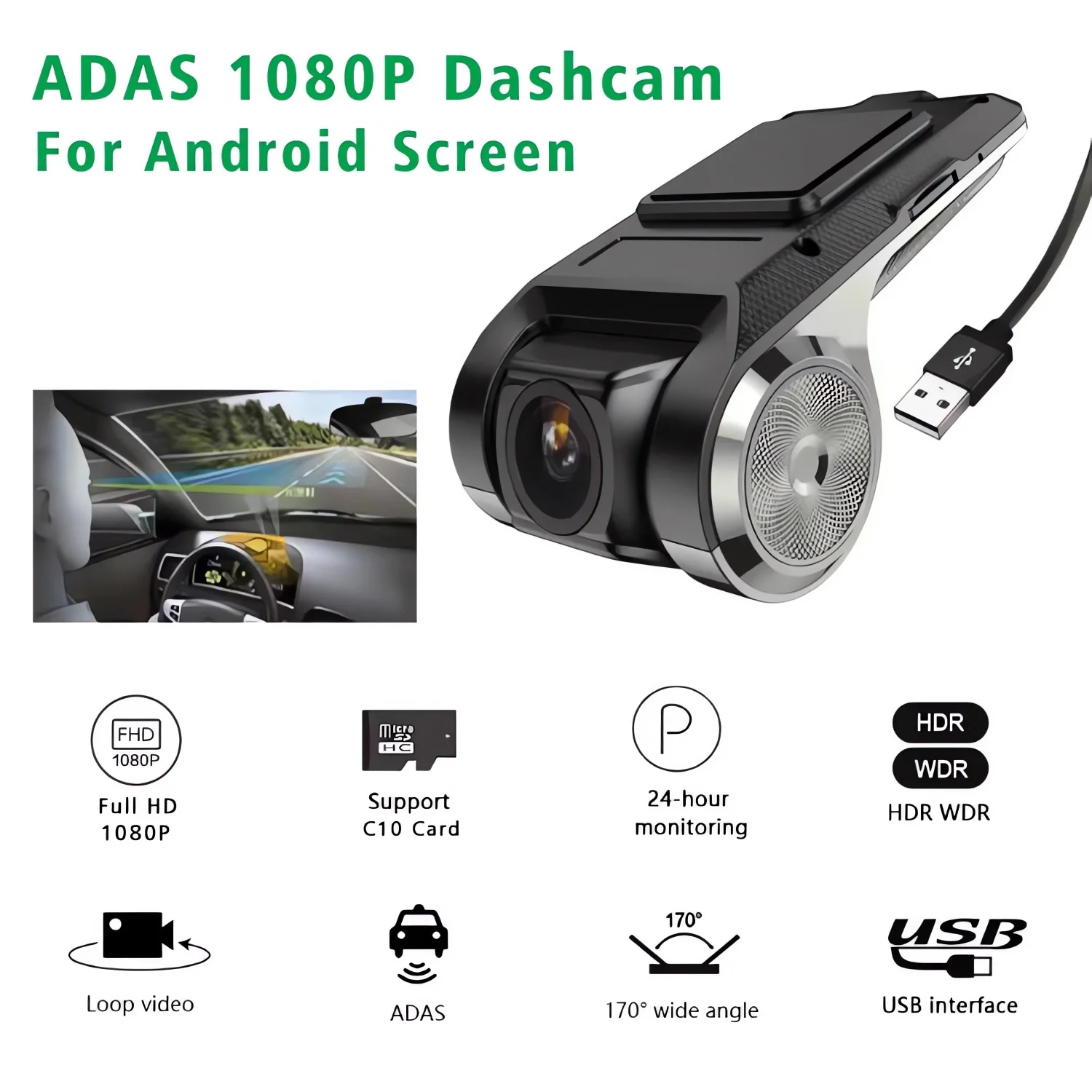
HD Car DVR Dash Cam ADAS Video 720P/1080P USB Dashcam Auto Drive Recorder for Android Multimedia Player DVD Voice Alarm


HD Car DVR Dash Cam ADAS Video 720P/1080P USB Dashcam Auto Drive Recorder for Android Multimedia Player DVD Voice Alarm
SPECIFICATIONS
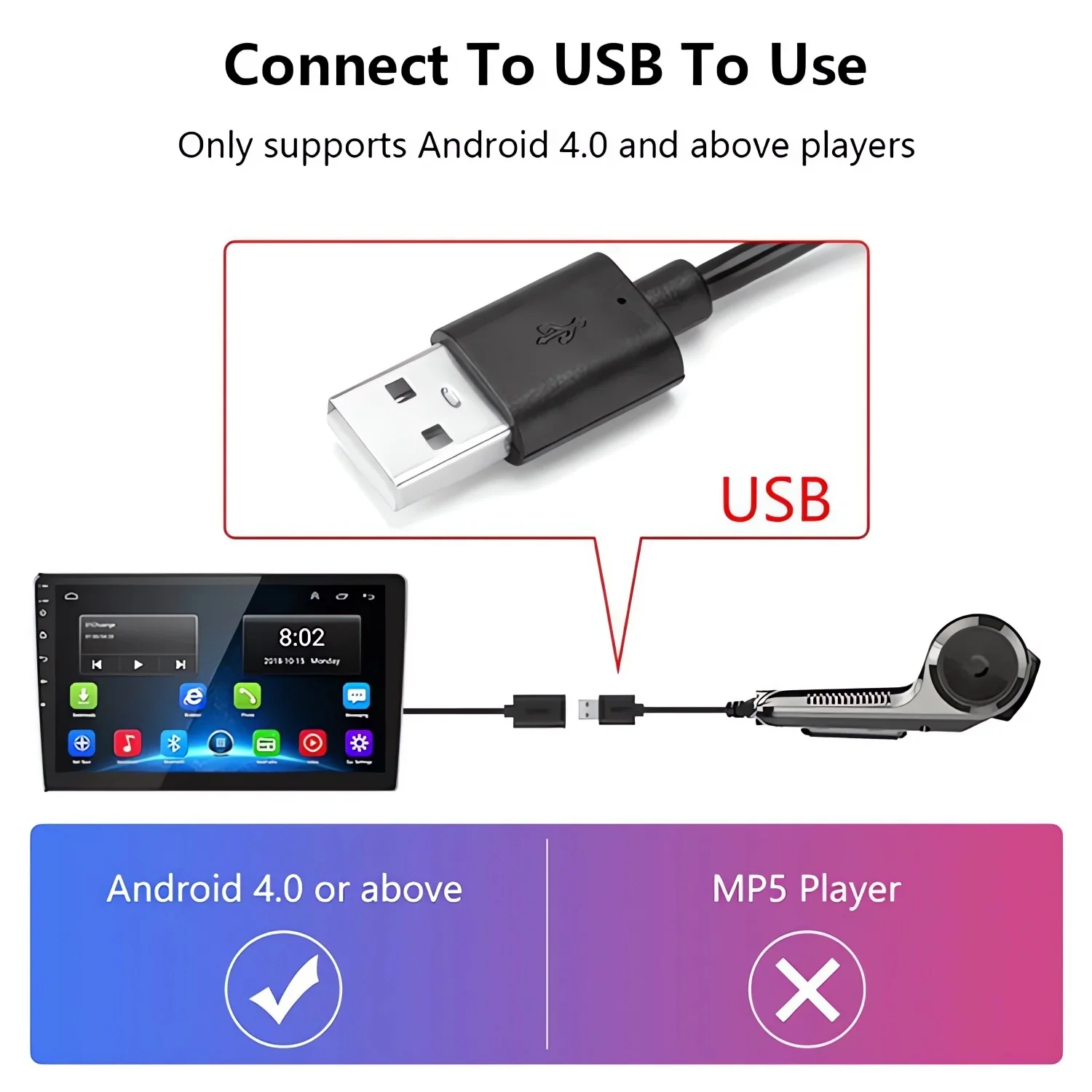
APP Compatibility: Android
Assembly Mode: Hidden Type
Audio Recorded: Yes
Brand Name: USEEBEE
Built-in Screen: No
Camera Resolution: 1280x720
Chipset Manufacturer: Allwinner
Choice: yes
Frames Per Second: 30
High-concerned chemical: None
Is Batteries Included: No
Item Type: Car DVR
Loop-Cycle Recording Feature: Yes
Memory Card Required Reding Speed: Class 10
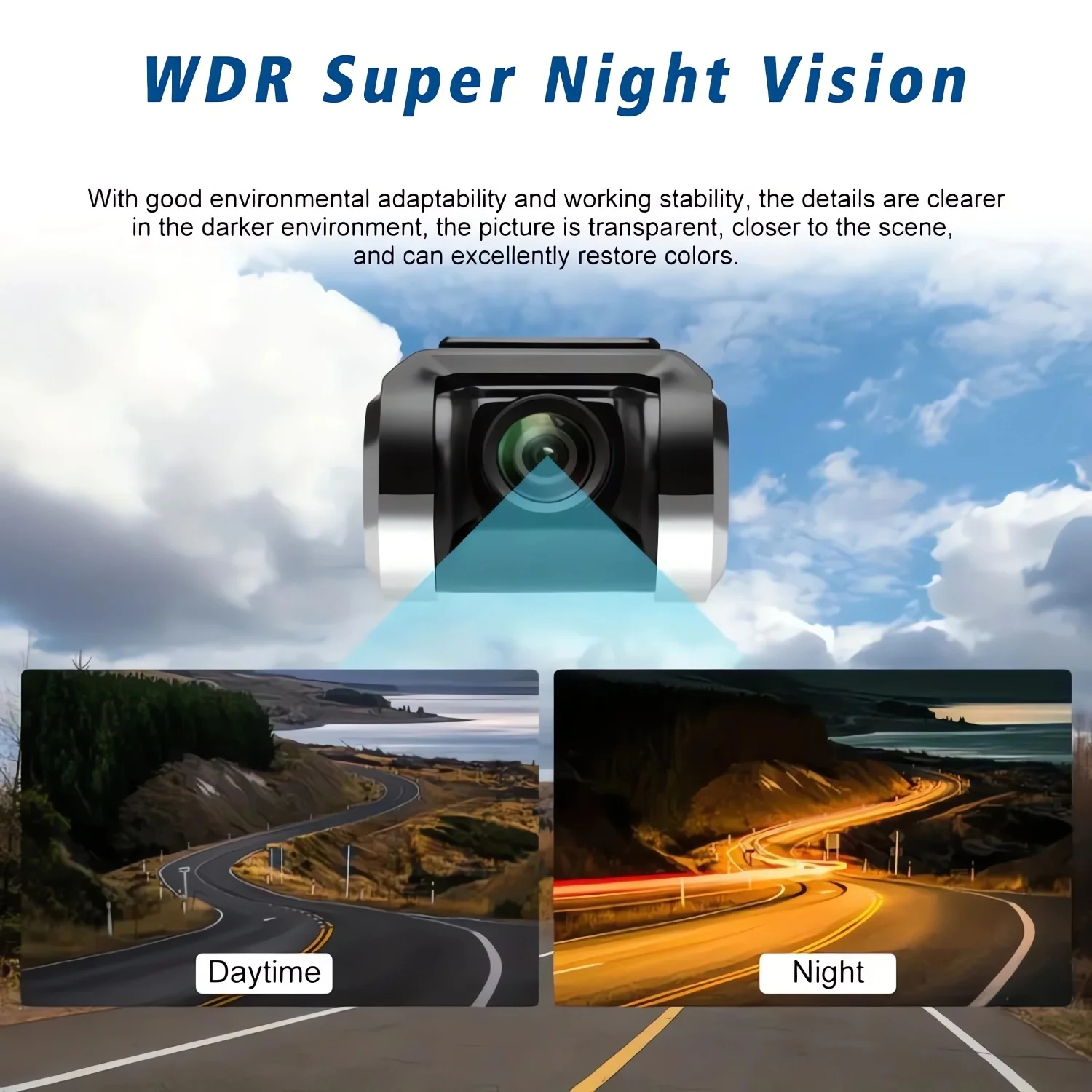
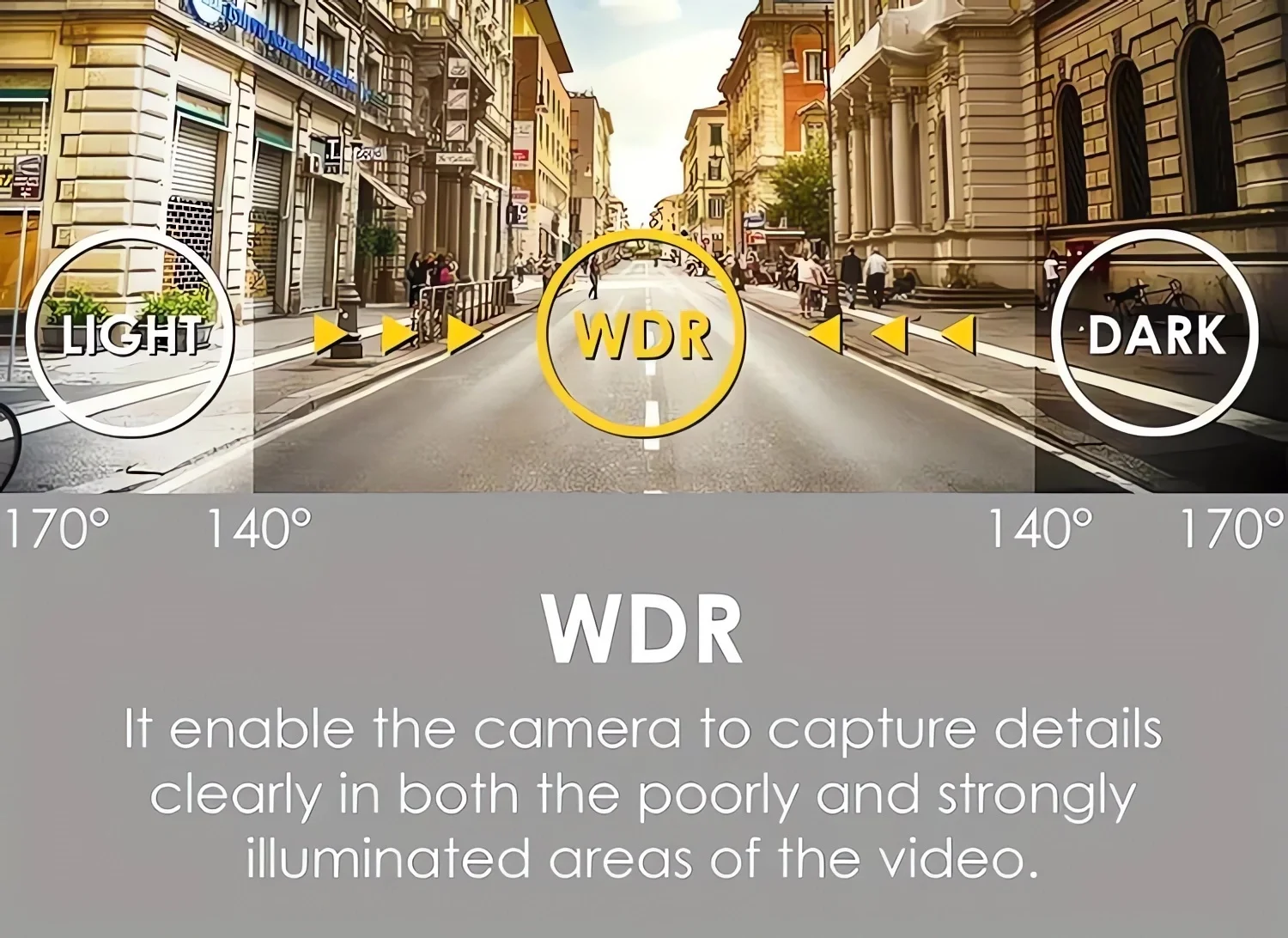
NightShot Function: Yes
Origin: Mainland China
Original Package: Yes
Power Source: Corded Electric
Touch Screen: No
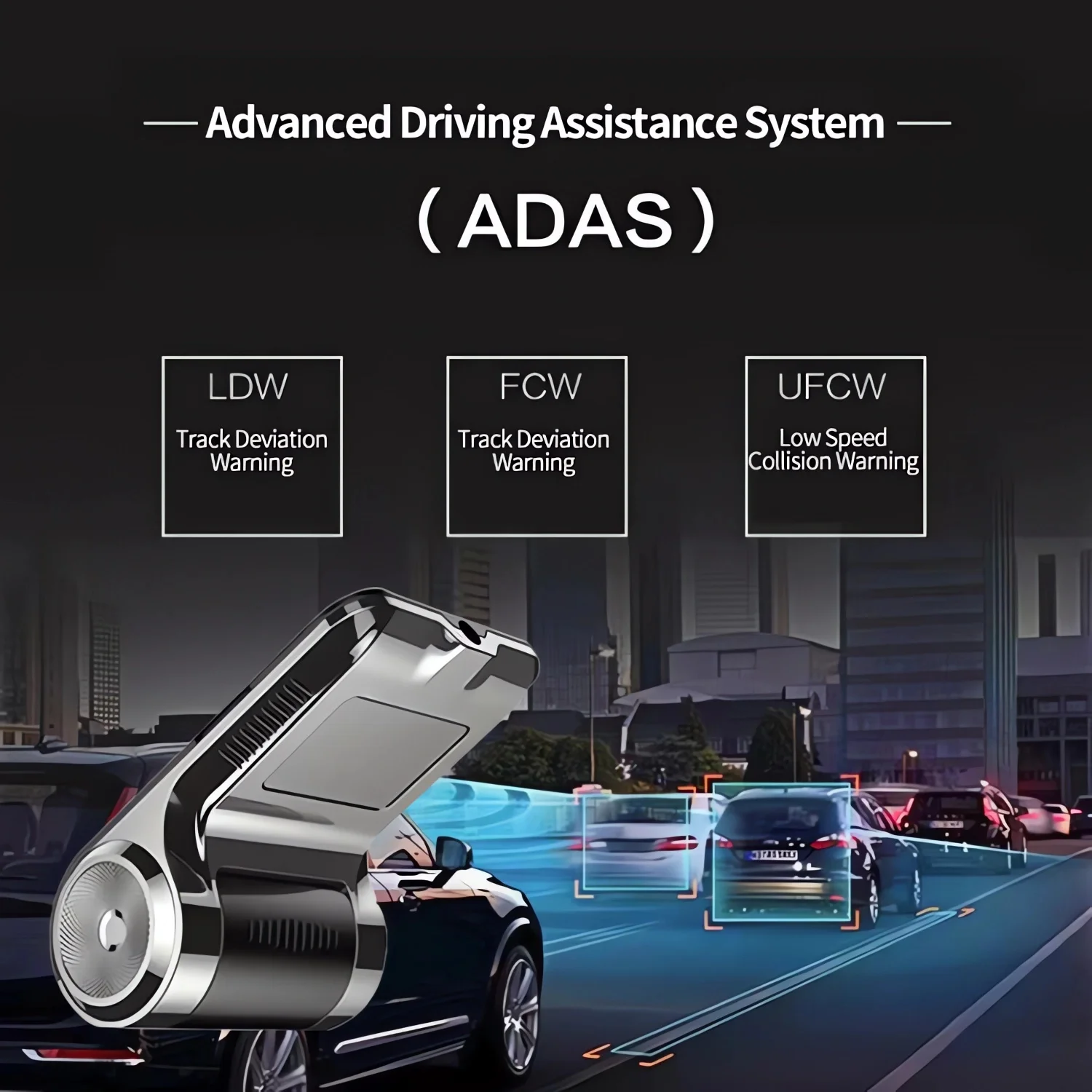
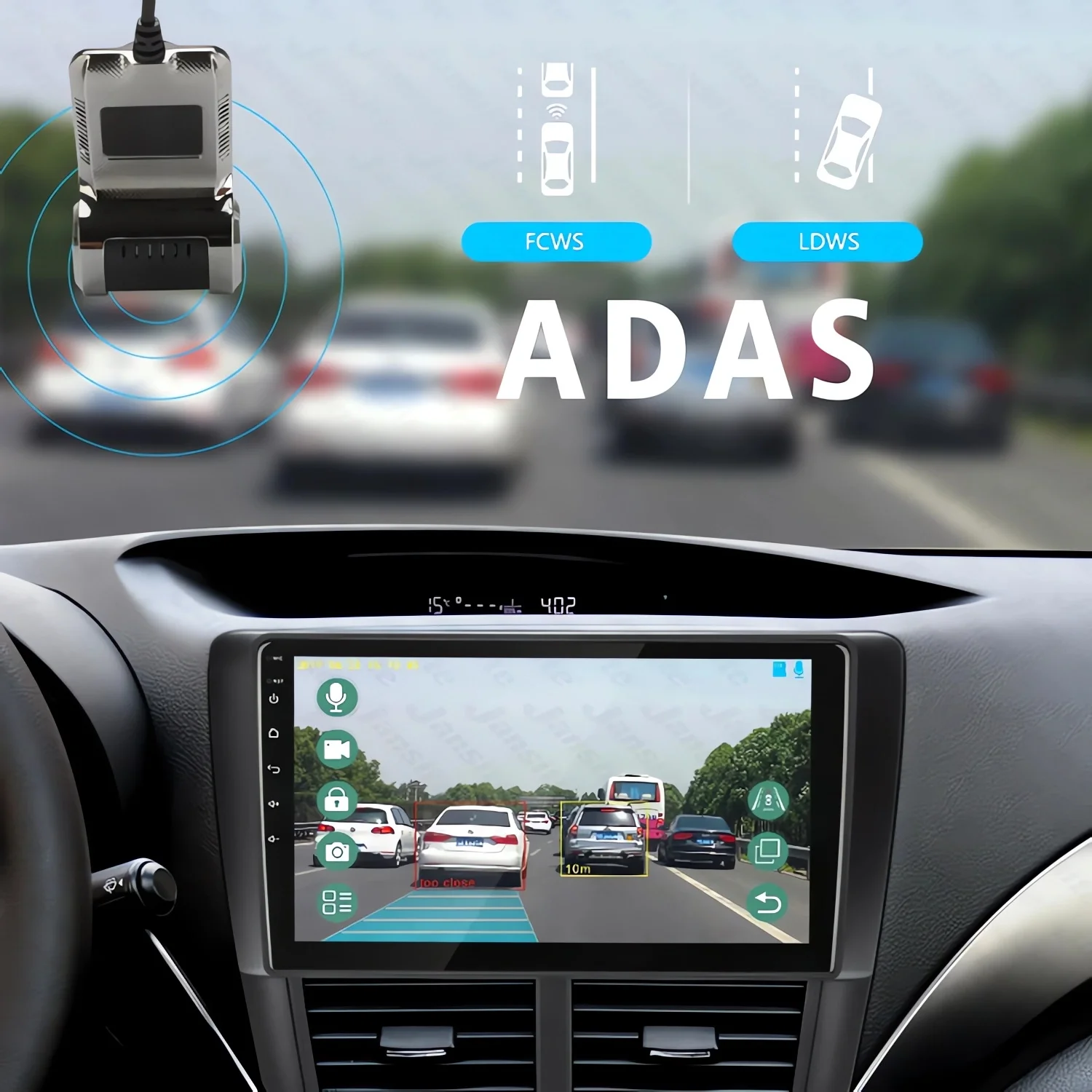
ADAS auxiliary activation:
A large android screen requires a connection to a network such as WiFi or a mobile hotspot.Then click upgrade according to the corresponding steps.To upgradeThen adjust the center position of the ADAS marking line.When drivingon marked roads, the speed should reach 30.Mai above alignment signpost line travel, activation time about a minute.
Attention:
1.After the first installation, there will be a pop-up box to obtair USB permissions;
2.Standard C10 speed genuine Tf card is recommended;
3.When replacing or using a new Tf ard, it is recommended to formatthe page facing the card with advanced Settings;
4.No photos or videos can be taken after a certain period of timSolution: check if the Tf card has enough space to shoot videos,and if there is not enough space, it wil automatically stopThe format operation will delete video in the protected folder, iany lmportant video, note to save first), if still cannot record,suggest to change TF card;
5.The image was foggySolution: the lens is not clean enough, please check the lens forstolen goods and finger marks.Clean the lens with lens paper;
6.Click on the app and you can't enter the preview screen. Solution: it may be that the USB port is loose, at this timeTry replugging the dashcam;
7.Do not record automatically or stop recording immediately after clicking the record button. Solution: it is very likely that the format of the card is not correct,you need to enter the Settings to format the TF card.
FAQ:
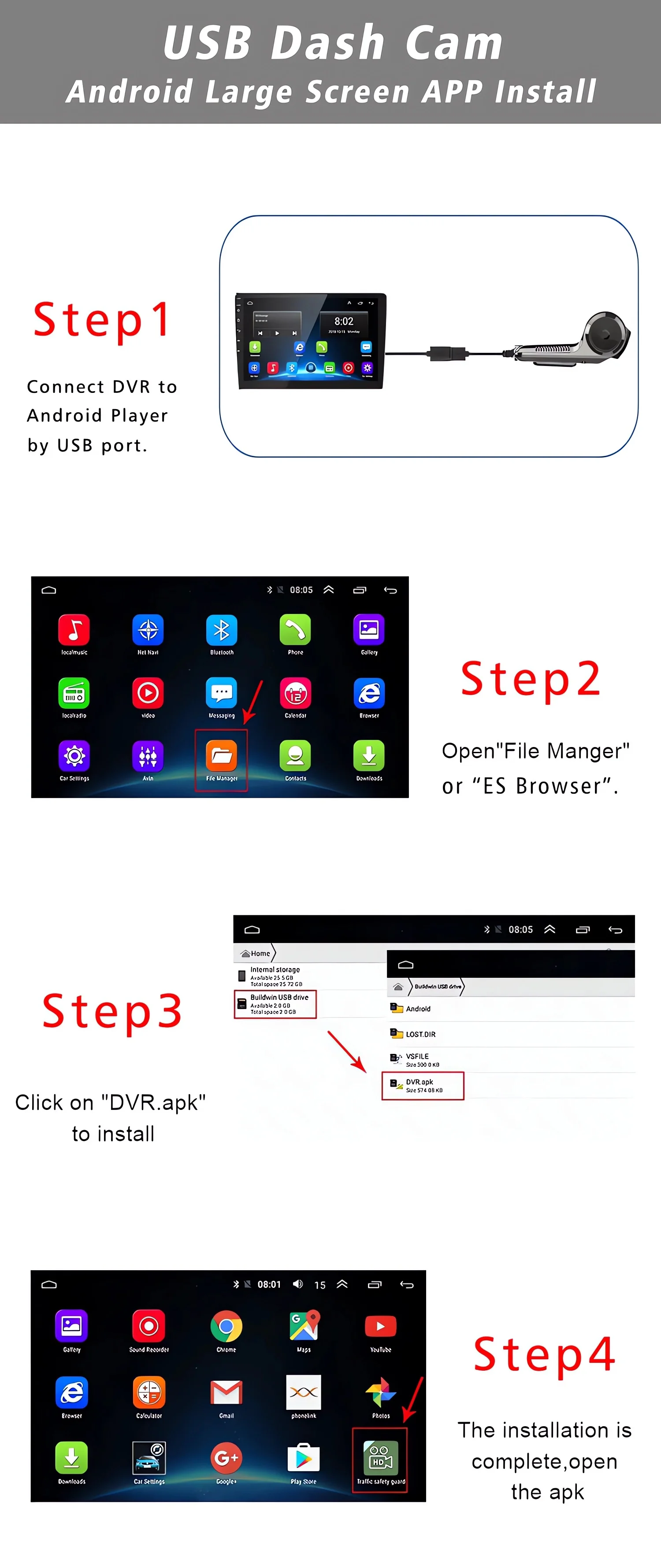
Q: How do I install the DVR application?
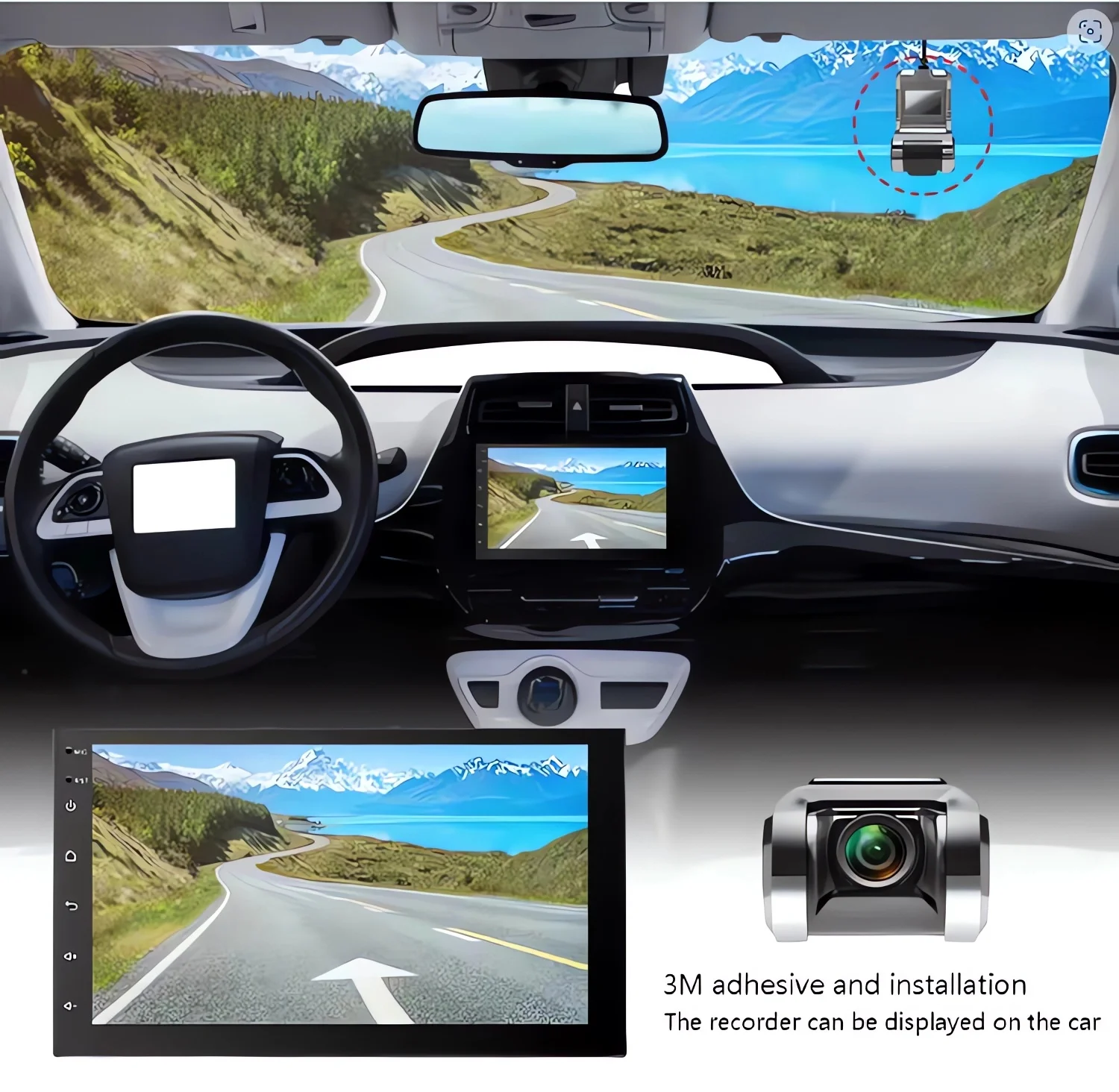
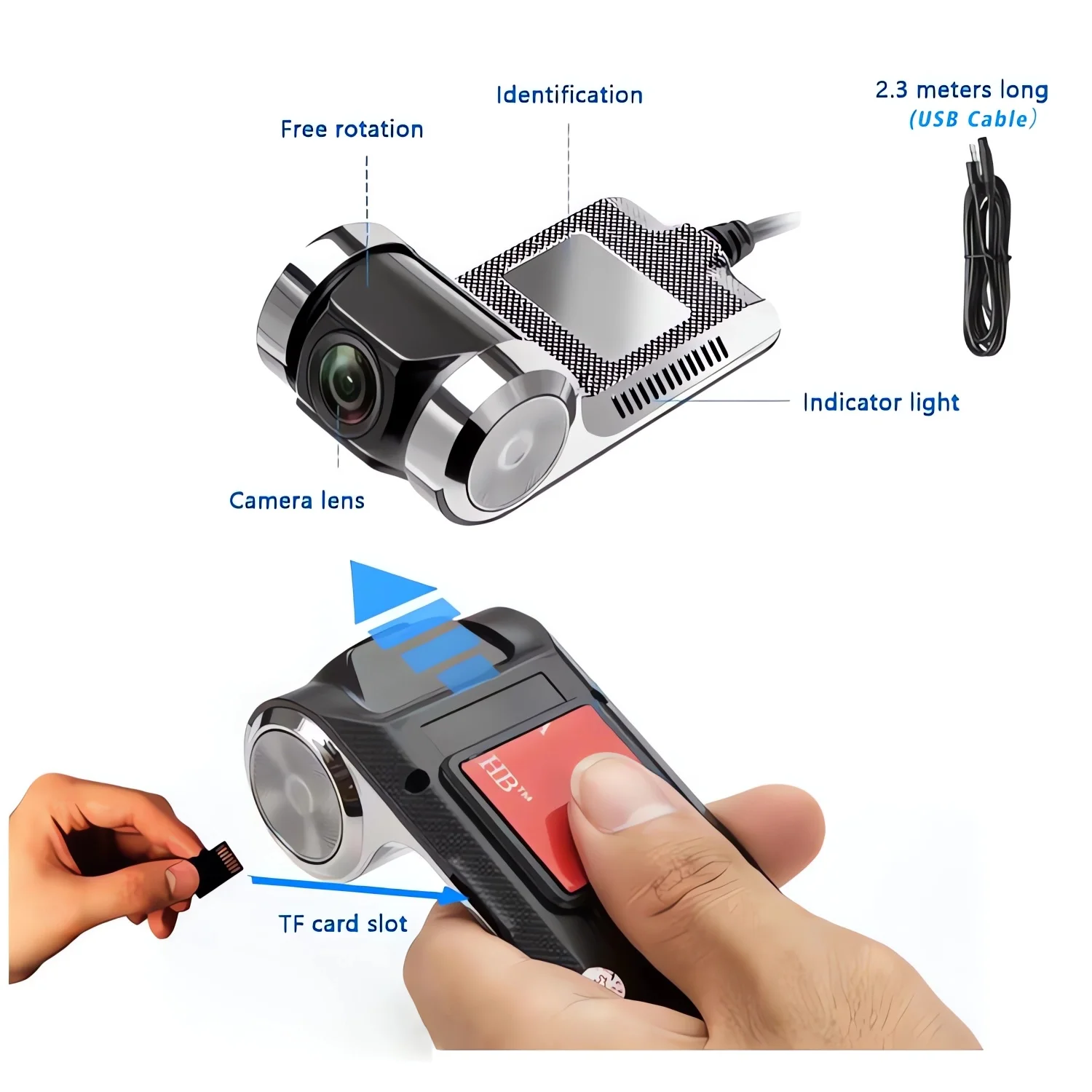
A: We have reinstalled the application in dvr, just connect to your car radio, enter the file manager, find the Buildwin USB drive, click to enter, and then click to run "Dvr.apk" to install and then complete;
Q: How to make ADAS work properly?
A: Enter the settings of the DVR application, find ADAS, and turn on all functions. It may be necessary to update the software. It is easy. Just connect to the wifi and click Update;
Q: Can DVR be connected to a phone or have wifi / Bluetooth capabilities?
A: No, not all of them are supported;
Notes:
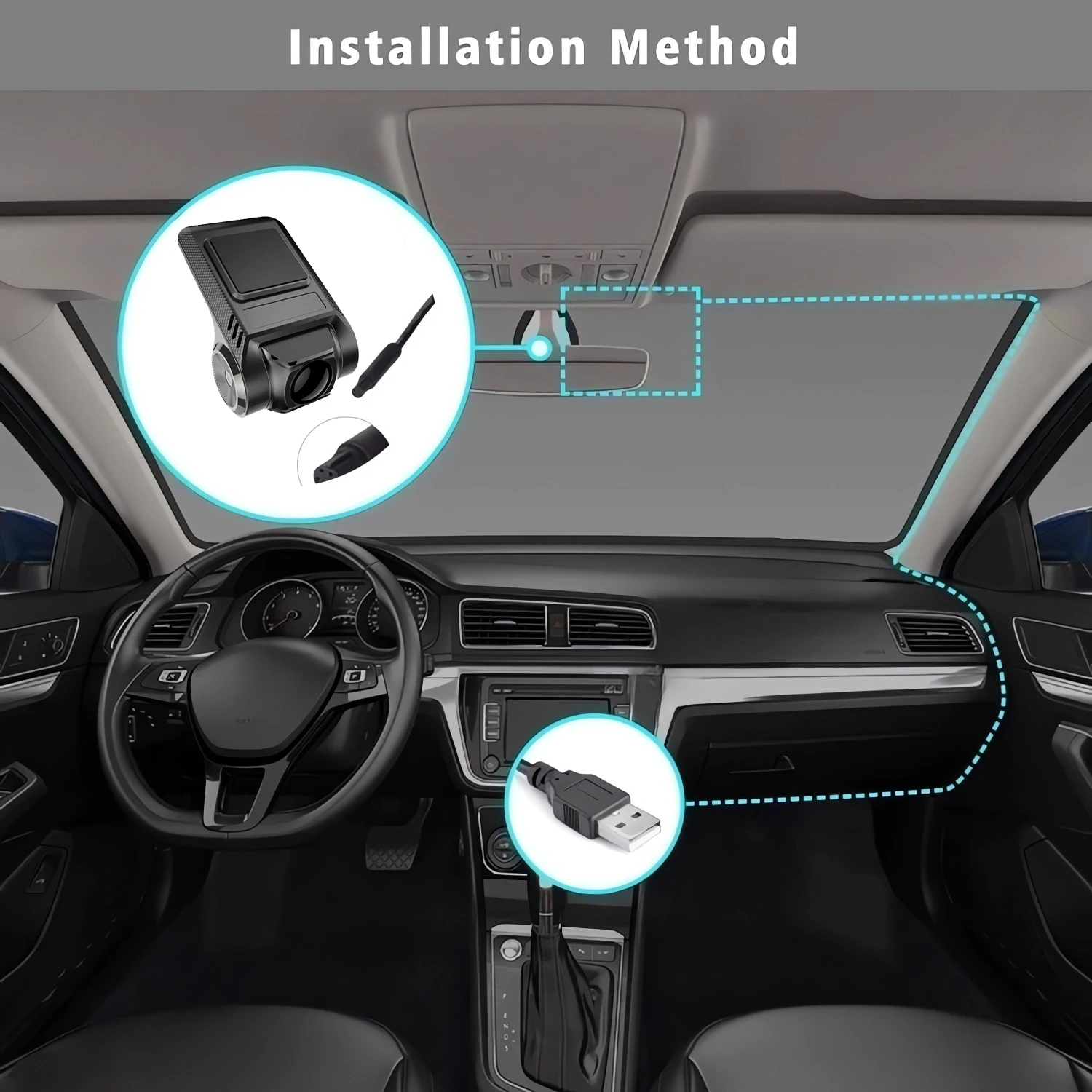
Normally choose the random USB interface of the large screen host machine of connection,eg:USB1,Replace USB2 interface if the equipment can not be normally found.
Details
This product is crafted with quality materials to ensure durability and performance. Designed with your convenience in mind, it seamlessly fits into your everyday life.
Shipping & Returns
We strive to process and ship all orders in a timely manner, working diligently to ensure that your items are on their way to you as soon as possible.
We are committed to ensuring a positive shopping experience for all our customers. If for any reason you wish to return an item, we invite you to reach out to our team for assistance, and we will evaluate every return request with care and consideration.
Shop The Full Collection


